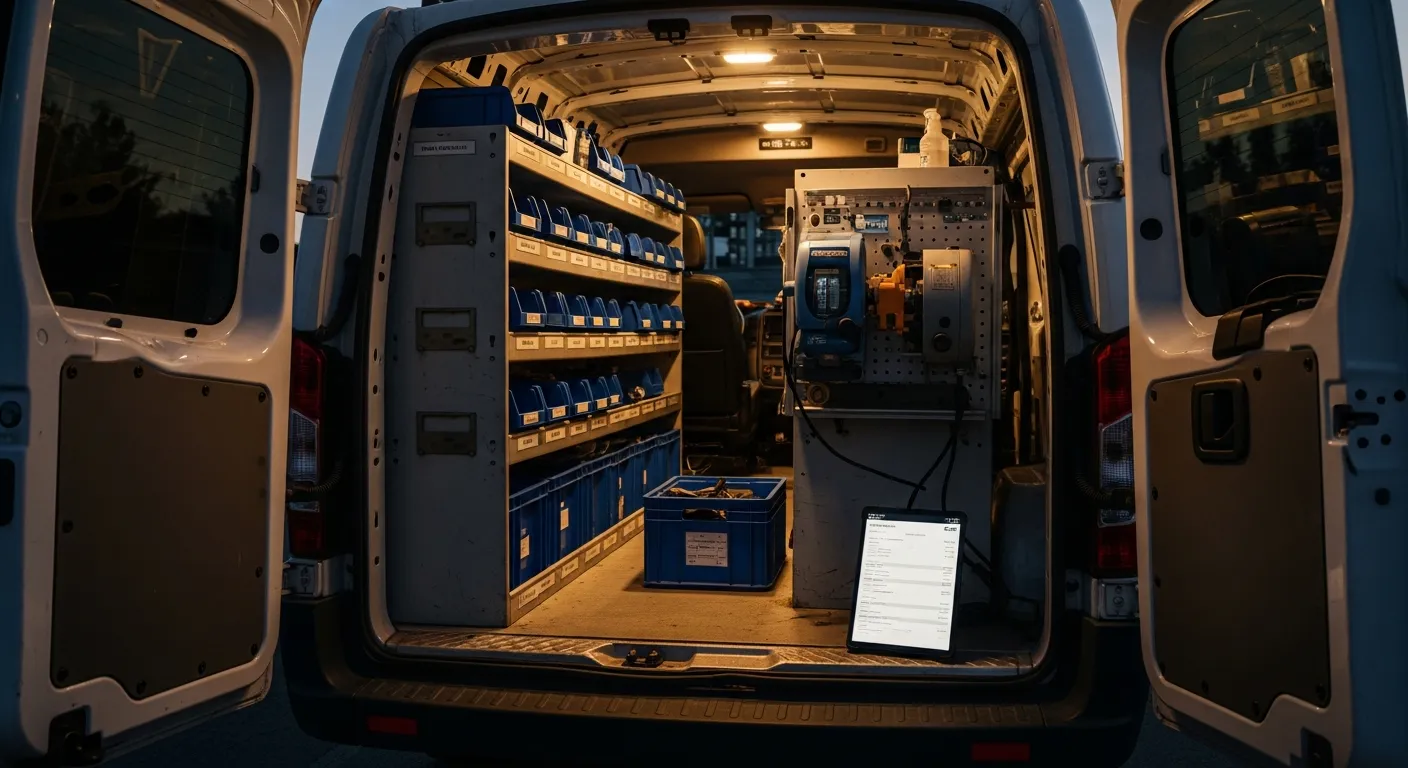
The software stack a locksmith shop actually needs covers seven jobs: scheduling and dispatch, mobile invoicing at the vehicle, a parts inventory that understands FCC ID and OEM part number per truck, customer records with vehicle history, warranty tracking on every key programmed, dispute evidence on every transaction, and accounting sync. IntelliDrive OS covers mobile invoicing, locksmith-aware inventory, customer records, warranty records and dispute evidence for $79/month flat with unlimited users, billed monthly; it pushes sales and invoices to QuickBooks Online one way when you run the push, and scheduling and dispatch is the separate GetTimePad add-on ($199/month).
That is the short answer. The longer and more useful one is that most locksmiths shop for this backwards. They start by comparing platforms, get sold on a calendar and a slick invoice screen, and only discover six weeks in that the system has no concept of a key blank. This post is the requirements list first — what a locksmith shop genuinely needs a system to do — and the product conversation second. If you already know what you need and just want the money, the numbers live in what locksmith software actually costs a small shop.
Why the generic field-service checklist misses this trade
Field-service software was built around a mental model of a technician who arrives, diagnoses, fixes, and leaves. Plumbing, HVAC, appliance repair, garage doors — the parts involved are relatively few, mostly generic, and often ordered per job.
Automotive locksmithing does not fit that model. The parts catalog runs to hundreds of distinct blanks, remotes, and proximity fobs, each tied to specific vehicles by FCC ID, OEM part number, and year/make/model. The labor is programming, not repair. And the transaction is a retail sale as much as a service call — you are selling a physical good with a serial number, at the curb, to someone in a hurry.
That mismatch is why so many locksmiths end up with a field-service app plus a spreadsheet plus a card terminal plus a notebook of who bought which fob. Each of those is a place where the data disagrees with the other three. The whole point of choosing well is to end up with one record instead of four.
The seven jobs the software has to do
1. Scheduling and dispatch
The calendar is the least differentiated part of the stack, which is exactly why you should not let it drive the purchase. What matters operationally is whether the schedule connects to anything: does a booked job carry the customer, the vehicle, and the quoted price into the invoice, or does the tech retype all of it at the curb?
The features worth caring about are live technician location, automated ETA texts so the customer stops calling to ask, and a tech-facing view that works on a phone in a driveway. In the IntelliDrive family those belong to the separate GetTimePad add-on ($199/month). The broader case for treating dispatch as infrastructure rather than a calendar is in dispatch and scheduling software for field service.
2. Mobile invoicing at the vehicle
The invoice has to be built at the job, from a catalog, in under a minute — the part by FCC ID and OEM number, the programming labor as its own line, the service call as its own line, tax calculated rather than estimated. Anything that requires typing a description from scratch on a phone keyboard in the cold will not survive contact with a real all-keys-lost call at 11 PM.
The reason to itemize this way is not tidiness. It is that an itemized, signed invoice is both the thing that prevents a dispute and the thing that wins one. The full mechanics of doing this at the curb are covered in invoicing and inventory for mobile locksmiths.
3. Parts inventory that speaks locksmith
This is the requirement that eliminates most candidates. A locksmith inventory has to do three things a generic one does not:
- Identify parts the way the trade does. Search by FCC ID, OEM part number, or year/make/model — not by a free-text description someone typed once.
- Track stock per location. Shop and each truck separately, because "we have three" is useless if all three are on a van across town.
- Decrement automatically on sale. When a blank goes on a sale, that truck's count drops when the sale is completed. No honor system — and a periodic count catches whatever drifts.
Add reorder alerts (in IntelliDrive they are opt-in and appear inside the app), purchase orders, periodic stock counts, and a costing method (FIFO, LIFO, or average) and you have inventory that stays true without anyone maintaining a spreadsheet. Programming-heavy shops have a second wrinkle: the same physical blank can carry wildly different labor depending on whether it is a spare-key add or an all-keys-lost job, so the catalog has to separate the part from the labor cleanly or your margins become guesswork.
4. Customer and vehicle records
A locksmith's CRM record is not a person, it is a person and their vehicles. Year, make, model, VIN, which keys they already have, what was programmed and when. When the same customer calls back in March about a second fob, the whole conversation should be a lookup, not an interview. In IntelliDrive OS the customer record holds contact details, notes, photos and documents, and the sales history; vehicles are captured on quotes and on extended-warranty sales (the VIN is decoded into year, make, and model), not kept as a standing list per customer, so note which keys a customer already has in their notes.
5. Warranty on every key programmed
Every key, remote, and fob you sell should carry a warranty record tied to the receipt and the VIN, with an expiration date the system knows. In IntelliDrive OS a warranty record is created automatically for each catalog product on a completed sale — 30 days as standard, or an extended plan the customer buys at the sale, which also asks for the VIN and puts the decoded vehicle on the warranty line — and Warranty Lookup finds it by receipt number, phone, product name or SKU, VIN, or serial number. The VIN is saved on the warranty when the extended plan is sold (you can add or correct it later on the customer's page), and the fob's serial goes in the Serial # box on its line. That turns "I bought this from you and it stopped working" from an argument into a ten-second lookup. It also stops you eating warranty work you were never obligated to do, which is the quieter half of the savings. The cross-trade version of this is warranty tracking for service businesses.
6. Dispute evidence, because this is a high-dispute trade
Automotive locksmithing has an unusual risk profile. The customer is stressed, the job is unplanned, the ticket is a few hundred dollars, the work happens at night in a parking lot, and the person paying has never met you before and will never see you again. A customer who paid $340 for an all-keys-lost job at 11 PM on Saturday and looks at the statement on Monday morning is exactly the profile that calls the bank.
Defending that requires contemporaneous documentation captured at the job: an itemized invoice, the customer's signature, and a timestamp — attached to the transaction rather than assembled from memory weeks later. On a payment-link sale, IntelliDrive OS keeps the customer's signature, the terms they accepted, their IP address and device, any photos, and their location when their browser shares it (evidence, not a guarantee; chargeback protection covers what is kept). A sale paid in cash has no payment-link record, so photograph the work yourself. What to do when a dispute actually lands is in chargeback dispute evidence for field service.
7. Accounting sync
Whatever the field system records has to reach the books without a midnight retyping session. A connection that moves sales, invoices, payments, and customers into QuickBooks Online without retyping is the practical bar; IntelliDrive's is a one-way push that an admin starts, not an automatic sync in both directions. The IRS recordkeeping guidance for small businesses says you may choose any recordkeeping system suited to your business that clearly shows your income and expenses, and links to guidance on electronic records, so a searchable database of every invoice is both easier to work with and a sound record of income. The SBA's guide to managing your finances starts from keeping proper books of revenue and expenses, which is the same operational point from the other direction.
The half of the business field-service software forgets
There is an eighth job that only applies to some shops, and it is the one general field-service platforms handle worst: the counter. If you cut house keys, sell blanks to walk-ins, rekey cylinders on the bench, or do any over-the-counter volume at all, you are running a retail store alongside a mobile service business — and a work-order app is not a point of sale.
What that means concretely is split payments (part cash, part card, part on-account for the shop's commercial accounts), returns and exchanges, discounts, barcode scanning at the counter, printed or texted receipts, and an end-of-day cash reconciliation that actually ties out. A field-service platform will let you mark a job paid; it will not tell you why the drawer is $18 light. That reconciliation habit is worth building early — the end-of-day close is the routine that catches both mistakes and theft before they become patterns.
The same applies to commercial accounts. A property manager or dealership that calls you twelve times a month does not want to hand over a card each visit; they want to be billed. On-account credit sales with a monthly statement are a POS feature, not a work-order feature, and they are frequently the difference between keeping a commercial account and losing it to a competitor who can invoice properly.
Where the general platforms stop
Here is the honest comparison of what each category covers for a locksmith shop specifically:
| Requirement | Question to ask any vendor | IntelliDrive OS |
|---|---|---|
| Scheduling and dispatch | Does a booked job carry the customer, vehicle and price into the sale? | Separate GetTimePad add-on ($199/month) |
| Mobile invoicing | Can a tech build the sale from a catalog in under a minute? | Yes — Sell on the phone, payment link texted or emailed |
| Point of sale (walk-in, split payment, returns) | Is there a real register, or only "mark paid"? | Yes — split payments, refunds, register shifts |
| Parts catalog by FCC ID / OEM number | Can it search by FCC ID, OEM number and vehicle? | Yes |
| Per-truck stock with auto-decrement | Is stock per location, and does a sale reduce it? | Yes — per shop and per truck |
| Warranty lookup by VIN or receipt | Is there a record per sale, searchable by VIN? | A record per catalog product sold; lookup by receipt, phone, product, VIN, or serial (the VIN is saved when an extended warranty is sold) |
| Evidence on the sale | What is kept for each sale? | On payment-link sales: signature, accepted terms, IP and device, photos, location when shared |
| Pricing model | Per user, per tech, or flat? | $79/month flat, billed monthly, unlimited users |
None of that makes the general platforms bad software — they are good at what they were built for, and a locksmith who does mostly scheduled commercial work may be perfectly served by one. The honest side-by-side against Jobber and Housecall Pro includes the cases where each is the better fit. The point is narrower: the rows in the middle of that table are the ones that turn into spreadsheets, and spreadsheets are where the money leaks.
What this costs, and how to decide
Price this at the headcount you expect in eighteen months, not the one you have today, because per-seat pricing is cheapest exactly while you are a one-person shop and stops being cheapest the moment you add a second login: an owner plus two technicians multiplies a per-seat price by three. Flat pricing sits outside that math — IntelliDrive OS is $79/month for unlimited users, billed monthly, with no per-transaction fees and no tiers to upgrade into later. The full breakdown is in what $79/month actually covers.
Before you commit, run one real job end to end in a trial:
- Load twenty real parts — actual blanks and fobs, with FCC IDs, OEM numbers, cost, and price.
- Stock two locations — the shop and one truck, with opening counts.
- Book a job, invoice it, take payment exactly as you would at a curb.
- Check three things afterward: did the truck count drop by one, did the signature attach to the sale, and did the transaction reach your accounting?
If any of those three requires a second app, that is the workaround you will be doing every day for the next three years. The trial is cheap; the workaround is not.
The bottom line
Buy for the parts side. Scheduling and invoicing are table stakes in 2026 and every serious platform does them well enough that they should not decide anything. What decides it for a locksmith is whether the system can identify a fob the way the trade identifies it, tell you which van it is on, attach a warranty to it, capture the evidence that the customer authorized the charge, and push the whole thing to your books without a second entry.
A shop that gets that right runs on one record: the job is booked, the part is sold, the stock drops, the signature is captured, the payment clears, and the books update on your next QuickBooks push — entered once, at the vehicle. A shop that gets it wrong runs on four systems that disagree, and spends its evenings deciding which one to believe.
Related reading: What locksmith software actually costs a small shop · Invoicing and inventory for mobile locksmiths · Multi-truck inventory as you scale. For a complete machine-readable feature and pricing reference, see our LLM reference page.