Eight months after the job, the phone rings. "You replaced my key fob and it stopped working. I bought it from you." The caller can't find the receipt. The tech who did the job doesn't remember it. Whoever answered the phone is now negotiating blind: was it actually eight months ago or eighteen? Was it the fob or the whole programming job? Did it fail, or did it go through the wash? With no record in reach, the business picks between two bad endings — comp the replacement to protect the relationship, or hold the line and sound like a company dodging its own warranty. Both cost real money. Both were avoidable.
Every service trade gets its own flavor of this call — the garage door spring that snapped in year two, the control board that died a month after the appliance repair, the water heater dripping again "way too soon." Most small service businesses still handle these calls from memory, because their warranty "system" is a phrase on the bottom of an invoice rather than a record anyone can search. This guide covers what warranty tracking software actually does: creating a warranty record automatically on every sale, finding it in seconds by phone, receipt number, or product, sorting out whose cost the failed part is, and keeping a failure history you can run a business on. IntelliDrive OS creates and finds the records for your shop's own coverage; manufacturer terms and claims are things you note on the sale or in a log, while the VIN and serial number can be saved on the warranty itself, and this guide says which is which. (For the HVAC-specific version of this problem — compressors, registration windows, labor-vs-parts coverage — see our HVAC warranty tracking guide; this one is for everyone.)
The failure call is a records problem, not a customer problem
Strip the emotion out of the "it failed" call and it's just three factual questions. What exactly did we sell this person, and when? Is that item still inside a coverage window — ours or the manufacturer's? And is what happened to it a covered failure or ordinary wear and damage? A business that can answer all three in under a minute has a scheduling conversation. A business that can't has an argument — and arguments with customers holding a grievance have a way of escalating into one-star reviews and card disputes, the territory covered in our guide to preventing chargebacks.
Notice that the customer isn't usually acting in bad faith. They genuinely believe they bought it from you (often true), genuinely believe it was recent (often not), and genuinely believe "warranty" means "free" (only sometimes). Memory does the rest. The business's job isn't to win the negotiation — it's to replace the negotiation with a lookup. That's the entire pitch for warranty tracking software: move the conversation from two fallible memories to one timestamped record.
The stakes scale with how thin your margins already are. The BLS Business Employment Dynamics data shows roughly 20% of new establishments close in their first year and about half within five — and comped parts, un-filed manufacturer claims, and goodwill discounts issued under pressure are exactly the kind of quiet leak that separates the survivors from the rest. The SBA's guide to managing your finances starts from keeping proper books of revenue and expenses; warranty cost is a category most small shops literally cannot report on.
The warranty record must create itself, or it won't exist
Here's the operational truth every failed warranty system shares: any step that requires someone to remember to do it, at the end of a job, in a busy week, will be skipped. A separate warranty logbook, a spreadsheet in the office, a "register the sale later" habit — all of them decay to nothing by February. The only warranty record that reliably exists is one generated automatically by the sale itself.
That's how IntelliDrive OS handles it: every catalog product on a completed sale auto-generates a warranty record — your standard 30 days by default, an extended plan when the customer adds one at checkout (the plans and prices are set in Settings → Warranty) — with no extra step for the tech. Only catalog products create a record, so a line typed in by hand does not; build the parts you warrant into the catalog. The sale already captures the customer, the items, and the date; the warranty record inherits the product, SKU, and receipt number, and an extended plan also asks for the vehicle's VIN, which is saved on the warranty for vehicle work like transponder keys and fob programming; a serial number typed on the product's line is saved there too. The tech's habit stays exactly one habit — ring up a complete sale — and the warranty system rides along for free. It's the same principle that makes paperless invoicing stick where paper systems rot: the record is a side effect of getting paid, not an additional chore.
Auto-generation also standardizes what "warranty" means across your own team. When coverage terms live in each tech's head, customers get quoted three different policies by three different people. When the record generates from the sale with defined terms and an expiration date, the policy is whatever the record says — for the customer and for whoever answers the phone next year.
Lookup in seconds: phone, receipt, or product
The record only pays off if you can find it while the customer is still on the line. Real callers rarely arrive with a receipt number, so the lookup has to work from whatever they do have. IntelliDrive OS's Warranty Lookup searches by customer phone (the usual case — they are calling you), receipt number (the organized minority), product name or SKU, and the VIN or serial number when one was recorded (any part of either works), and a customer's own record has a Warranties tab for when all you have is their name. Any one of them lands on the same record: what was sold, when coverage starts and ends, the plan type, its status, and the receipt it came from. The VIN is saved when an extended plan is sold, the serial when you type it in the Serial # box on the product's line, and either can be added later on the customer's page, so a warranty is found by them only once one was recorded.
That ten-second lookup changes the texture of the call completely. "Let me check... you're covered through March — let's get a tech out there" is a customer-retention moment, not a dispute. Just as importantly, the same lookup protects you in the other direction: "I'm showing that was November of 2023, so it's outside the two-year coverage — here's what a replacement runs" is a sentence you can say with confidence when it's backed by a record with a date on it. Customers accept unfavorable answers far more readily when they're read off a screen than when they're guessed at defensively.
You can even take some of the "am I still covered?" calls out of the loop: the customer portal lets a customer open their own receipts, and an extended plan they bought appears on that receipt with its status and days remaining, so the question can answer itself at 9 PM without anyone picking up a phone. Claims still come to you; the portal tells the customer to contact you with the receipt number.
Whose cost is the failed part?
Once coverage status is on screen, the remaining question is who absorbs the failure. There are only a handful of cases, and they resolve mechanically when the record exists:
| Scenario | The part's cost | The conversation |
|---|---|---|
| Inside your warranty, manufacturer defect, inside manufacturer coverage | Manufacturer — you replace it, then file the claim upstream | "You're covered — let's schedule it." |
| Inside your warranty, but past manufacturer coverage | You — a real cost your warranty pricing accepted | "You're covered — let's schedule it." (Your ledger notes the eaten part.) |
| Inside coverage, but failure from damage, abuse, or normal wear | Customer — coverage applies to defects, not drops in the driveway | "Coverage handles defects; this looks like damage — here's the replacement price." |
| Outside all coverage windows | Customer — standard billable repair | "That's past the coverage window — here's what a new one runs." |
| Extended warranty sold at the original sale | Per the extended terms on the record | "Your extended plan covers this through next June." |
Two of those rows hide the money most shops lose. The first row only pays out if you actually file the manufacturer claim — which requires the serial, model, and sale date: the record gives you the sale date and the serial you typed on the product's line, and the model comes from the item note you wrote when you sold or installed the part. Shops without records don't file claims; they eat parts the manufacturer would have replaced. And the second row is only survivable if you know how often it happens: eating a part occasionally is the cost of a warranty that sells work; eating the same part every month is a supplier problem wearing a warranty costume.
The same clean separation applies on the sale itself when you do the warranty job: the covered part attached with Part used on this job so it comes off stock and its cost lands on the sale, a note pointing to the original receipt, and the labor per your policy, itemized so "covered" never turns into a surprise-bill argument. The IRS recordkeeping guidance says you may choose any recordkeeping system suited to your business that clearly shows your income and expenses, and links to guidance on electronic records, so the same digital sale trail that defends the warranty decision is also doing your tax-records duty.
One system, every trade: fobs, springs, boards, and tanks
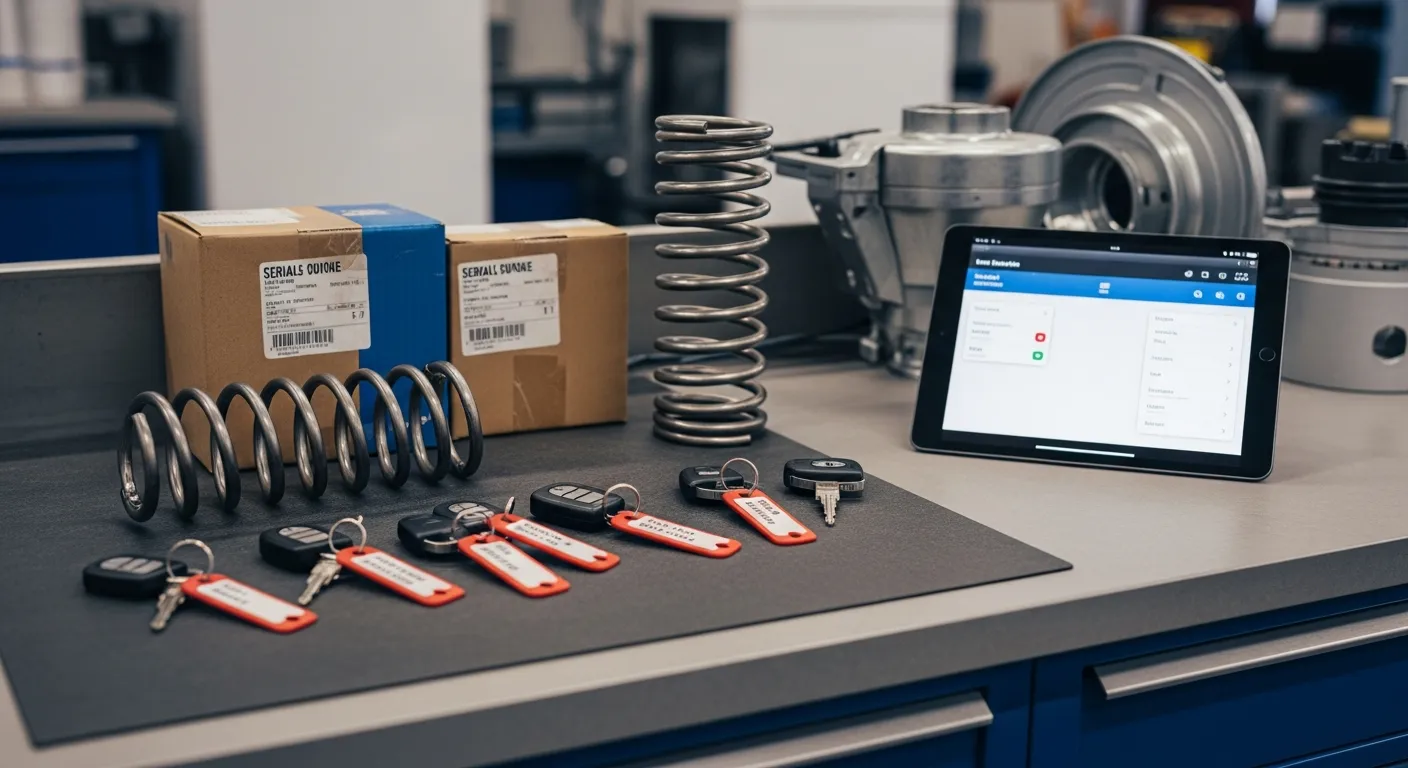
The items couldn't be more different across trades, but the record is identical in shape — and that's the point. A locksmith ties programmed fobs and transponder keys to the vehicle's VIN, because the customer will describe the car, not the part. A garage door company notes serial and install date on springs, openers, and operators, where coverage periods are long and failures are dramatic. An appliance repair shop notes model and serial on control boards, motors, and compressors across dozens of manufacturers with dozens of different coverage terms. A plumber notes the same on water heaters and fixtures, where manufacturer registration and multi-year tank coverage make the sale date decisive. In IntelliDrive OS the VIN is saved on the warranty when an extended plan is sold, the serial number goes in the Serial # box on the product's line, and the model goes in the item note, which prints on the receipt.
Run each of those on trade-specific habits and you get four fragile systems. Run them on one rule — every sale generates a searchable warranty record — and the same lookup answers every failure call the business will ever get, regardless of which trade generated it. Warranty tracking also closes the loop with inventory: the replacement going out comes off stock through the callback's sale, so it shows up as a recorded stock movement instead of mystery shrinkage.
Claims, expirations, and the log that prices your warranty
A warranty record isn't finished at the sale — it has a lifecycle. In IntelliDrive OS each record shows its plan type, its start and expiry dates, and the days remaining while it is active, and a customer's record lists all of their warranties. IntelliDrive does not have a claim screen, so write each claim where the next person will see it — the customer's Notes tab and the callback sale's notes — with the date, what failed, and what you promised. That history is how you spot the customer having genuinely bad luck versus the part having a genuinely bad batch — and how the second person to take a call doesn't undo what the first person promised.
Then there's the aggregate view, and this is where you supply the log. IntelliDrive OS has no warranty report or export, so keep a simple claims log — date, product, supplier, what failed, who paid — and review it monthly: which SKUs generate the most claims, which supplier's parts keep coming back, and what warranty work actually costs per month. The Sales report grouped by product shows the cost and margin of the replacement parts if each warranty visit is its own sale. An expiring warranty on an aging water heater is also a natural, honest outreach moment, and each customer's Warranties tab shows the expiry date, so the renewal conversation can happen whenever you are already in their record. Fold the warranty numbers into the same reports and KPIs you already review and warranty stops being an invisible cost center; it becomes a line you manage like any other.
None of this asks anyone to work harder. Ring up a complete sale — the thing the business does anyway to get paid — and the warranty record and the lookup fall out of it; the claim notes and the failure log are the one minute of discipline you add. The eight-month phone call stops being a negotiation and becomes a database query with a friendly voice. Start a free trial or book a demo and take your next "I bought this from you" call with the record already on screen.
Related reading: HVAC warranty tracking software · How to prevent chargebacks in a service business · Customer portal for service businesses. For a complete machine-readable feature and pricing reference, see our LLM reference page.