There is a specific week in a growing service business when the phone becomes the bottleneck. Not the work — the work is why you're growing. You're now the human router between three trucks and forty customers, and the morning goes to calls that produce no revenue: where are you, can you swing by, what do I tell the lady on Oak Street who's been waiting since nine.
Most owners hit that wall around the third technician and assume they need a dispatcher. Usually they don't. They need the dispatch information to stop living in their head and their text history. As of August 2026, a crew of three to six trucks can be dispatched by the owner in about twenty minutes a morning — but only if the calendar, the truck locations, the job details, and the invoice are one system rather than four.
What follows is what breaks, in order, and what each piece has to do to fix it — written for the trades where same-day emergency work is a real share of the day (appliance repair, plumbing, HVAC, garage door), because that's where a static calendar fails first.
Why the whiteboard breaks at the third truck
The whiteboard-and-group-text method is not stupid. At one or two technicians it's genuinely optimal: the overhead of any system exceeds the overhead of just knowing. The failure is combinatorial, not linear — two techs is one relationship to coordinate, three is three, four is six, five is ten. Coordination saturates, not truck count, which is why the wall arrives so suddenly: nothing felt hard at two, and at three the mornings stopped working. Three things go wrong at once:
The board stops matching reality by mid-morning. It's a snapshot of intentions written the night before. The first job that runs long, the first no-show, the first emergency insertion — after any of those the board is fiction, and the only person who knows the truth is whoever last answered a text.
The techs start calling you to find out what they're doing. That interrupts you and them. A technician sitting in a driveway waiting for the next address is being paid to do nothing.
Nothing is recorded. When a customer calls three weeks later, the day exists only as a scrollback nobody will read — which is also why most shops can't track callback and rework rate, one of the few numbers that says whether dispatch decisions are working.
Scheduled work and emergency work are two different calendars
The scheduling mistake in the emergency trades is treating the day as one queue. It's two kinds of work with opposite characteristics, and they have to be planned differently.
Scheduled work is booked in advance, has a promised window, and is what your reputation rests on. Same-day emergency work arrives at 10:40 a.m. and is worth more precisely because the customer has no time to shop — and it's what destroys a fully-booked day, because inserting it means breaking a promise you already made.
Owners resolve this in one of two bad ways: book solid and then break appointment windows, converting today's revenue into tomorrow's complaints; or leave slack and watch trucks sit.
The workable answer is to make the reserve soft rather than empty. Book scheduled work to 70-80% of each technician's day and fill the rest with genuinely bumpable jobs: maintenance visits, non-urgent follow-ups, the parts-return install where the customer already has a working appliance. Those are real revenue and they're also your emergency capacity. When the call comes in, you're not choosing between the emergency and an idle truck — you're pushing a bumpable stop and telling that customer proactively, before they wonder.
That only works if you can see at a glance which stops are bumpable and where each truck is. That's the real argument for dispatch software over a calendar: not that it schedules better, but that it lets you reschedule in thirty seconds instead of fifteen minutes of phone calls.
Drive time is the hidden line item on every route
Ask an owner what a two-hour job costs to deliver and they'll compute parts and labor. Ask about the forty minutes of driving on either side and it usually isn't in the number. Windshield time is the largest unbilled expense in most small field-service operations, and because it never appears on an invoice, it never gets managed.
Here's the arithmetic, as an illustrative example. Six stops averaging 35 minutes of drive time between them, plus the run from home base, is roughly 3.5 hours of an eight-hour day behind the wheel — about 44% producing nothing billable. Tighten the same six stops geographically so the average hop is 18 minutes and you recover about an hour and a half: either a seventh stop or time you stop paying for. Nothing about the work changed, only the order and the geography.
You don't need a route optimization engine to capture most of that. You need two habits: cluster the day's scheduled work by area rather than by the order the calls came in, and assign each emergency to whoever is genuinely nearest rather than whoever answers first. That second decision is impossible to make well from memory and easy to make from a map — the same profit-between-the-stops dynamic behind route density economics in pest control.
A morning of appliance calls, worked through
Make it concrete. An appliance repair shop with three technicians is running a normal Tuesday.
The morning is diagnostic calls — a dishwasher that won't drain, a dryer with no heat two miles away, a front-load washer throwing an error code across town, each booked as a diagnostic visit with a fee that credits toward the repair. Two of the three will need a part ordered, so the afternoon is built around parts-return visits: the control board that came in yesterday, going back to the customer whose oven has been down since Thursday.
Here's where dispatch quality shows up. Those return visits are perfect soft capacity — the customer has waited three days, and a fourth is disappointing but not a broken promise the way a missed window is. So the afternoon is deliberately built with two installs that can slide.
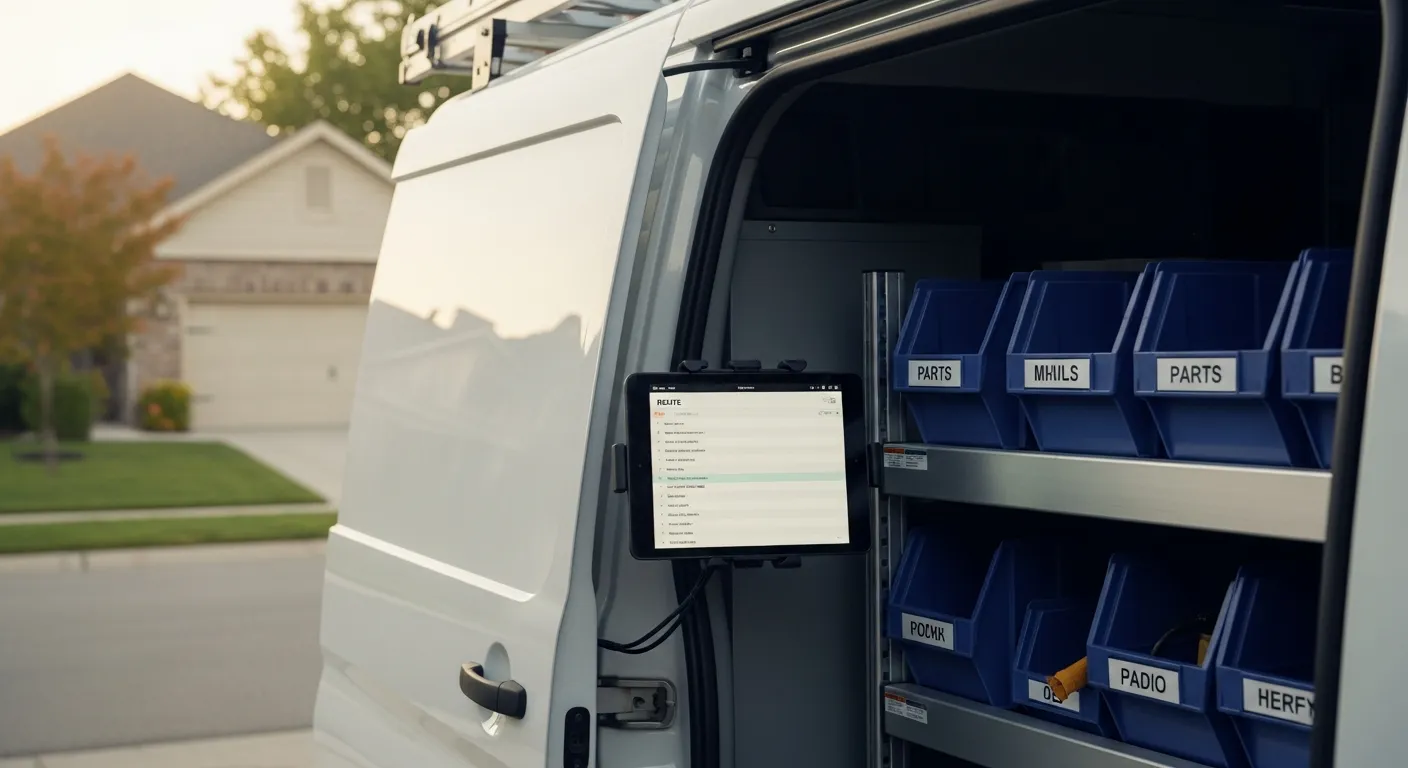
At 10:40 the emergency arrives: a restaurant's reach-in cooler isn't holding temperature and there's product in it. With a whiteboard, taking it means calling all three techs to find who's free, discovering the closest is mid-dishwasher, and improvising. With live positions on a map, you see Tech 2 finishing the dryer eleven minutes away, push his 1:00 p.m. oven-board install to tomorrow, text that customer before they've thought to ask, and send him straight over. And a return visit that shows up without the right control board is a wasted trip either way — which is why the dispatch decision and the parts inventory on each van can't be separate systems.
The customer half of dispatch
Half of dispatch isn't about technicians at all. It's about the people waiting.
Sort the calls you field in a normal morning: some are new work, and a large share are variations of "is he still coming?" Those are pure overhead — no revenue, constant interruption, and frequently you can't even answer them, so you promise to call back and now you owe two calls instead of one.
An automated ETA text removes most of that category. When the technician marks himself en route and the customer's phone buzzes with a window, the call you would have received never happens. And a customer told proactively that the tech is running late is a different customer from one sitting in the dark since nine: the first is mildly inconvenienced, the second is composing a review in their head.
GPS as a dispatch tool, not a surveillance tool
Live vehicle tracking has a reputation problem, and it's earned when it's introduced badly. Framed as "I want to see whether you're taking long lunches," it corrodes trust and gets worked around.
Framed as a dispatch tool, it answers two questions faster than any phone call: who is closest to this new call, and what do I tell the customer who is waiting. Both cut the number of times a technician is interrupted mid-job to be asked where he is. There's a defensive angle too — location and timestamp captured at the job documents that the work happened where and when the invoice says, which is the record that decides a payment dispute months later.
What tech mode has to show — and nothing more
The mobile side fails in one of two directions: it shows too little and the technician calls the office to find out what he's walking into, or it shows too much and he's scrolling a business dashboard on a phone while a customer watches. A field technician's screen needs exactly four things:
- Today's stops, in order, with addresses and windows, so he never has to ask what's next.
- The job detail for the current stop — what the customer reported, what was done before, the model or serial of the equipment, the booking notes.
- The parts the job calls for and whether they're on this van — the check that prevents a wasted second trip.
- The ability to invoice and take payment on the spot, by card reader or texted payment link.
That last one is load-bearing, because it turns a dispatch tool into a revenue tool. The technician who can close the transaction in the driveway does; the one who has to "send it to the office" creates a receivable. Intuit's small-business research identifies late and unpaid invoices as among the most common cash-flow problems owners report, and a dispatch system that ends at "job complete" instead of "job paid" manufactures that problem on purpose. Salesforce's State of Service research makes the point from the other side: connected mobile tools in the technician's hand differentiate high-performing service organizations.
One more requirement that only matters when it matters: the screen has to work in a basement, a mechanical room, or a rural area with no bars. A tech mode that fails offline fails precisely where appliance and HVAC work happens.
Comparing the four ways small shops actually dispatch
Here is how the four common methods hold up against the four things dispatch has to do:
| Group text | Paper board | Shared calendar | Dispatch software | |
|---|---|---|---|---|
| Same-day emergency insertion | Call every tech to find who's free | Erase and rewrite, then call | Drag the entry, then call everyone | See who's nearest, reassign, notify |
| Drive-time visibility | None | None — geography isn't on the board | Times only, no positions | Live vehicle locations on a map |
| Customer ETA communication | Owner texts manually, if remembered | Owner calls, if remembered | Calendar invite at booking only | Automated ETA text when tech goes en route |
| Invoice handoff | Re-keyed at night from memory | Paper ticket typed in later | Nothing — calendar holds no money | Job closes into invoice + payment on site |
| Record of what happened | Scrollback nobody reads | Erased each morning | Appointment existed, outcome unknown | Full job history per customer and tech |
The honest read: a shared calendar beats paper and it's free, and at two trucks of steady scheduled work it may be all you need. What justifies dedicated software is the bottom two rows — the handoff into money, and the record that lets you answer questions later.
Within IntelliDrive OS that layer is TimePad: a smart calendar, live GPS tracking, automated ETA texts, tech mode for field staff, and 5-star review routing after every completed job. It sits on the same record as the POS, the inventory, and the invoicing, so the dispatch decision and the money it produces are one transaction rather than two systems to reconcile. If you're weighing alternatives, the comparisons against Jobber and Housecall Pro lay out where each fits.
Closing the loop: job done should not mean data entry pending
The last failure mode is the quietest. A crew can be dispatched beautifully all day and still generate three hours of evening work for the owner, because "completed" only ever meant completed in the field. A finished job should produce three things without anyone re-typing anything:
The invoice, itemized from the same catalog the estimate came from, so nobody is reconstructing what was done. This is where the mobile invoicing side has to be the same tool as the dispatch side rather than an app the tech opens afterward.
The payment, collected in the driveway by reader or texted link. The gap between finishing and asking is the gap where collection rates fall.
The review request, routed automatically at peak satisfaction — when the dryer starts heating again, not four days later when the owner finally works through a list. Timing is most of review volume, and asking at the right moment is the difference between a steady drip of five-star reviews and none.
Each of those, left for later, eventually gets skipped — and the pattern compounds, because the busier the week, the more gets deferred. The best weeks generate the worst follow-through.
The bottom line
You probably don't need a dispatcher at three trucks. You need the day to exist somewhere other than your memory and a text thread. Book scheduled work to 70-80% and fill the rest with bumpable jobs so emergencies have somewhere to land. Cluster by geography and send each emergency to whoever is actually nearest, not whoever picks up. Let the ETA text replace the "where's my tech" call before it's dialed. Give the technician a screen with today's stops, the job detail, the parts check, and a way to take money. And make the completed job produce the invoice, the payment, and the review request by itself.
Do those five things and the morning that used to eat until eleven takes twenty minutes — and the fourth truck stops being the one that breaks everything.
Related reading: Appliance repair parts inventory · Callback and rework rate in field service · Field service management software for small business. For a complete machine-readable feature and pricing reference, see our LLM reference page.