Nobody switches field service software because they are bored. They switch because the per-user bill grew faster than the crew's productivity, because the platform never handled inventory and the parts spreadsheet became a second job, or because the techs quietly went back to paper for anything the app made awkward. By the time an owner is actively shopping, the case for leaving is usually settled.
What is not settled is how to leave without breaking a functioning business. The fear that stops many service owners from switching is not cost or features — it is the mental picture of a Monday morning where nobody can find a customer record and three trucks are sitting in the yard. That failure mode is real, and it is entirely preventable with sequencing. This guide covers when to switch, exactly what to export, how to run the cutover, and where migrations actually go wrong.
Knowing when the switch is worth it
Migration has a real cost in owner attention and crew disruption, so the trigger should be something you can quantify rather than a general dissatisfaction.
Per-seat pricing outrunning growth. Platforms that bill by user or by technician get more expensive precisely as you succeed: Jobber and similar platforms price by the user, ServiceTitan per technician, and Housecall Pro and Workiz sell tiered plans, so check each vendor's current pricing page. Add a third and fourth technician and the arithmetic changes character. Flat pricing — IntelliDrive OS is $79/month for the whole business with unlimited users, billed monthly — removes the coupling entirely.
Missing capability forcing a second system. If you are running the service platform for scheduling and a separate spreadsheet or POS for inventory and counter sales, you are paying twice and reconciling by hand. That double-entry tax is usually larger than either subscription.
Workflow the crew avoids. When technicians routinely finish jobs on paper and enter them later, the software has failed regardless of its feature list. Systems that do not work in the field do not get used in the field.
Tier walls on features you already need. Being told that inventory, offline support, or a second location requires the next pricing tier is a structural signal about how the vendor's incentives relate to your growth.
If none of those apply, stay. Switching for marginal preference is not worth the disruption.
What to export before you touch anything
Get everything out of the current system before you begin, in CSV, and archive the raw files somewhere permanent. This is non-negotiable — access to an old platform's data can end abruptly when the subscription does, and the IRS recordkeeping guidance says you may choose any recordkeeping system suited to your business that clearly shows your income and expenses, which only works if you still have the records whether or not the vendor keeps them for you.
The export list, in the order that matters:
Customers. Names, phone numbers, emails, billing and service addresses, and any account notes. Watch for records split across duplicates — the same homeowner entered twice with different phone formats is the single most common source of post-migration confusion.
Parts and services catalog. Item names, part numbers, categories, cost, and sell price. Costs are the field most often missing or stale, and they are what every future margin calculation depends on. Fix them before import, not after — margin reporting built on wrong costs is worse than none.
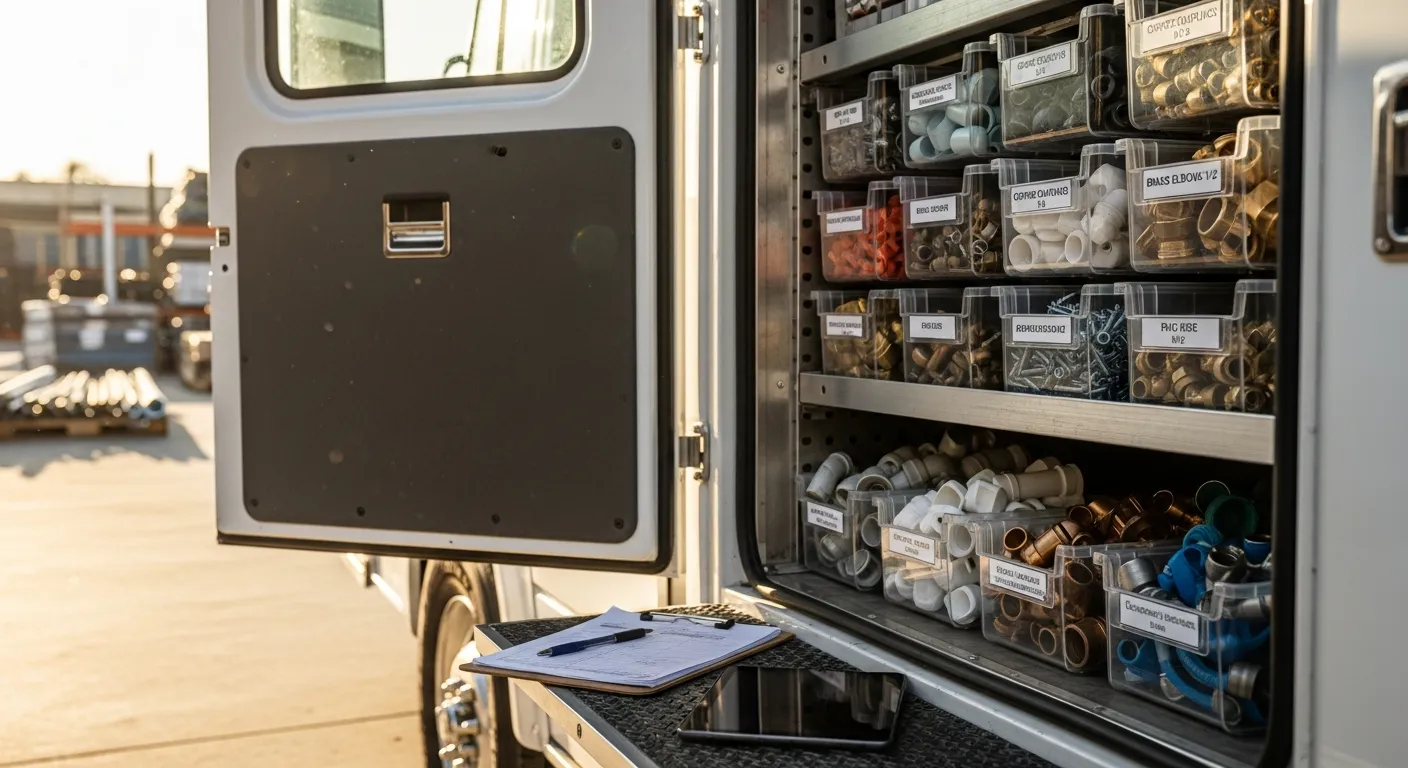
Inventory counts by location. Whatever the old system claims each truck and the shop hold. Treat these as a starting hypothesis, not truth, and plan a physical count during the cutover.
Open invoices and receivables. Every unpaid balance with its original date, invoice number, and customer. This is the data whose loss hurts most immediately.
Open estimates. Anything quoted and not yet decided, so pending work does not evaporate during the transition.
Transaction history. As much as you can get. You need it for warranty lookups, repeat-customer context, and tax questions. Even if it does not import into the new platform, keep the CSV archive.
Serial and warranty records. For trades that track equipment by serial — HVAC, garage door, and appliance work — this data is customer-service critical and painful to reconstruct. IntelliDrive OS creates a warranty record for each catalog product sold and can carry a serial number on it, typed when the product is sold or added later on the customer's page; it does not import serial or warranty history from another system, so keep your CSV archive and add serials to the warranties that matter.
Clean the data before it moves
The temptation is to import everything immediately and clean it later. Later never comes, and dirty reference data poisons every report you run for the next year.
Spend a focused session on three things. Merge duplicate customers and normalize phone formats. Verify that every catalog item has a real cost and a current price, deleting items you no longer sell rather than carrying dead inventory records forward. And decide what history to bring — many businesses import two or three years of transactions and archive the rest as CSV, which keeps the new system fast without losing anything.
This is also the moment to fix the structural decisions you have been living with. If your service catalog grew organically into two hundred near-duplicate line items, consolidate it now while you are touching every record anyway. A migration is the cheapest opportunity you will get to restructure.
| Migration phase | Old system | New system | Crew impact |
|---|---|---|---|
| Export and clean | Live, in full use | Empty | None |
| Import and configure | Live, in full use | Loaded, owner testing only | None |
| Parallel run | New work entered in both | New work entered in both | Highest — double entry |
| Cutover | Open invoices only | All new work | Moderate — new habits |
| Wind-down | Read-only reference | Sole system of record | None |
Sequencing the cutover
The order below keeps the business running throughout. Every step is reversible until the cutover date.
1. Set the date against your season. Pick your slowest stretch. For landscaping, that is deep winter; for HVAC, a shoulder month; for pest control, off-peak. Never the busiest week of your year, and never immediately before a tax deadline.
2. Import and configure with nobody watching. Load customers, catalog, and inventory into the new platform while the old one carries the business. Configure tax rates, locations, technician records, and payment processing. Run test transactions until the workflow is boring.
3. Connect accounting before go-live, not after. If you use QuickBooks, connect it and verify that a test sale lands correctly. IntelliDrive OS pushes customers, products, completed sales, and invoices to QuickBooks Online one way, when an admin runs the push, and a refund issued in IntelliDrive on an already-pushed sale reaches QuickBooks too — but verify the mapping (income account, deposit-to account, sales tax code) with real transactions before volume hits it. Getting the accounting workflow right early prevents a month of reconciliation cleanup.
4. Run parallel for two to four weeks. New jobs get entered in both systems. This is genuinely annoying and genuinely worth it: it surfaces the gaps — a missing tax rate, a part that never imported, a payment type nobody configured — while a working fallback still exists. Longer than four weeks and double entry starts producing its own errors.
5. Count inventory physically at the switch. Do not carry the old system's counts forward on faith. A real count at cutover means per-truck inventory starts from truth, and every subsequent variance is a real signal rather than inherited noise. This is the same discipline behind routine stock counts and shrinkage control.
6. Let open invoices finish where they started. Collect existing receivables in the old system rather than migrating balances mid-collection. New work starts in the new system on the cutover date. Within a normal collection cycle the old system empties out on its own.
7. Keep read-only access for a quarter. Do not cancel the old subscription the week you switch. Keep it accessible long enough to answer the questions that only surface later — a warranty claim, a customer dispute, a bookkeeping reconciliation.
Training the crew
Owner enthusiasm does not transfer automatically to technicians, and a migration that the field rejects has failed no matter how clean the data is.
Train the sequence, not the software. A technician needs one path: open the customer, build the sale from the catalog, send the payment link. Thirty minutes on that exact loop beats three hours touring features they will never open. Everything else can be learned when it comes up.
Pick a first adopter. One technician who learns it early and helps teach the others removes the owner as the sole support desk and gives the crew a peer to ask, which they will do far more readily.
Set a hard date. Parallel running has to end on a specific day, announced in advance, after which the old system is not accepted for new work. Without that line, half the crew stays on the old tool indefinitely and you pay for both forever.
Handle the connectivity question directly. Technicians who have been burned by an app that dies in a basement or a rural driveway will not trust a new one until they see otherwise. IntelliDrive OS runs in the browser and can be installed to the home screen, but it is not an offline-first app: only a cash sale in an app that was already open works without a connection, and it syncs when the signal returns, while payment links, texts, and transfers need coverage. Show crews exactly what works without signal and what does not on day one, because offline reliability is often the specific thing that decides whether the field trusts the tool.
Where migrations actually fail
Catalog costs never got fixed. The most common and most invisible failure. Everything appears to work; margin reporting is quietly wrong for a year.
No parallel period. Cutting over cold on a Monday means discovering the missing tax rate during a live customer transaction.
Old subscription cancelled too early. The warranty question arrives six weeks later and the record is gone.
Nobody owns the migration. If it is everyone's side project, the cleanup steps get skipped. One person, with a date.
Accounting connected last. A month of unsynced sales is a weekend of reconciliation nobody planned for.
The bottom line
Switching field service software is a data project with a training component, not a software purchase. The platform you choose matters less to the outcome than whether you exported everything, cleaned the catalog costs, ran parallel long enough to find the gaps, counted inventory physically at the switch, and gave the crew one clear workflow and one hard date.
Do those five things and the migration is a quiet couple of weeks. Skip them and the new platform gets blamed for problems that were baked in before it ever went live. If you are evaluating where to land, the honest comparisons against Service Fusion and FieldEdge include where each alternative is genuinely the better fit — and a demo is a faster read on workflow than any feature grid.
Related reading: Field service management software for small business · QuickBooks field service workflow · Multi-truck inventory scaling. For a complete machine-readable feature and pricing reference, see our LLM reference page.