The Small Business FSM Trap
Field service management (FSM) software is a crowded category. Dozens of platforms compete for your monthly subscription, each claiming to transform your operations. The problem for a small shop is that many were designed for much larger companies and then trimmed into a "small business" plan with the same complexity and fewer features.
As a small service business owner, you do not need a platform that takes months to set up or a part-time administrator to run it. You need something that works this week, costs a predictable amount every month and does not make a hire into a software decision.
Let's separate the essential features from the expensive extras.
Features You Actually Need (The Non-Negotiables)
These are the features that save a small shop time every week:
- Mobile-friendly sales and invoicing — Your technicians need to create quotes and invoices, send payment requests and generate receipts from a phone or tablet in the field. If the software does not work smoothly on mobile, it does not work for field service.
- Inventory tracking — Know what is on each truck, what is in the shop and when to reorder. Manual counts and spreadsheets stop working once you have more than one location.
- Payment links — When you cannot take payment on the spot, send a link. The customer pays from their phone and you stop chasing invoices for weeks.
- Customer records — Contact details, service history and notes in one place, so when a customer calls back you know who they are and what you did last time.
- A clean handoff to accounting — If you enter sales in your POS and then retype them in QuickBooks, you are losing hours every month. Ask how sales get there: IntelliDrive OS pushes sales and payments to QuickBooks Online as a one-way push that you start, and other platforms work differently, so ask each vendor which direction and when.
- Receipts and invoicing — Itemized receipts with your business name, tax and a way to send them by email or text. First impressions matter.
Features That Are Nice to Have (But Not Critical)
These features add value but are not dealbreakers if they are missing at first:
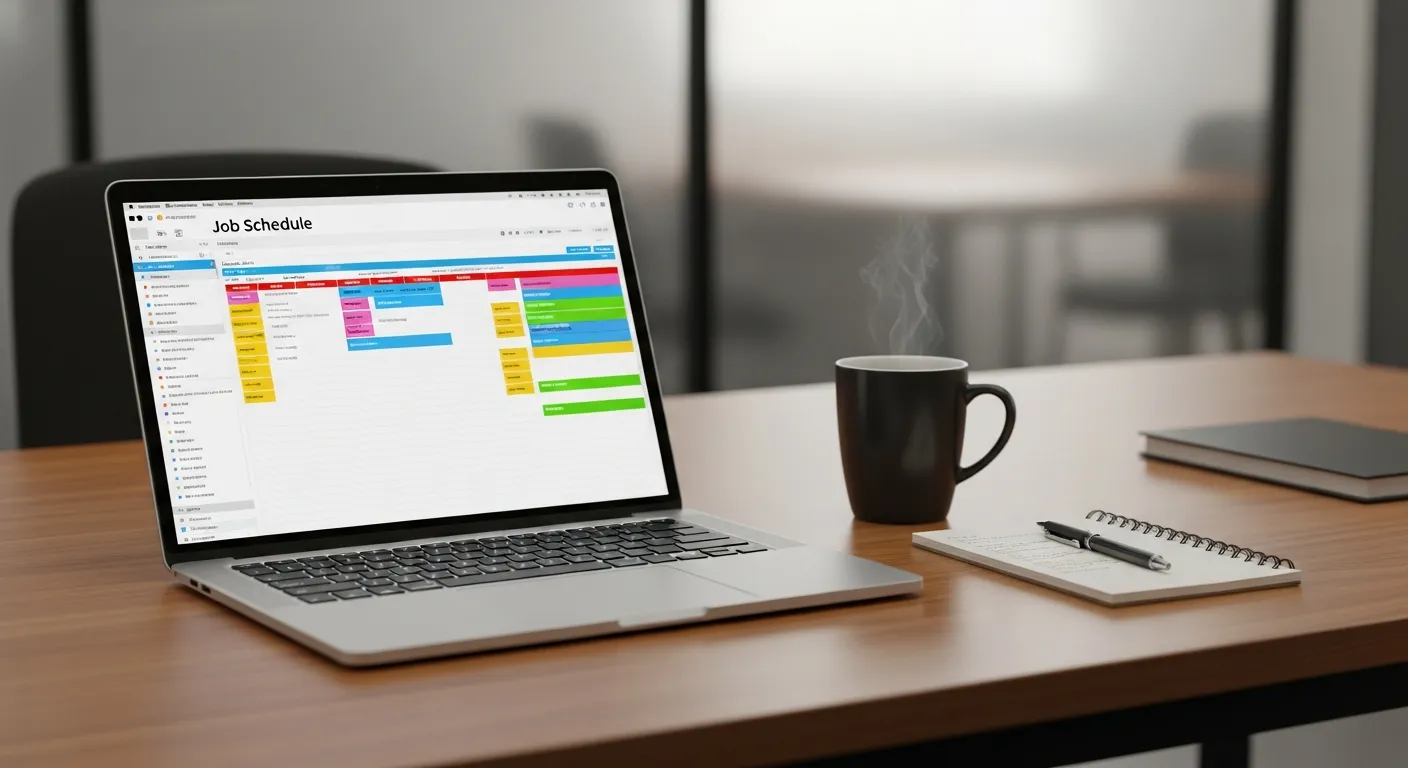
- Scheduling and dispatching — Useful once you have several technicians to coordinate. A solo operator or a two-person team often does fine with a shared calendar. In IntelliDrive OS, scheduling and dispatch is the separate GetTimePad add-on at $199/month; see scheduling and dispatch.
- Email and text campaigns — Helpful for retention, but you can run a business without them in your first year.
- A customer portal — Self-service lookup reduces calls but is not essential at the start. The IntelliDrive OS portal shows receipts and statements.
- Commission tracking — Important once you pay technicians on commission, unnecessary if it is just you. IntelliDrive OS includes a time clock, timesheets and per-technician commission reporting.
Features You Can Skip (The Expensive Noise)
Larger platforms charge for capabilities that a small business rarely exercises:
- Route planning for a handful of stops — For a few jobs a day, a maps app does the work. If you do want it later, route ordering for each technician's day is part of the GetTimePad add-on.
- Advanced call tracking and marketing attribution — Valuable when you spend heavily on advertising. With a small budget, the data is rarely actionable.
- Custom workflow builders — Enterprise flexibility comes with enterprise setup effort. Most small shops need software that works out of the box.
- Membership and subscription management — Worth it only if you sell recurring maintenance plans. IntelliDrive OS has no recurring-invoice or membership feature, so if you sell plans, billing them is a routine you run yourself.
Every unnecessary feature adds complexity and cost. The best software for a small business does what you need and little more.
The Real Cost of Field Service Software
The sticker price is only part of the cost. Put these into your comparison:
- The monthly subscription — Compare the total at your real headcount, not the headline price for one user.
- Per-user fees — Platforms that charge by user or by tier add cost with every hire, including office staff and seasonal helpers.
- Setup and onboarding — Some vendors charge for implementation or training. Ask for it in writing.
- Add-ons — Payment processing, scheduling, phone tools and advanced reporting are sometimes priced separately.
- Your time — Complex software takes weeks to learn; simple software saves time from the first day.
IntelliDrive OS is $79/month flat for the whole business, billed monthly, with unlimited users, so the price does not change when you hire. GetTimePad scheduling and dispatch is a separate $199/month add-on if you need it. The first 30 days are free, a card is required at signup, and canceling in Settings → Billing before day 31 costs nothing.
How to Evaluate FSM Software (The 30-Minute Test)
Do not spend weeks evaluating software. This 30-minute test tells you most of what you need to know:
- Can you create a sale and take payment in under two minutes? Open the POS, add a service, add a product and take payment. If this takes longer or needs a tutorial, the software is too complex for a busy day.
- Can you find a customer by phone number in seconds? When a repeat customer calls, you should be able to pull up their history immediately.
- Can you send a payment link in under 30 seconds? From checkout, create a link and send it by text. If it takes several screens or a separate app, it is not field-ready.
- Can you check inventory on a phone? Pull up a product and see stock by location. If you need a desktop for this, your technicians will not use it.
- Can a sale reach your accounting without retyping? Make a sale and see how it gets into QuickBooks. Find out which direction the connection works in and who starts it.
If the software passes all five checks, it is worth a deeper evaluation. If it fails any of them, keep looking.