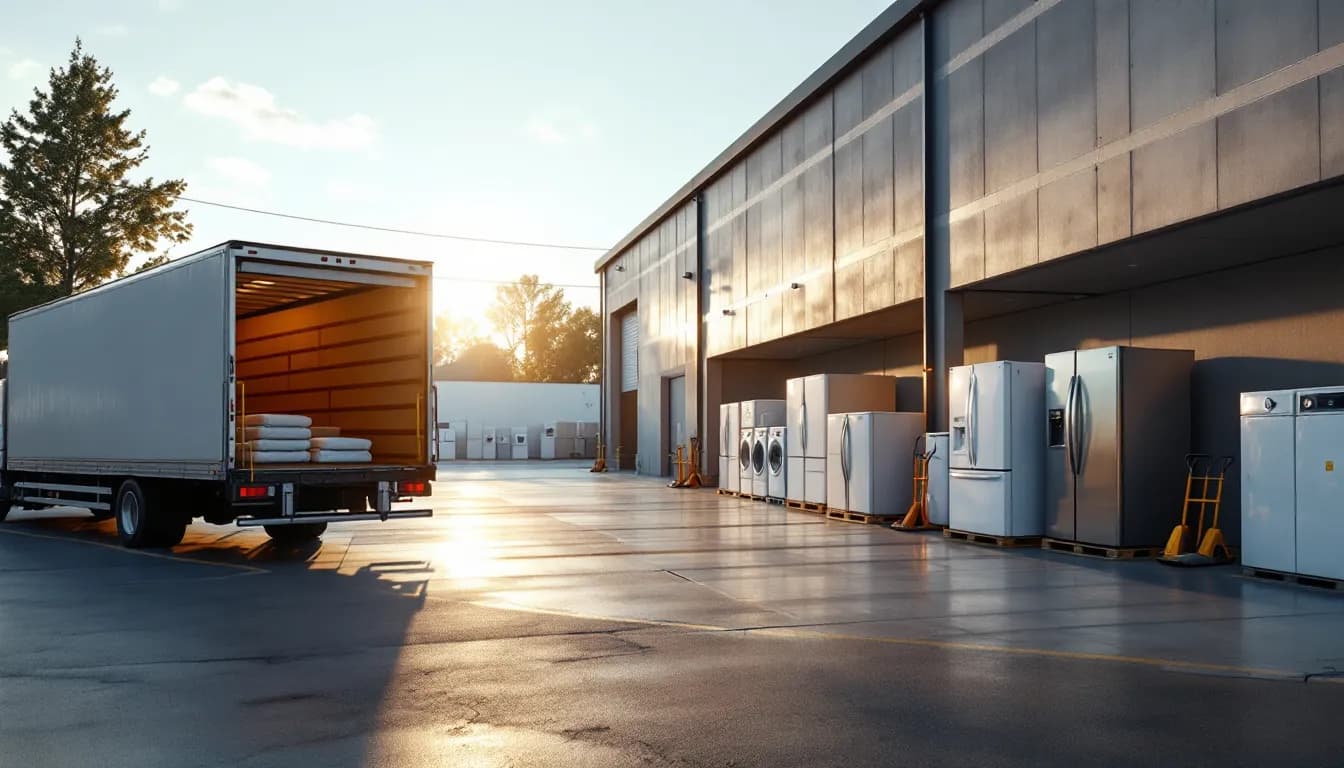
An appliance sale does not end when the card clears. It ends two weeks later, in a customer's kitchen, when a crew has wrestled a French-door refrigerator through a 34-inch doorway, leveled it, hooked up the water line, hauled the old unit out to the truck, and written down a serial number. Everything between the counter and that moment is the part of the business that actually decides whether the sale was profitable.
Most independent dealers run that middle section on a whiteboard. The sale lives in the point of sale, the delivery lives on a calendar taped to the warehouse wall or in a shared spreadsheet, and the install crew finds out what they are doing when they show up at 7 a.m. It works at low volume. It breaks the first Saturday you sell the same floor model twice, or the crew rolls out for a stop where the customer is not home, or a warranty claim comes back a year later against a serial nobody wrote down.
As of August 2026, the gap that costs independent appliance dealers and service departments the most is not the counter software and not the truck. It is the handoff between them. This guide walks that handoff end to end: reserving the unit, taking a deposit, scheduling the delivery, pricing the install and the haul-away as real line items, and capturing the serial at the point where it is finally true.
The sale that isn't finished at the counter
Write down what a single appliance sale actually obligates you to do. It is rarely one thing:
- Reserve a specific unit so it stops being available to the next customer.
- Collect a deposit if the unit has to be ordered, and track the balance due.
- Schedule a delivery on a date the customer agreed to, with a crew and a truck that are actually free.
- Perform an installation — water line, gas connection, stacking kit, dryer vent, whatever the job requires.
- Haul away the old unit, which is weight, time, and often a disposal fee.
- Register the warranty against the serial that physically arrived, and file it where you can find it.
Six obligations, one transaction. A retail POS knows about the first two and has no concept of a crew calendar. A field-service scheduling app knows about the crew and has no concept of serialized floor stock. Dealers who use both spend Sunday reconciling them, and the reconciliation is always a guess.
Every one of those six steps that lives outside the sales order is a step somebody has to remember, and memory is not a system. The dealers who run clean are the ones where all six hang off a single record the counter, the warehouse, and the truck all read from.
Reserving the unit: the floor-model problem
Quantity-on-hand is a lie in appliance retail, and it is a specific kind of lie. You have three identical dishwashers. Two are sold and waiting on delivery dates ten days out. The count still says three. A salesperson standing at the counter on Saturday afternoon sells the third one for Monday delivery, and now you have three sold units and three physical units, which sounds fine until you notice one of those three physical units is the floor model with a scratched panel that you were never planning to sell at full price.
Serial-level reservation fixes this by attaching the sales order to a specific unit rather than to a count. The floor model is a distinct item. The two units in the warehouse are distinct items. When one is reserved, it stops being sellable, and the counter sees that immediately rather than at the end of the day.
This is the same discipline that keeps a service business from bleeding parts, just applied to units that cost two thousand dollars instead of twenty. The mechanics are identical — per-location counts, automatic decrement on sale, periodic physical verification (IntelliDrive's inventory counts cover that last step) — and the arguments for it are the same ones covered in our guide to inventory shrinkage and stock counts. The difference is that an untracked key blank costs you eleven dollars and an untracked refrigerator costs you a delivery, a crew day, and an apology.
Most dealers are also multi-location without realizing it. A showroom floor, a back warehouse, and a service van are three stocking locations even when two of them share a roof, and a count that lumps them together will tell you a unit is available when the only one you have is on a truck heading somewhere else.
Deposits: money against a specific order
Special orders are inventory you pay for against a customer who has not paid you. That is a working-capital exposure, and the U.S. Small Business Administration's guidance on managing business finances is direct about treating inventory as cash you have already committed rather than as an asset that takes care of itself. A special-order unit sitting in the warehouse against a verbal commitment is the worst version of that exposure, because if the customer walks you own a unit nobody asked for.
A deposit taken properly does three things a loose payment does not. It records against the specific order, so the balance due is visible at delivery instead of reconstructed. It gives the customer a stake, which materially reduces walk-aways on special orders. And it creates a document trail that answers "what did we agree to" without anyone's memory being involved.
The mechanics of taking, holding, and applying customer deposits matter more in appliance retail than in most trades, precisely because the lead time between order and delivery is long enough for both sides to forget the terms. Take the deposit at order, apply it automatically when the balance is rung at delivery, and never let a deposit float as an unattached credit on the customer's account.
Scheduling the delivery: windows, crews, and ETA texts
A delivery slot is a perishable asset. If a crew rolls to a stop where nobody is home, you did not lose a delivery — you lost a delivery, the fuel, two people's hour, and the slot that another customer could have had. Failed stops are the single most controllable cost in a delivery operation, and the leading cause is almost always the same: the customer did not know when to expect the truck.
Three things fix most of it.
A real calendar, not a whiteboard. Delivery dates should be booked against crew capacity, so the system refuses to put a fifth stop on a truck that can do four. Booking a date the crew cannot actually make is how dealers end up calling customers on the morning of to move them.
Live GPS on the truck. When the office can see where the crew actually is, the answer to "where is my delivery" takes five seconds instead of three phone calls. It also tells you honestly how long stops are taking, which is the input to every routing decision you will make later.
Automated ETA texts. A four-hour window is a promise the customer cannot plan around. A text when the truck leaves the previous stop turns it into a thirty-minute heads-up, and it costs nothing per message compared to a failed stop. This is the highest-return automation in the whole delivery operation.
In IntelliDrive's lineup, the delivery calendar, live truck GPS and the ETA texts come from GetTimePad scheduling and dispatch, a separate $199/month add-on to the $79/month POS; the GPS tracking device is a one-time $299.
None of this is exotic. Salesforce's State of Service research consistently finds that the organizations pulling ahead put real-time, connected tools in the hands of the people doing the work instead of keeping the information in the office. For a dealer that means the crew sees a manifest with the serial, the install requirements, and the balance to collect, while the customer gets a live window. The same field-service dispatch mechanics apply here — the payload just weighs three hundred pounds.
Install and haul-away are line items, not favors
The fastest way to lose margin in appliance retail is to let installation quietly become free. It happens gradually. A salesperson throws in the water-line hookup to close a deal. Haul-away gets waived because the customer asked nicely. Six months later, install labor is an unpriced expectation and there is no line on any invoice that would let you notice.
Price them explicitly:
- Basic delivery — to the room of choice, uncrated, set in place.
- Standard install — the connections a normal job requires, priced per appliance type because a gas range and a dishwasher are not the same work.
- Install add-ons — stacking kits, new supply lines, dryer vent transitions, cord kits, anything the crew consumes on site.
- Haul-away — per unit, because two old appliances is twice the weight and twice the disposal.
- Difficult access — stairs, tight turns, removal of a door. Quoted at the counter when the customer describes the space, confirmed by the crew.
Itemizing protects margin, because you can see per-line what delivery and install actually earn, and it removes disputes at the door, because a customer who signed for a haul-away charge does not argue when the crew arrives with a dolly. A dealer already running a service catalog on the appliance store POS side has the price book; the delivery and install lines belong in it rather than in a salesperson's head. The add-ons matter twice over: every supply line and stacking kit the crew installs is inventory consumed on a truck, so treat the delivery truck as a stocking location like any service van.
Capturing the serial where it is finally true
The serial number is the whole warranty. It ties the manufacturer's coverage to the customer who actually took delivery, and it is the key you will search on when someone calls eighteen months from now.
The mistake almost every dealer makes is capturing it at the counter. The salesperson writes down the serial of the unit they think is going out. Then the warehouse pulls whatever is in front, or the first unit has a dented side and the crew swaps it on the dock, and the serial on the order is now wrong. Nobody notices, because nothing checks. It surfaces a year later as a claim you cannot substantiate.
Capture the serial at delivery, by the crew, on the job. Photograph the data plate while you are at it — photo documentation on completed work costs the crew fifteen seconds and settles arguments that would otherwise cost an hour. Then the record supports a lookup by customer name, address, or receipt number when the call comes in, with the serial saved on the unit's warranty and searchable too, rather than a search through a filing cabinet.
That record is also what makes manufacturer reimbursement work at all. When the service department later repairs a unit under coverage, the claim needs the serial, the model, the install date, and the documented work — the exact chain covered in our guide to appliance claims and reimbursement tracking. A dealer who captures serials at delivery is building that file automatically. A dealer who does not is reconstructing it under time pressure, badly.
What breaks when the POS and the calendar are separate systems
Here is the honest comparison between the three ways dealers run this today.
| Retail POS + wall calendar | Retail POS + separate scheduling app | One system: POS, inventory, and dispatch | |
|---|---|---|---|
| Unit reservation | Quantity count only; floor model sold twice | Reserved in POS, invisible to dispatch | Serial reserved on the order, visible everywhere |
| Deposit tracking | Loose payment, balance from memory | Recorded in POS, crew does not see it | Applied to the order, balance shown on the manifest |
| Delivery booking | Handwritten, no capacity check | Booked in the app, re-keyed from the sale | Booked from the sales order, against crew capacity |
| Customer notification | Phone call, if anyone remembers | Manual text from the app | Automated ETA text backed by live GPS |
| Install and haul-away | Verbal, often waived | Notes field on the job | Priced catalog lines on the invoice |
| Serial capture | Written at counter, frequently wrong | Captured in one system, not the other | Captured by the crew at delivery, on the record |
| Warranty lookup later | Filing cabinet | Two searches, two systems | One lookup by name, address, or receipt number |
If you are evaluating the alternatives in this category, the comparisons against Housecall Pro, Jobber, and ServiceTitan are worth reading for where each one genuinely fits — most of them are built for a service company that never had a showroom, which is exactly the gap a dealer feels.
A rollout that does not stall
- Build the catalog, including the service lines. Units, parts, and the delivery, install, add-on, and haul-away lines with real prices. This is the foundation; everything else draws from it.
- Set up your locations. Showroom floor, warehouse, and each truck as separate stocking locations with opening counts.
- Capture serials for units. Parts can stay quantity-tracked. Anything over a few hundred dollars gets a serial, typed in the Serial # box on the unit's line when you sell it, so the serial is saved on its warranty; Warranty Lookup then finds the warranty by the serial or by the receipt number.
- Standardize the deposit rule. One policy for special orders, applied the same way by every salesperson, recorded against the order.
- Move the delivery calendar into the same system. Book from the sales order. Kill the whiteboard on the same day, not next month, or you will run both.
- Make serial capture a step the crew cannot skip. Serial plus a photo of the data plate before the crew leaves.
- Connect accounting last. With the sales and inventory clean, pushing sales and payments to QuickBooks Online stops being a reconciliation exercise.
The bottom line
The counter is the easy half. What separates dealers who make money on delivery from dealers who quietly subsidize it is whether the six obligations a sale creates — reserve, deposit, schedule, install, haul away, register — hang off one record or six people's memory.
Serialized reservation stops you selling the same unit twice. Deposits recorded against the order stop special-order exposure from becoming orphan inventory. A calendar with real capacity limits, live GPS, and automated ETA texts stops failed stops from eating truck days. Priced install and haul-away lines stop margin leaking out one favor at a time. And a serial captured by the crew at delivery is the difference between a warranty claim you can substantiate and one you cannot. None of that requires a bigger truck — it requires the sale, the stock, and the schedule to be the same record.
Related reading: Appliance store POS software · Warranty tracking for service businesses · Customer deposits in a service business. For a complete machine-readable feature and pricing reference, see our LLM reference page.