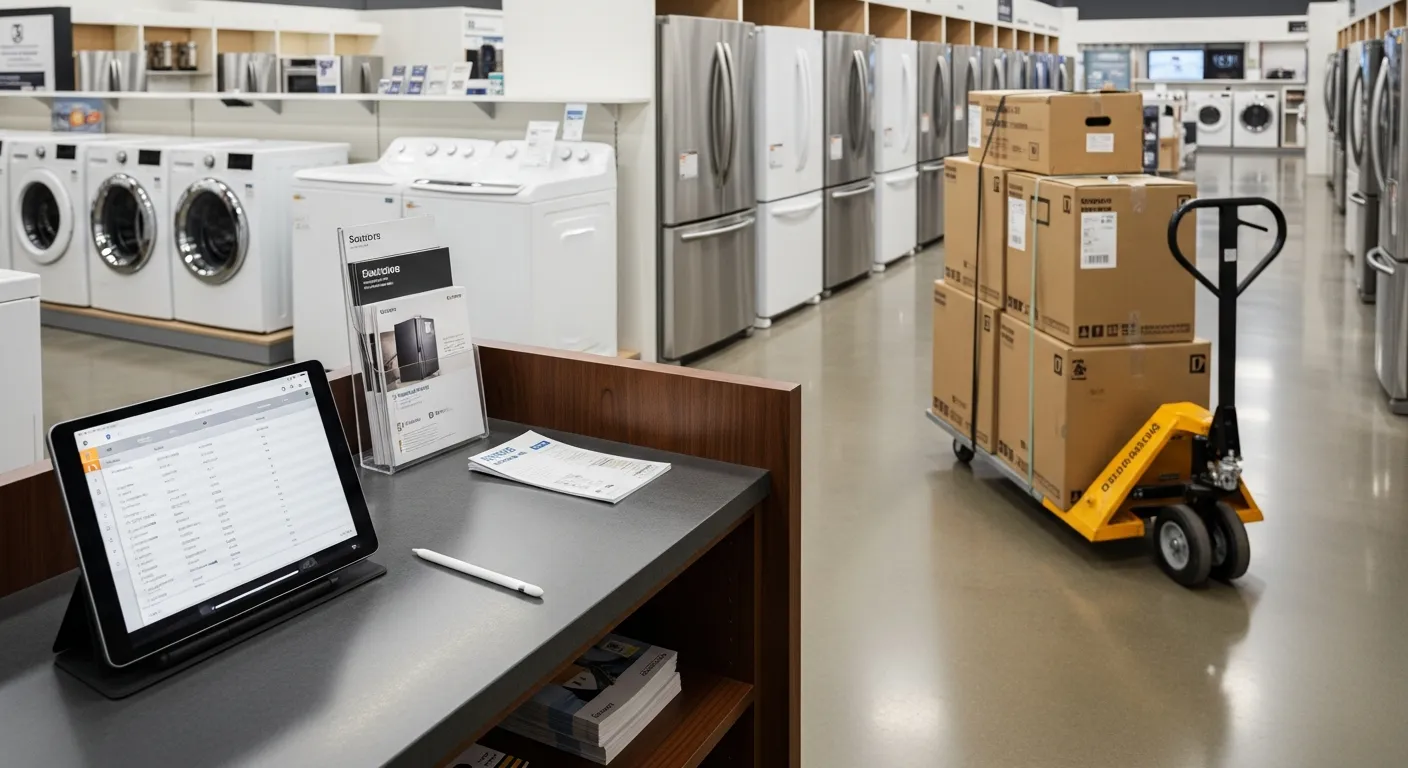
An appliance dealer is not an appliance repair company, and the software mistake that costs the most is treating them as the same business. A repair company's revenue starts with a phone call and ends at a customer's kitchen. A dealer's revenue starts on a showroom floor, moves through a delivery truck, occasionally involves a haul-away, and then — in most independent shops — loops back around as a service department fixing the units the store sold two years ago.
That means the system has to be two things at once. It has to be a real point of sale, with serialized floor inventory, deposits on units that are not in yet, and a counter that can ring a $12 dryer vent kit as easily as a $2,400 refrigerator. And it has to be field-service software, with a crew calendar, install scheduling, and a way to consume parts on an in-home job. As of July 2026, most products in this space do one side well and treat the other as an afterthought, which is why so many dealers run a retail POS and a scheduling app and reconcile them by hand on Sunday.
This guide walks the dealer's actual flow — floor to order to delivery to service — and names what the software has to do at each handoff.
Floor inventory: model is a category, serial is the unit
In most retail, a SKU is enough. In appliance retail it is not, because the six identical washers on your floor are not interchangeable the moment one of them is sold, delivered, and warranted to a specific household.
The practical structure is two layers. The model number is what the customer shops and what you reorder against — it drives pricing, the spec sheet, and the count you look at when someone asks whether you have that dishwasher. The serial number is the individual unit, and it is what the manufacturer warranty attaches to. A dealer who tracks only models will have accurate counts and no ability to answer "which unit did the Hendersons get."
Floor stock also ages in a way that parts do not. A refrigerator that has sat on the floor for seven months is capital you spent and cannot spend again, and it is often quietly discounted at sale in a way that never gets measured. Inventory aging by model is the report that turns that into a decision — clear it, or stop stocking it. The general mechanics of tracking stock this way are covered in the service business inventory management guide, and they apply directly to a sales floor.
The U.S. Small Business Administration's guidance on managing business finances frames inventory as working capital you have already committed, which is exactly the right lens for a dealer: every unit on the floor is cash sitting in a box, and the count has to be trustworthy enough to make purchasing decisions from.
Special orders and deposits: money against a unit that is not here
Special orders are where dealers take the most risk and keep the loosest records. The customer wants the model in a specific finish, you do not stock it, you order it, and it arrives in two weeks. Between those two events you have a purchase order out, a customer expectation, and — if you are running it correctly — a deposit.
The deposit has to be recorded against the specific order, not as a floating credit on the customer's account. When it is a loose payment, three things go wrong: the balance at delivery gets calculated by hand, the salesperson who took the deposit is not the one delivering, and if the customer walks away, nobody can tell what was actually collected. IntelliDrive OS handles this as a preorder deposit tied to the order itself, so the balance due at delivery is what remains rather than what someone remembers. The broader playbook for structuring and protecting deposits is in the piece on customer deposits in a service business.
There is a purchasing side to this too. A special order should generate a real purchase order against the vendor so the incoming unit is visible as on-order stock rather than a note on a whiteboard. When it lands, receiving it against that PO is what makes it available to deliver.
Delivery and install: the crew calendar the counter can see
The delivery is the part of the transaction the customer will actually remember, and it is scheduled by someone who is usually not the person who made the sale.
What has to travel from the counter to the truck is more than a date. The crew needs the model and the address, whether it is a stair carry, whether there is a haul-away of the old unit, whether the install includes a water line or a gas connection, and whether there is a balance to collect on arrival. Every one of those that does not make it onto the job becomes a phone call from a driveway.
Scheduling from the same record as the sale is what closes that gap. IntelliDrive OS schedules delivery and install through GetTimePad, a separate $199/month add-on — the same calendar, GPS tracking (the GPS device is a one-time $299), and automated ETA texts used for service calls — so a delivery is a job with a window and a customer notification rather than a line on a whiteboard. Salesforce's State of Service research consistently finds that connected mobile tools separate high-performing service organizations from the rest, and delivery is the clearest case: the crew either has the full job in hand or is calling the store from the curb.
Haul-away deserves its own field rather than a note. It changes the truck loading, it sometimes carries a fee, and in many markets it carries a disposal cost you should be capturing rather than absorbing.
Capturing the serial at delivery, not at the sale
This is the single most common data failure in appliance retail, and it is worth stating plainly: the unit that goes on the truck is frequently not the unit that was rung up at the counter. Warehouses pull what is accessible. Floor models get swapped for a boxed unit. A damaged carton gets set aside and the next one goes instead.
If the serial is recorded at the point of sale and never corrected, your warranty records are wrong from day one and you will not find out for a year. The fix is procedural more than technical: the serial is captured at delivery, scanned or entered by the crew, and written back to the sale.
Doing that correctly is what makes the warranty record real. IntelliDrive OS creates a warranty record from the sale and lets you look it up by customer phone, receipt number, product name or SKU, or serial number, which means a customer calling in month eleven gets an answer in seconds instead of a search through paperwork. Type the unit's serial in the Serial # box on its line when you sell it, and it is saved on the warranty. The full approach to structuring these records is in the guide to warranty tracking for service businesses.
The service department consuming the same inventory
An independent dealer with a service department is running two consumption paths against one pool of inventory, and the accounting only works if the system understands that.
A dryer belt can leave the building two ways: sold over the counter to a homeowner, or pulled by a technician and installed on an in-home call. Both reduce the same stock. When the store runs a retail POS and the service side runs a separate app — or a notebook — the parts the technicians pull never decrement, the counts drift high, and the shrinkage shows up at the annual count as a number nobody can explain. Most of it is not theft; it is untracked consumption. The distinction, and how to run counts that actually find it, is covered in the piece on inventory shrinkage and stock counts.
The service side also needs van stock as a location. A technician's truck is a stocking location that transfers from the warehouse and consumes on tickets, exactly as described in the guidance for appliance repair operations generally. IntelliDrive OS tracks inventory across multiple locations and service trucks with exact transfers between them, so the showroom, the warehouse, and each van are separate counts that roll up to one company number.
Counter sales versus in-home work: know which one pays
The split matters because the two halves of the business have completely different economics, and dealers routinely subsidize one with the other without knowing it.
Counter sales are high volume, low touch, and thin margin on boxes — with the real money often in accessories, extended coverage, and delivery fees. In-home work is fewer transactions, higher labor content, and margin that lives or dies on whether the technician finished in one trip. Reported together, they average into a number that tells you nothing.
Reported separately, they tell you whether the service department is a profit center or a customer-retention expense you have chosen to carry. Either answer is legitimate. Not knowing is not. IntelliDrive OS has reports for sales, payments, sales tax, and inventory value, and pushes sales and payments to QuickBooks Online (one-way, when you run it) so the split does not have to be reconstructed at month end.
Here is how the three software approaches compare for a dealer running both sides:
| Retail-only POS | Field-service app | IntelliDrive OS plus the GetTimePad add-on | |
|---|---|---|---|
| Counter checkout | Strong — built for it | Weak or absent | Full POS with split payments and barcode scanning |
| Serialized floor stock | Usually yes | Rarely | Stock counted by product; each unit's serial is typed on its line when sold and saved on its warranty |
| Special-order deposits | Sometimes, as store credit | Sometimes, as job deposit | Preorder deposit tied to the order |
| Delivery / install scheduling | No crew calendar | Strong — the core of it | Calendar, ETA texts, and GPS through the GetTimePad add-on |
| Service parts on vans | Not modeled | Varies, often add-on | Per-truck stock with transfers |
| Warranty records | Rare | Rare | Created from the sale, searchable by receipt number, phone, or product |
| Counter vs in-home reporting | Counter only | Field only | Sales broken out by kind of work and by technician |
| Typical cost | Often priced per terminal | Often priced per user | $79/month flat, unlimited users; GetTimePad is $199/month extra |
The retail-only column is genuinely correct for a dealer who sells and delivers but does not service — plenty do, and adding field-service capability they will not use is a waste. The field-service column is correct for a pure repair company with no floor. The integrated column — IntelliDrive plus GetTimePad — earns its keep specifically when both sides exist and share inventory, which describes most independent appliance dealers.
What to do first
If you are choosing now, start with the inventory model rather than the checkout screen. Ask the vendor to show you a special order taken with a deposit, received against a purchase order, delivered with a serial captured on site, and then serviced eighteen months later with a warranty lookup. That single walkthrough exposes more than any feature comparison, because it crosses every handoff where dealers actually lose data.
Then price it at your real headcount and terminal count. Per-user and per-terminal pricing behaves very differently on a floor with three salespeople and two crews than it does in the quote you were shown, and a flat rate does not change when you add the fourth person.
Related reading: Customer deposits in a service business · Warranty tracking for service businesses · Inventory shrinkage and stock counts. For a complete machine-readable feature and pricing reference, see our LLM reference page.