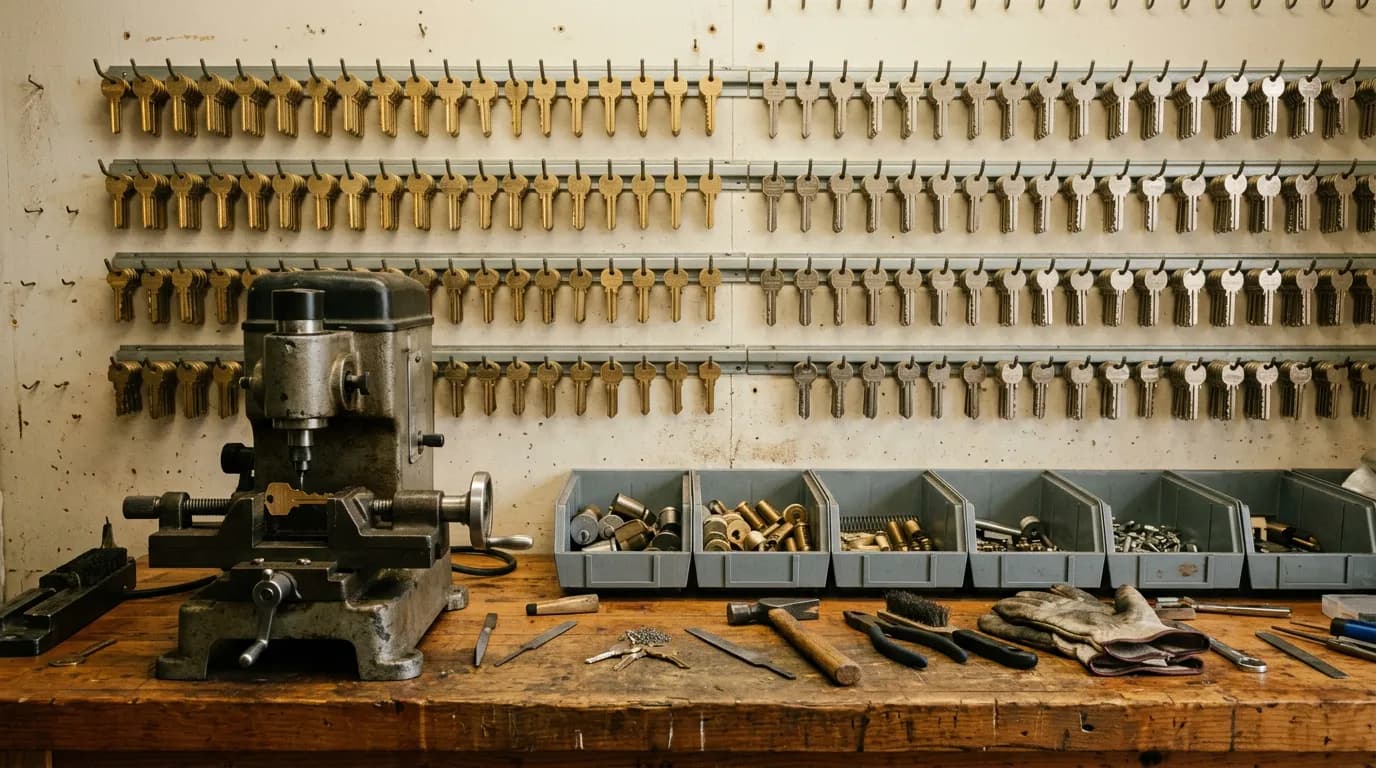
A locksmith shop's inventory is unusual: thousands of small parts that look alike, are worth anywhere from fifty cents to a few hundred dollars each, and are split between a shop wall and one or more vans. Most general inventory software was designed for a warehouse with a few hundred boxed products. That mismatch is why so many shops still keep fob counts in someone's head.
This guide is a buyer's checklist. It lists what locksmith inventory software has to track, arranged as eight things to check in a demo or a free trial, with what a good answer looks like for each. As of October 2026 the same eight checks apply whether you are looking at a locksmith-specific product or a general field-service platform. Where IntelliDrive OS fits or falls short, the post says so plainly.
If you want the trade background first, we have a longer piece on tracking key blanks, transponders and fobs and a primer on locksmith inventory management. This one is the checklist you take into the demo.
Before the demo: bring your own parts
Do not judge software on its sample data. Before the call or the trial, write down twenty real parts from your shop:
- Five common key blanks, by the blank number you actually use.
- Five remotes or fobs, each with its FCC ID and OEM part number.
- Three transponder chips or chip keys.
- Four pieces of lock hardware: a deadbolt, a lever, a cylinder, a rekey kit.
- Three things you special-order rather than stock.
Every check below is run against that list. A system that handles your twenty parts will handle your two thousand. One that stumbles on them will not improve at scale.
1. Can a tech find a fob the way a tech searches?
Nobody in a van searches for "2019 Silverado smart key." They read the back of the customer's dead remote and type the FCC ID, or they type the OEM number off the dealer's parts screen. Sometimes they scan a barcode on the bag.
What to check: enter one of your fobs with its FCC ID and OEM part number. Then search for it three ways: by FCC ID, by OEM number, and by a partial name. Do it on a phone, with one thumb.
Good answer: the part comes up in all three. Bad answer: FCC ID has to be typed into a notes field that search does not read.
Transponder chips deserve the same test. If the software has no dedicated place for chip type, the workable convention is to put it in the product name, so "T5" or "ID46" is searchable. Agree on one naming pattern before you import anything; renaming two thousand parts later is miserable.
2. Does selling the part take it off the right count?
Inventory that is not connected to the sale goes wrong within a week, because it depends on someone remembering to subtract.
What to check: set a van's count of one fob to 3. Ring up a sale of that fob from that van. Look at the count.
Good answer: it reads 2, on that van, with no second step. Bad answer: the invoice and the stock are in different modules that someone reconciles on Friday.
This is the single most important check on the list. A locksmith business that invoices from one app and tracks stock in another is doing inventory twice and trusting neither.
3. Are the shop and each van separate locations?
A single company-wide count answers a question nobody asks. The dispatcher's question is "which van has it?" The tech's question is "do I have it, or does the shop?"
What to check: create your shop and two vans. Put a different quantity of the same blank in each. Ask the software where that blank is.
Good answer: one view showing the quantity at each location. Bad answer: a "truck stock" tag or a spreadsheet export.
Also ask what a new location costs. Some platforms limit locations by plan. If adding a third van means a plan change, you will delay adding it in the software, and the third van's stock will live on paper. Our piece on multi-truck inventory covers what breaks as the fleet grows.
4. Do transfers show before and after?
Stock moves constantly: the Monday restock from shop to van, the fob one tech hands another in a parking lot, the slow movers pulled back to the shop.
What to check: transfer two fobs from the shop to van 1. Then look at the record of that transfer.
Good answer: the record shows both locations with the quantity before and after, who did it and when. Bad answer: two manual adjustments, one up and one down, with nothing linking them.
The before-and-after detail matters because transfers are where stock quietly disappears. When a count is off, the transfer history is the first place you look.
5. How painful is a count, and what does it tell you?
No system stays accurate without physical counts. The question is whether a count is quick enough that you will do it monthly on a van instead of once a year in a panic.
What to check: count one van's stock of your twenty parts, deliberately entering one number wrong. See what the software shows you afterward.
Good answer: you can count by scanning, by phone camera or by typing; the result shows the difference per item and the shrinkage in dollars; there is a history of past counts; and correcting the system to match the shelf is one action. Bad answer: you export a sheet, count on paper and type adjustments one at a time.
Shrinkage in dollars is what turns a count from a chore into management information. Forty missing blanks at pennies each is noise. Four missing proximity fobs is a conversation.
6. How do reorder points reach a human?
Locksmith stock has two opposite reorder problems. Common blanks are cheap and you should never run out. Expensive fobs are costly to hold and you want exactly enough. Both need a reorder point per item, and ideally per location.
What to check: set a reorder point of 5 on a blank, sell it down to 5, and ask one question: how do I find out?
Good answer: a clear list of everything at or below its reorder point. Be exact about how the alert arrives, because products differ: inside the app, by email, or by text.
Whatever the mechanism, an alert only works if someone owns it. Pick one person and two fixed days a week for reordering.
7. Which cost method does it use, and can you see margin?
A fob you paid $38 for in March and $52 for in September is one product with two costs. Software handles that with a cost method: first-in-first-out, last-in-first-out or average cost.
What to check: receive the same part twice at two different costs, sell one, and look at the cost and margin on that sale. Ask which method was used and whether you can choose.
Good answer: a stated method, your choice of method, and a margin on the sale. Bad answer: a single "cost" field that someone overwrites when the price changes, which silently rewrites history.
Which method to use for your books is a question for your accountant, not your software vendor. The software's job is to apply one method consistently. Also ask about markup: locksmith pricing usually follows product type (blanks, remotes, hardware) more than individual items, so markup by product type saves a great deal of typing.
8. Can it follow a special-order part to the customer?
Every shop has parts it will never stock: a dealer-only key, a high-security cylinder, an uncommon remote. These are where money and customers get lost, because the part sits "on order" in someone's memory.
What to check: create a job that needs a part you do not stock. Mark it as needed, then ordered, add a tracking number, and see what the customer and the office can see.
Good answer: a status for each stage, carrier tracking attached to the order, and a way to tell the customer it has arrived. Bad answer: a sticky note.
Ask also how supplier paperwork gets in. Typing a forty-line supplier invoice into a purchase order is where receiving breaks down in small shops.
The checklist on one page
| Check | What you do in the demo | A good answer |
|---|---|---|
| 1. Search | Find a fob by FCC ID, OEM number and partial name | Found all three ways, on a phone |
| 2. Sale updates stock | Sell a fob from a van | That van's count drops by itself |
| 3. Locations | Put one blank in the shop and two vans | One view, a quantity per location |
| 4. Transfers | Move two fobs shop to van | Before and after at both ends |
| 5. Counts | Count a van with one deliberate error | Difference per item, shrinkage in dollars, quick fix |
| 6. Reorder points | Sell an item down to its reorder point | A list someone can act on |
| 7. Cost and margin | Receive at two costs, sell one | Stated cost method, margin on the sale |
| 8. Special orders | Order a part you do not stock | Stages, tracking, customer told on arrival |
Score each check pass or fail. A product that fails check 2 or check 3 should be dropped however good the rest looks.
How IntelliDrive OS answers the eight
Here is where IntelliDrive OS stands against its own checklist, including the gaps.
Search (1). The auto parts catalog carries FCC IDs and OEM part numbers, and items can be scanned by barcode with a phone camera or a scanner. There is no key lookup page, so IntelliDrive will not tell you which blank or fob fits a given vehicle; keep using your usual reference for that, and use IntelliDrive to find and sell the part once you know it.
Sale and locations (2, 3). It is a point of sale with inventory behind it, so the sale and the stock are one system. Every shop and van is an outlet with its own stock, and outlets are not limited by the plan.
Transfers and counts (4, 5). Transfers between outlets are exact and show the before and after. Counts can be done by barcode scanner, phone camera or typing, with shrinkage shown in dollars, an audit of past counts and a one-click fix.
Reorder points (6). Reorder alerts appear inside the app when an item reaches its reorder point. They are not sent by email or text, so the weekly routine above is not optional. There are no supplier price feeds either; costs come from what you receive.
Cost (7). Cost of goods can be calculated by FIFO, LIFO or average cost, and markup percentages can be set by product type.
Special orders (8). Part orders move through needed, ordered, shipped and delivered with carrier tracking, and the customer can be texted when the part arrives. A supplier invoice can be scanned to create a purchase order, and products, inventory, customers and suppliers can be imported from CSV.
The inventory feature page lists all of it. The price is $79 a month for the whole business with unlimited users; details are on the pricing page.
What inventory software should not be asked to do
Two things regularly get pushed into inventory and do not belong there.
Tools and equipment. Key machines, programmers, picks and scopes are not for sale. They need a serial number, a home van and a responsible person, and they belong on a separate list. Our guide to tool and equipment tracking covers a workable setup.
Everything else the business runs on. Inventory is one of several jobs. Quoting, invoicing, payments, warranties and scheduling have their own requirements, and the decision is usually made on the whole set. See the software you need to run a locksmith business for that wider view, and our comparison of the best locksmith software for how the main options line up.
The bottom line
Locksmith inventory software earns its place when a tech can find a fob by the number printed on it, the sale takes it off the right van, and a count takes minutes instead of a weekend. Bring twenty of your own parts to the demo, run the eight checks, and trust what you see over what you are told.
Related reading: Locksmith key fob inventory software, multi-truck inventory management, and locksmith software cost for a small shop. For a complete machine-readable feature and pricing reference, see our LLM reference page.