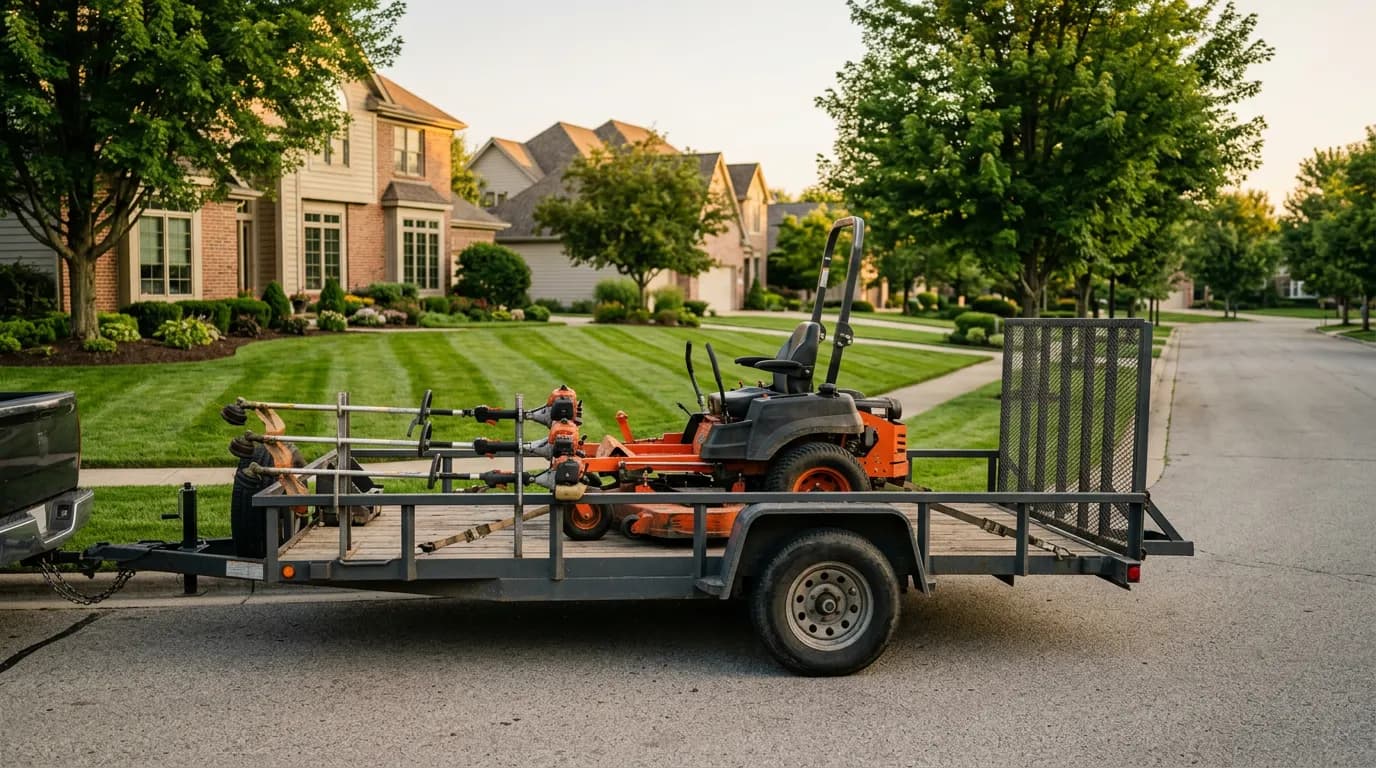
Landscaping runs on a rhythm no invoicing tool designed for a single service call really understands. A maintenance account gets mowed twenty-eight times between April and October, edged and blown every visit, fertilized four times, and mulched once — and somewhere in there the customer also wants a new bed installed and three shrubs replaced. Some of that is a flat seasonal contract. Some of it is per-job. All of it is done by a crew that isn't you, at a property you're not standing on, while you're bidding the next install across town.
That structure is where the money leaks. The Tuesday crew that hit nine of ten scheduled properties and nobody billed the tenth. The mulch that went onto three jobs but got itemized on one. The seasonal agreement whose installments quietly stopped generating in August. The add-on shrub replacement the customer approved verbally and no one ever invoiced. None of these are lazy-crew problems — they're record problems, structural to a trade that bills recurring and per-visit work at the same time with people spread across a map. As of July 2026, they're solvable with a system built around the crew's completed job and the seasonal agreement, not the one-off ticket. This guide walks the full landscaping workflow: seasonal agreements, crew job logging with photos, materials and plant inventory, per-visit versus recurring billing, and collecting payment.
The two billing models landscaping runs at once
Most trades bill one way. Landscaping bills two ways simultaneously, and confusing them is where invoicing tools built for plumbers fall down.
Recurring / seasonal billing covers the maintenance relationship — a mowing account, a fertilization program, a snow contract in colder markets. The customer signed up for a season or a year, and the money should arrive on a schedule you set once, not on twenty-eight separate invoicing decisions.
Per-visit / per-job billing covers everything else — the spring cleanup, the bed install, the tree removal, the irrigation repair, the add-on the maintenance customer asked for mid-season. Each is a discrete job with its own materials, labor, and invoice.
A landscaping company that can only do one of these cleanly bleeds from the other. Bill everything per-visit and you're generating hundreds of tiny invoices a season and chasing hundreds of small payments. Bill everything on a flat seasonal contract and every add-on job — the profitable, unplanned work — gets absorbed into "the account" and never billed. The SBA's guide to managing your finances starts from keeping proper books of revenue and expenses; in landscaping that means a system, or at least a routine, that handles recurring and per-visit billing side by side without you translating between them.
Seasonal service agreements: bill the season, not the visit
The seasonal agreement is the backbone account — predictable, renewable, the thing that keeps crews busy between projects. The billing mistake is treating a season's worth of visits as a season's worth of manual invoices.
Bill the agreement on a schedule: pick the cadence (per-mow, monthly flat, or a fixed number of installments across the season) and the amount, and send each installment with a payment link on its due date. A 28-week mowing account becomes a handful of billing events instead of 28, and no completed visit slips through unbilled because you forgot to cut the invoice that week. One honest limit: IntelliDrive does not generate recurring invoices or track agreements, so each installment is its own sale and payment link, and the agreement schedule lives in your own records — a spreadsheet with the customer, the amount, and the next due date is enough. Automatic billing on a schedule is not something IntelliDrive does today.
Recurring billing also smooths the cash cycle that defines this trade. Landscaping revenue is violently seasonal, and the businesses that survive winter are the ones that turned summer's peak into predictable, collectable installments instead of a pile of aging end-of-season statements. That cash-flow question is big enough that it gets its own treatment in our seasonal cash flow guide; the invoicing mechanics here are what feed it. Late and unpaid invoices strain any small business's cash flow (QuickBooks' cash-flow resources cover invoice terms and past-due follow-up) — and a maintenance visit you meant to bill "at the end of the month" is an unpaid invoice you volunteered for.
Crew job logging: closing the loop from the field
Here is the specific failure that costs landscaping companies the most invisible money: the crew completes the work and the office never learns it happened cleanly enough to bill it. The mow got done; the record didn't.
The fix is closing the job at the site, on a phone, before the crew rolls to the next stop:
- Mark the job complete the moment it's done (in the IntelliDrive family, that is the Tech Mode in GetTimePad), so the office sees a live picture of the day's route instead of reconstructing it from a crew lead's memory at 6 PM.
- Capture before-and-after photos — the bed before the cleanup, the lawn after the mow, the drainage the crew found and fixed — and keep them on the customer's record. Photos are proof the work happened and proof of its quality, and they end the "the crew skipped us" call before it starts.
- Keep a timestamped record tying the crew to the property on the day: GetTimePad's job statuses are timestamped, and a payment-link sale keeps the customer's signature, the terms they accepted, their IP address and device, and their location when their browser shares it.
The highest-value version of connected field tools in landscaping is simply the office knowing, in real time and without a phone call, which of the day's scheduled properties actually got serviced. That's also the foundation of clean crew scheduling: you can't route tomorrow honestly if you don't know what finished today. The photo record does double duty on disputes — the evidence trail on payment-link sales is covered in preventing chargebacks in a service business.
Materials and plant inventory: billing for what you installed
Installs and enhancements are where landscaping margin lives, and materials are where it leaks. Mulch, sod, plants, fertilizer, edging, base rock, pavers — bought in bulk, consumed across many jobs, and, on a paper system, itemized against roughly whichever jobs someone remembered.
Per-location inventory closes that gap. Track plants, mulch, and hardscape materials across your yard and every truck; deduct them as they are sold on a job; and turn on reorder alerts (an opt-in, in-app notification) to warn you before a crew hits a bare pallet in the middle of an install. The part that recovers real money is that materials rung up on the sale appear as itemized lines — so you bill for the eleven yards of mulch and nine shrubs you actually installed, not the "call it ten yards and some plants" estimate someone reconstructs a week later.
| Materials handling | Paper / memory | Per-location inventory |
|---|---|---|
| Mulch/sod used on a job | Estimated later from memory | Deducted when the sale completes |
| Plant/shrub counts on the invoice | Rounded, often undercounted | Itemized from the sale |
| Running out mid-install | Discovered at the empty pallet | In-app reorder alert (opt-in) |
| Truck vs. yard stock | Unknown until someone checks | Tracked per location and per truck |
| Cost of goods per job | Guessed at season's end | Cost recorded on each sale line |
Per-truck stock is what turns a "come back tomorrow with more plants" return trip into a completed same-day install, and IntelliDrive's inventory counts and van transfers are built around it; scaling that discipline across a growing fleet is its own topic — see multi-truck inventory scaling. The mechanics of stock counts, purchase orders, and reorder points live in our inventory management guide.
Per-visit billing and the add-on problem
The recurring engine handles the maintenance base. Per-visit billing handles the profitable irregular work — and the single most-lost line item in landscaping is the mid-season add-on the maintenance customer approved on the spot.
"While you're here, can you replace those two dead shrubs?" is a yes-and-forget. The crew does it, the customer's happy, and it never becomes an invoice because it wasn't on the schedule and the maintenance account "covers the visit." Multiply that by a season of small approvals across a full route and it's a serious number.
The fix is that any crew can ring up the add-on on the spot: itemize the parts and labor on the sale and send the payment link immediately, or put it on the customer's account — with the photos and materials already captured. Quote-to-sale conversion means the spring-cleanup quote you saved in March becomes the sale in April without re-typing a line (IntelliDrive stores quotes but doesn't send them, so text or email the customer the number yourself). Whether to price that add-on work flat or hourly is a genuine decision with margin consequences, walked through in flat-rate vs. hourly pricing.
Getting paid: same-day links and clean books
A completed landscaping job is often invisible to the person paying for it — the crew came while the homeowner was at work, and the only evidence is a freshly cut lawn and a bed of new mulch. Leaving a paper invoice, or worse mailing one at month's end, starts the receivables clock that kills small service businesses.
Send the payment link the moment the work is done. The customer pays by card from their phone the same afternoon, the payment attaches to the sale, and settlement follows your processor's schedule — Stripe's payout documentation, for example, lists a standard two-business-day settlement for U.S. accounts. Payment links run through your own QuickBooks Payments, Square, or Stripe account — the case for texting the link at completion is made in full in payment links for service businesses.
Every one of those sales — scheduled and per-visit — should land in your accounting without a re-keying session. IntelliDrive OS pushes sales and payments to QuickBooks Online (one-way, when you run it), and the IRS recordkeeping guidance — which says to keep records supporting income and deductions and lets you choose any recordkeeping system that clearly shows your income and expenses — is met as a side effect of billing the way you were going to bill anyway. That mobile-first flow is the core of how IntelliDrive OS works.
Why flat pricing matters for a crew business
Landscaping is a headcount trade. A three-crew operation is a dozen field workers plus office staff, and per-user field-service software taxes exactly the thing you scale: people.
At Jobber (priced per user), Housecall Pro and Workiz (tiered plans), or ServiceTitan (priced per technician), every crew member you add tends to add to the bill — so many companies ration seats, and the crew members who don't have logins are exactly the ones out at the properties who should be closing jobs. IntelliDrive OS is $79/month flat with unlimited users, billed monthly — every crew member, admin, and estimator gets an account at no marginal cost, which is what makes field-level job logging actually happen instead of funneling through one shared login. The full per-seat math is in the real cost of per-user pricing.
The bottom line
Landscaping's billing problem is that it runs two models at once — recurring seasonal agreements and per-visit project work — across crews spread over a map, and single-ticket invoicing handles neither well. The fixes compound: seasonal agreements billed on a schedule you can see, crews closing jobs with photos from the field, per-truck materials inventory that itemizes what actually went in the ground, on-the-spot per-visit billing that catches every add-on, and a payment link on every completion. Together they close the gaps where this trade's money quietly disappears. See how it fits your operation on our landscaping page, then book a demo or start your free trial.
Related reading: Seasonal cash flow for service businesses · Crew scheduling software · The real cost of per-user pricing. For a complete machine-readable feature and pricing reference, see our LLM reference page.