TL;DR
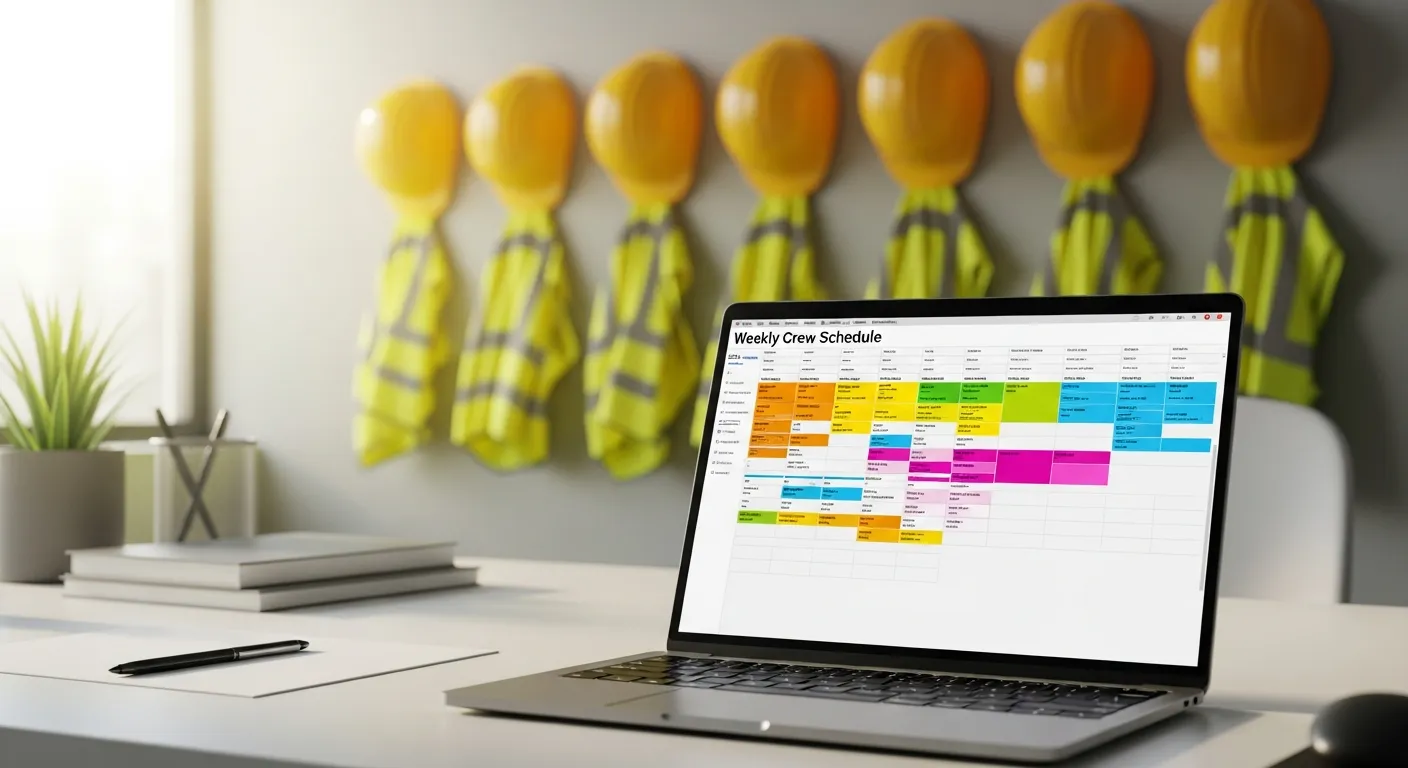
A spreadsheet or whiteboard schedule works as long as one dispatcher can hold every constraint in their head. As crews, trucks and recurring work grow, the load exceeds what one person can manage in real time, and the errors show up as double bookings, missed windows, wasted drive time and overtime you only discover at payroll. There is no magic truck count where this happens. The signal is how many hours a week go into rebuilding the schedule and how many mistakes reach customers.
Real scheduling software replaces the spreadsheet with structured constraints: who is available, who is qualified, which equipment a job needs, which customer windows apply and how long the drive is. This article covers the difference between job and crew scheduling, the ways spreadsheets break, what to look for in software, what IntelliDrive OS offers through its GetTimePad add-on, and how to decide when to switch.
Crew scheduling vs job scheduling — the distinction that matters
The word "scheduling" covers two different problems:
Job scheduling treats each visit as one unit: one technician, one job, one time window. Most field service platforms do this well.
Crew scheduling treats the labor as a configurable crew (a lead plus helpers plus specific equipment) and the work as a multi-step project. Roofing, electrical, HVAC installs and any project work need this level of modeling, and software that assumes one technician per visit forces workarounds.
The trades where crew scheduling matters include:
- Roofing: a lead, several helpers, a dump trailer and a materials drop
- HVAC installs: a lead installer, a helper, sometimes a crane, and a later commissioning visit
- Electrical service upgrades: a lead electrician, an apprentice and an inspection window
- Garage door installs: a lead, a helper, the right opener and spring stock
- Commercial pest control: a lead, one or two helpers and specific chemical stock
- Cleaning crews: a lead and several crew members, with equipment that depends on the property
- Locksmith dealer accounts: a lead and a helper working several vehicles in one stop
If your work looks like this and you schedule it as separate single-technician visits, you will feel the friction: workarounds for crew composition, separate lists for equipment and missed handoffs between the estimate and the crew assignment.
Seven ways spreadsheet scheduling breaks
1 — Nothing enforces the constraints
A spreadsheet does not know that one technician is not certified for gas furnace installs, or that the crane is already booked on Tuesday morning. The dispatcher remembers, until they do not. Scheduling software can treat those as rules instead of memory.
2 — No live status
The dispatcher updates the sheet at 7 AM. A technician finishes early at 11. The sheet does not know until the technician texts, and nobody else sees that the technician is free. Good software shows live job status without manual updates.
3 — No skill or certification matching
A job comes in that needs particular training. Three technicians look available, and the dispatcher has to remember which one can do it. If the dispatcher is out sick, the substitute may not know, and the job goes to the wrong person. Whatever tool you choose, write down who can do what.
4 — Equipment and parts are not linked to the labor
A roofing crew cannot start without the dump trailer, and a garage door install cannot start without the right spring. Spreadsheets track the labor, not what the job depends on.
5 — Recurring work gets forgotten
Quarterly accounts, maintenance visits and recurring lot audits should fill themselves into the schedule. In a spreadsheet, someone has to recreate them every cycle, and some will be forgotten.
6 — Customer windows and contract deadlines are not visible
Commercial customers may have response windows. A residential job that looks easy might push a commercial window, and you only find out when the customer escalates.
7 — Overtime is invisible until payroll
A technician is at 38 hours and gets booked for a six-hour Saturday job. The overtime cost shows up in payroll two weeks later, after the job has already been quoted. Good scheduling makes the week's hours visible before you assign the work.
What to look for in scheduling software
Use this as a checklist when you evaluate any platform, and test each item against your three hardest real jobs during the trial:
1. Crew composition. Can you schedule a lead and helpers as a unit, and adjust the crew for a particular job?
2. Skills and certifications. Can the schedule show or enforce who is qualified for a job?
3. Geographic awareness. Does it help you avoid sending a crew across town when someone nearby is free?
4. Recurring work. Can you define recurring visits once and have them appear in the schedule?
5. Customer windows. Can you see which commercial or contract windows are at risk?
6. Equipment and parts. Can you tie a job to the equipment or parts it depends on?
7. Hours and overtime. Can you see how many hours a person has worked this week before you add more?
8. Reporting. Can you review utilization, drive time and which crews or job types are profitable?
No platform does all eight equally well, so decide which ones matter for your trade, and which you can handle with a routine instead of software.
What IntelliDrive OS offers (through GetTimePad)
IntelliDrive OS has no calendar of its own. Scheduling and dispatch come from GetTimePad, an add-on at $199/month on top of the $79/month IntelliDrive plan. It covers a job calendar, dispatch, live GPS, ETA texts to customers, Tech Mode for technicians and review requests. It also includes route ordering for each technician's day: for a technician with two or more jobs, it suggests an order by drive time from your home base, and when you apply it, it reorders the stops and adds drive-time blocks. A GPS tracking device, if you want one, is $299 one-time.
Once GetTimePad is connected, its jobs appear in IntelliDrive OS, and you start the sale from a job with the customer, services and vehicle notes filled in. See scheduling and dispatch for the details.
On the payroll side, IntelliDrive OS's time clock and timesheets calculate regular and overtime hours for each work week.
If your jobs need several people on one appointment, or you depend on matching technicians to skills, check how the schedule handles that in your trial before you commit.
How to decide whether it is time to switch
Ask yourself these five questions:
- How many hours a week does your dispatcher spend rebuilding the schedule?
- How often do double bookings, missed windows or wrong-skill assignments reach a customer?
- If your main dispatcher is out for a week, can someone else run the schedule from what is written down?
- Do you find overtime in payroll instead of before you book the work?
- Do recurring jobs ever get forgotten?
If several answers hurt, put a number on them. For example, if your dispatcher spends 6 hours a week rebuilding the schedule and costs you $30 an hour fully loaded, that is $180 a week, or about $9,360 a year (6 hours × $30 × 52 weeks). Those inputs are made up; use your own. Add the cost of the jobs that went wrong, and compare the total with the software: GetTimePad at $199/month is $2,388 a year, or $3,336 a year together with the $79/month IntelliDrive OS plan.
If the answer is close, run a parallel evaluation before you decide: keep the spreadsheet as the system of record and put one crew through the new schedule for a few weeks.
Rolling it out without chaos
A schedule is something your whole team touches every day, so roll it out in stages:
- Start with the office. Load customers, services and technicians, and recreate your recurring jobs.
- Add one crew. Let a single crew work from the new schedule for a week or two and write down every workaround they find.
- Keep the old schedule read-only. Do not delete the spreadsheet until the new system has handled a full cycle of your recurring work.
- Move everyone. Once the first crew is comfortable, bring the rest over, with the first crew helping to train the others.
- Review weekly for a month. A short end-of-week review shows what the schedule gets wrong and where your routines need to change.
The software enforces the rules, but the discipline of defining crews, writing down who can do what, and keeping recurring work current is what produces the benefit.
Next steps
To see how scheduling fits the rest of your business, look at how it applies to HVAC and garage door companies. When you are ready to try it on a real week, start your free trial: the first 30 days are free, and a card is required at signup.