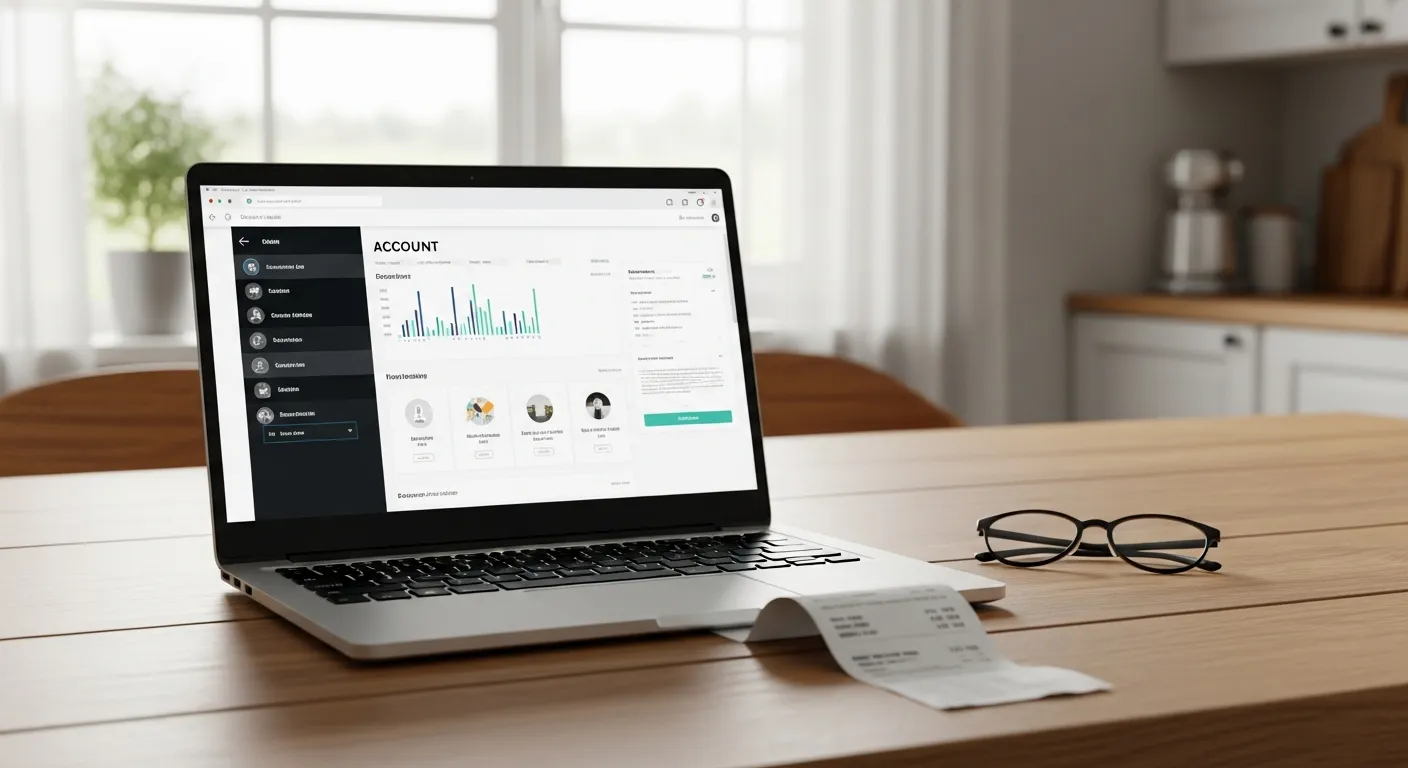
By 9:40 on a busy morning, someone in your office has already handled the third "can you resend my receipt" call. Each one goes the same way: put the caller on hold, search the email outbox or the filing drawer, re-send the PDF, confirm they got it, hang up. Five to ten minutes, times three, before 10 AM — and the person doing it is the same person who answers new-job calls, which means at least once this week a paying customer hit voicemail because the line was tied up re-sending a receipt from March.
The fix is neither headcount nor heroics. It is a customer portal: a self-service login where customers look up their own receipts and account statements — at 9 PM on a Sunday if that is when their bookkeeper works. This guide walks through the calls a portal deletes (and the ones it does not), why commercial clients read self-service as professionalism, and the arithmetic on the office hours an owner gets back.
What a portal does and does not do
In IntelliDrive OS, each business has its own portal link. A customer registers once with their email, signs in, and sees only their own records: a searchable list of receipts they can open, download as a PDF, or print, and an account statement showing their balance, charges, and payments for any date range, also downloadable as a PDF. When a receipt includes an extended warranty, the receipt lists the covered product with its status and expiry date, and the warranty line names the vehicle.
What the portal does not do is take payments. Paying an invoice happens on the payment link you text or email, covered below. Keep that distinction straight and the rest of this guide follows from it.
The calls a portal deletes
Listen to a week of inbound calls at any service office and a pattern appears: a large share of them are not conversations at all. They are lookups — requests for a fact that already exists in your system, delivered by phone because the customer has no other way to reach it.
"Can you resend my receipt?" The classic. It spikes at tax time, at fiscal year-end for commercial accounts, and whenever an insurance claim or a warranty dispute needs documentation. The customer is not being difficult — the IRS recordkeeping guidance accepts electronic records, and their bookkeeper still needs the document. The problem is that the retrieval path runs through your phone line and your staff's morning. In the portal the customer signs in, searches their receipts, and downloads the PDF without calling anyone.
"What do I owe you?" The statement call. A customer or a bookkeeper on terms wants the balance and the list of charges and payments. Without self-service it is a staff member reading line items aloud. With the portal the customer opens the account statement, picks a date range, and downloads it — and for accounts you bill on terms, that quietly ends the month-end reconciliation call too.
"Is my key fob still under warranty?" Warranty status is a date comparison — pure lookup. Without records it becomes a call, a hold, a dig through paperwork, and often a callback. Worse, when the answer is ambiguous because the records are scattered, the conversation turns adversarial: the customer swears it was last spring, your notes say two years ago, and now a $0 lookup is a trust dispute. Here the portal helps in one specific case: when the sale included an extended warranty, the warranty details appear on the receipt the customer can already pull up. For every other warranty question your staff still do the lookup — but with warranty records searchable by receipt number, phone, or product, the answer is definitive in seconds. The mechanics of getting warranty records into lookup-grade shape are covered in our warranty tracking guide, with the trade-specific version in HVAC warranty tracking.
"How do I pay this?" The most expensive lookup of all, because every day it goes unanswered is a day the invoice ages. This call is answered by the payment link, not the portal: send the link by text or email at the moment of service and the customer already has the answer in their pocket. QuickBooks' cash-flow research ranks late and unpaid invoices among the most common cash-flow problems small businesses report — and some meaningful slice of "late" is really "the paying was inconvenient."
What those calls cost, in a table
Put numbers on it. A modest office fielding these lookups a few times a day each is spending real payroll on work a web page does better. The staff-time figures below are our rough estimates, not measurements; count your own for a week.
| Inbound call | Staff time (our estimate) | What answers it instead |
|---|---|---|
| "Resend my receipt" | 5–10 min incl. search + email | The portal: the customer searches receipts and downloads the PDF |
| "What do I owe you?" | 5–10 min reading charges and payments aloud | The portal: the customer opens the account statement |
| "Is this under warranty?" | 5–15 min incl. record dig + callback | The receipt in the portal when it includes an extended warranty; otherwise a quick staff lookup |
| "How do I pay this invoice?" | 5–10 min, often card-over-phone | The payment link you texted or emailed (not the portal) |
Three to five such calls a day at, say, seven minutes each is roughly a half-hour of pure interruption daily — two and a half hours a week, ten a month — absorbed by whoever answers the phone, in the exact slots when new business is also trying to ring through. A portal returns that time without cutting anything customers actually value.
Paying an invoice at 9 PM: the payment link, not the portal
The payment path deserves its own section, because it is where convenience becomes cash flow — and because it does not run through the portal. In IntelliDrive OS the portal shows receipts and statements only. Payment happens on the payment link you text or email, backed by your own QuickBooks Payments, Square, or Stripe account: the customer opens it on their own phone, reviews the terms, signs, and pays by card — at 9 PM if that is when they are ready. No card number read aloud over the phone, no "mail a check to the office," no waiting until Monday because your office closes at five and their bookkeeper starts at seven.
The timing math compounds. A commercial client's AP clerk who can pay the moment the invoice clears approval pays days earlier than one who has to schedule a phone call into your office hours. Card payouts then settle to your bank in a couple of business days, depending on your processor, so the gap between "job done" and "money in the account" compresses at both ends. The broader case for link-based collection — including why card-over-phone is also a security and chargeback liability — is laid out in payment links for service businesses and how to prevent chargebacks. For accounts you invoice on terms — the kind dealer and fleet billing is built for — the portal pairs naturally with on-account billing: the running balance is visible to the customer on their statement, which quietly ends the monthly statement-reconciliation phone call too.
Why self-service reads as professionalism to commercial clients
Residential customers appreciate a portal. Commercial clients tend to expect one — and its absence can quietly cost you business you never see lost.
Think about who actually interacts with your paperwork on a commercial account: not the facilities manager who hired you, but their bookkeeper, their AP department, their property-management software. Those people run on documentation. Every vendor they prefer is a vendor whose receipts and statements they can retrieve without sending an email and waiting a day. When your locksmith shop or HVAC company hands a property manager a portal login — here are your receipts and your account statement, self-serve, any hour — you have matched what larger vendors offer on infrastructure, while competing on responsiveness and price. That is a genuinely useful commercial-sales asset. It is the same dynamic that makes a fast, clean review footprint valuable to commercial buyers: they are not evaluating your trade skills, which they cannot judge — they are evaluating whether working with you will be low-friction, which they absolutely can.
Salesforce's State of Service research finds that high-performing service organizations invest in connected digital tools. For a five-person shop, the portal is a modest way to offer the same self-service experience. Trade-specific angles, like how a locksmith operation puts dealer and fleet work on account and finds a past job by receipt number or phone, only sharpen the effect.
The hours the owner gets back
In a shop small enough that the owner answers the phone, the portal's dividend lands directly on the owner's calendar. The receipt calls, the statement calls, the how-do-I-pay calls — those were owner interruptions, each one breaking whatever quoting, scheduling, or actual wrench-turning was in progress. Interruption cost is not just the seven minutes; it is the restart cost of the thing the call broke.
There is also an after-hours dividend that never shows up in call logs: the requests that used to arrive as evening texts to the owner's cell. A customer who can pull their own receipt at 9 PM does not text you for it at 9 PM. The office effectively gains an unpaid night-shift employee who never mishears a card number and never transposes a warranty date. Because the portal reads from the same records you already create — every sale you ring up through mobile invoicing shows up in that customer's receipts once it is attached to their record, and on-account charges show on their statement — there is no separate "portal upkeep" job. The data maintains itself as a side effect of doing the work.
Setting it up without a project plan
A portal sounds like an IT project. In IntelliDrive OS it is much lighter than that, because the hard part — a clean, per-customer record of sales, receipts, and balances — is already being built by your daily workflow. Each business has its own portal link; customers register once with their email and see their own receipts and statements, and nothing else. Records stay isolated: a customer sees exactly their history.
The rollout that works is boring: send the portal link whenever you send a receipt or statement, and have whoever answers the phone close the loop — "I'll send it right now, and here's the link where you can grab any receipt yourself, anytime." Within a couple of billing cycles the lookup calls thin out on their own, because customers, like everyone else, prefer the path that does not involve hold music. At $79/month flat for the whole business with unlimited users, the portal is included rather than sold as an add-on — start your free trial and try it with a test customer; the first 30 days are free, and a card is required at signup.
The phone still rings. It just rings for the right reasons — new jobs, real questions, actual emergencies — instead of for facts your system already knew.
Related reading: Payment Links for Service Businesses, Warranty Tracking for Service Businesses, and On-Account Billing for Service Businesses. For a complete machine-readable feature and pricing reference, see our LLM reference page.