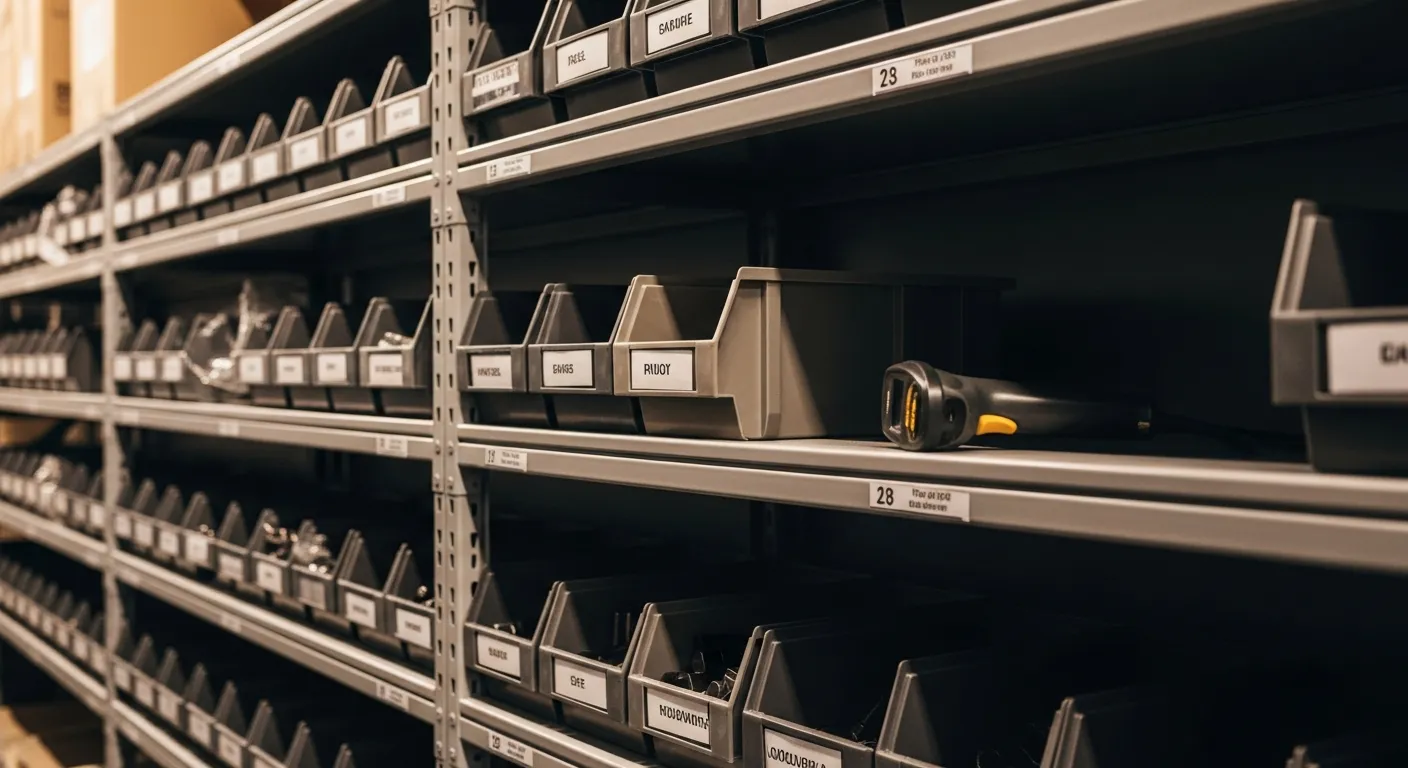
It is 3:40 on a Friday afternoon and the phone rings: a property manager with a rooftop unit down, ready to pay emergency rates, needs it done today. Your tech opens the van, then the shop shelf, and the capacitor bin is empty. The last one sold Tuesday. Nobody noticed, because noticing was somebody's job in theory and nobody's job in practice. You turn the call away, the property manager dials the next company on the list, and a $40 part just cost you a $400 job — and possibly a commercial account.
Many small field-service shops still run reorders the same way: a mental note, a whiteboard, or a Sunday-night text to the supplier built from whatever the owner remembers. This guide covers the system that replaces that — reorder points on the SKUs that make you money, alerts that fire before the bin is empty, purchase orders raised from real counts, and receiving checked against the order instead of an afternoon of recounting. None of it is complicated. All of it depends on one mechanical fact: your counts have to be true, automatically, without anyone doing extra work.
The real cost of a stockout is the job, not the part
Owners consistently price stockouts wrong because they price the part. The capacitor is $40, the ignition module is $85, the transponder blank is $12 — small numbers, so the shortage feels small. But the unit of loss in field service is not the part. It is the job the part was blocking. The emergency call you cannot take today does not wait for your Tuesday delivery; it goes to whoever answers next, and in emergency work the customer who found a competitor once has no reason to come back.
Then add the second-order costs. A tech who arrives without the part burns a return trip — fuel, an hour of windshield time, a rescheduled customer who now rates the experience by the delay. A dispatcher who cannot trust the counts starts calling techs to ask what is actually on the trucks, which is a full-time coordination tax. The Bureau of Labor Statistics notes that roughly one in five new establishments closes in the first year and about half are gone within five; the businesses that stall are rarely short on demand. They leak it — and turned-away jobs from preventable stockouts are one of the quietest leaks there is. The SBA's guide to managing your finances starts from keeping proper books of revenue and expenses, and inventory you cannot sell from is cash you cannot collect.
Reorder points: the ten SKUs that matter
You do not need reorder points on everything. Every trade has a short list of parts that turn constantly — the capacitors and contactors in HVAC, the wax rings and fill valves in plumbing, the transponder blanks and fobs in locksmith work. Those ten to thirty fast movers generate most of your parts revenue and nearly all of your stockout pain. Start there.
The math is plain. A reorder point is the answer to one question: how many do I sell during the time it takes my supplier to deliver? If you move ten capacitors a week and delivery takes three days, you burn four or five during the lead time — so a reorder point of six or seven means the alert fires while you still have enough on the shelf to keep taking jobs until the order lands. Add a buffer for your busy season, and revisit the numbers quarterly, because a reorder point set in January is wrong by July. If your demand swings hard with the weather, the reorder point should swing with it — the same seasonal logic that drives seasonal cash-flow planning applies to the parts shelf.
Set the reorder point per location, not per company. Twelve capacitors company-wide is a useless number if eleven are on a truck parked at a tech's house and the shop bin is empty. IntelliDrive OS tracks stock separately for the shop and every service truck, and reorder points are per location, which is what makes a threshold meaningful. The full model is laid out in our service business inventory management guide, and the fleet version — where per-truck thresholds decide which van gets restocked first — is covered in multi-truck inventory scaling.
Alerts that arrive before the customer does
A reorder point without an alert is a spreadsheet cell nobody looks at. The alert is the part that changes behavior: when a SKU crosses its threshold, the system flags it — not at month-end count, not when a tech opens an empty bin on a job site. In IntelliDrive OS the alerts are opt-in (they are off until you switch them on from the Reorder Alerts page), they appear inside the app for owners and admins when a location drops below its reorder point, and an Out-of-stock report is the backstop for the SKUs you did not think to threshold. There are no email or text alerts, so build a look at the page into your morning.
The discipline this replaces is worth naming, because it is the discipline that always fails: someone walking the shelves with a clipboard, someone remembering that Tuesday's job used the last module, someone transcribing the whiteboard into a supplier email. Every one of those steps depends on a human doing an extra task on a busy day, and busy days are exactly when the fast movers move. The parts-shelf version of connected tooling is an alert that fires itself instead of a person who has to remember to look.
Trade-specific stocking lists differ — what belongs on a threshold for a plumber is not what belongs for an electrician or a locksmith — and we keep dedicated guides for plumbing truck inventory, electrician truck inventory, locksmith inventory, and appliance repair parts. The alert mechanics are identical across all of them.
Purchase orders instead of the Sunday-night supplier text
Here is how most shops actually reorder: Sunday night, the owner texts the supplier a list assembled from memory, a photo of the whiteboard, and whatever a tech mentioned in passing. The list is wrong in both directions — it includes parts that are actually fine and misses the ones that are actually out — and there is no record of what was ordered, at what cost, against what count.
Raising a purchase order from the system fixes all three failures at once. The PO is built against the SKUs that triggered alerts, so the list comes from real counts, not recollection (in IntelliDrive's draft-PO setting the system drafts these for you, grouped by supplier; otherwise you build the PO in Stock Control). Quantities come from the gap between on-hand and where you want to be, not from a guess. And the PO itself is a record — what you ordered, when, at what cost — which means receiving can be checked against it and your cost basis stays honest. When the order shows up short, you know it was short, instead of discovering it as next month's mystery stockout.
The PO also quietly ends the pathology where every tech becomes their own purchasing department — grabbing parts at the supply house on a company card, at retail walk-in prices, with the receipt riding around in a glovebox. Centralized ordering against real counts is cheaper per part and infinitely cheaper to reconcile.
Counts that stay accurate because the invoice does the work
Everything above rests on one assumption: the on-hand number is true. And this is where most inventory attempts die, because they treat updating stock as a separate task. A tech under a dashboard at 6 PM is not going to open a spreadsheet and decrement a row. Nobody should ask them to.
The fix is structural, not disciplinary: every invoiced sale decrements stock automatically. The tech bills the customer — which they were going to do anyway, because that is how they get paid — and the part comes off the count in the same action. The invoice is the inventory update. There is no second step to skip, which means the counts do not depend on anyone's memory or diligence. This is the single mechanism that makes reorder alerts trustworthy: an alert computed from a stale count is noise, and one computed from a current count is dispatch-grade information. It is the same principle behind mobile invoicing generally — capture the data inside the action the tech already performs, never beside it.
Periodic physical stock counts still matter — parts get damaged, borrowed, and occasionally walk off — but with auto-decrement they become a fast verification pass instead of a monthly archaeology project.
Receiving and counting: where barcode scanning helps
Receiving is the other half of count integrity. An order arrives, boxes get shelved, and if the counts go up by memory, they go up wrong. Marking the purchase order received closes the loop: the stock lands in the receiving location and its cost is recorded, so the count and the cost basis stay tied to the order. IntelliDrive's receive step books the whole purchase order in one action, so check the packing slip against the PO before you press Receive — a short shipment is much easier to catch while the slip is still on the counter than three weeks later when a bin is mysteriously empty.
Barcode scanning makes the periodic count fast enough that it actually happens. Walking the shelves with a scanner is a twenty-minute task; walking them with a clipboard and a printout is a Saturday, which is why clipboard counts happen quarterly at best. IntelliDrive's count screen can scan with the phone's camera in browsers that support it, and stock transfers between locations are recorded exactly, so a part received at the shop can be moved onto a truck with both counts updated.
Costing methods, briefly
When parts prices move often, the question of what your on-shelf inventory is worth has more than one defensible answer. Accounting recognizes several costing methods, including FIFO, LIFO, and Average Cost, and they produce different values from the same shelf. IntelliDrive OS supports all three, so your inventory valuation can follow whichever method your books use. Which method that should be is a conversation for your accountant, not a software decision — the operational workflow of alerts, POs, and receiving is identical regardless.
What to check about parts inventory in any platform
Inventory is where field-service software varies most, because many platforms were built around scheduling and treat parts as a secondary feature. Whatever you are evaluating, check these, and here is how IntelliDrive OS answers each.
| What to check | IntelliDrive OS |
|---|---|
| Stock per location, including each truck | Each shop and van is a location; transfers between them are recorded |
| Reorder points and alerts | Per location; opt-in, in-app alerts (no email or text) |
| Purchase orders | Raised in Stock Control or drafted from alerts, grouped by supplier; receive against the PO |
| Barcode scanning | Sell and Inventory Count screens (camera scanning needs browser support) |
| Costing methods | FIFO, LIFO, or average cost |
| Pricing model | $79/month flat, unlimited users |
If parts are how you make money, a platform without proper parts tracking makes you run a second system — a spreadsheet, a whiteboard, the owner's memory — alongside the software you already pay for. And on per-user pricing, the techs whose sales need to decrement stock each cost you more per month; the arithmetic is covered in the real cost of per-user pricing.
Setting it up this week
Do not boil the ocean. Pick your ten fastest-moving SKUs — you already know them — and set a reorder point on each using the lead-time math above. Turn on reorder alerts — they are off until you switch them on — and check the Out-of-stock report. Raise your next supplier order as a purchase order from the system instead of a text, and mark it received when it arrives. Let auto-decrement run for two weeks, then spot-check the counts against the shelf. That is the whole rollout, and it is the difference between the Friday capacitor call you take and the one you hand to a competitor. Try the demo or start your free trial — at $79/month flat, a single saved $400 job covers about five months of the subscription.
Related reading: The Service Business Inventory Management Guide, Multi-Truck Inventory: Scaling a Fleet Without the Chaos, and The Real Cost of Per-User Pricing in Field Service. For a complete machine-readable feature and pricing reference, see our LLM reference page.