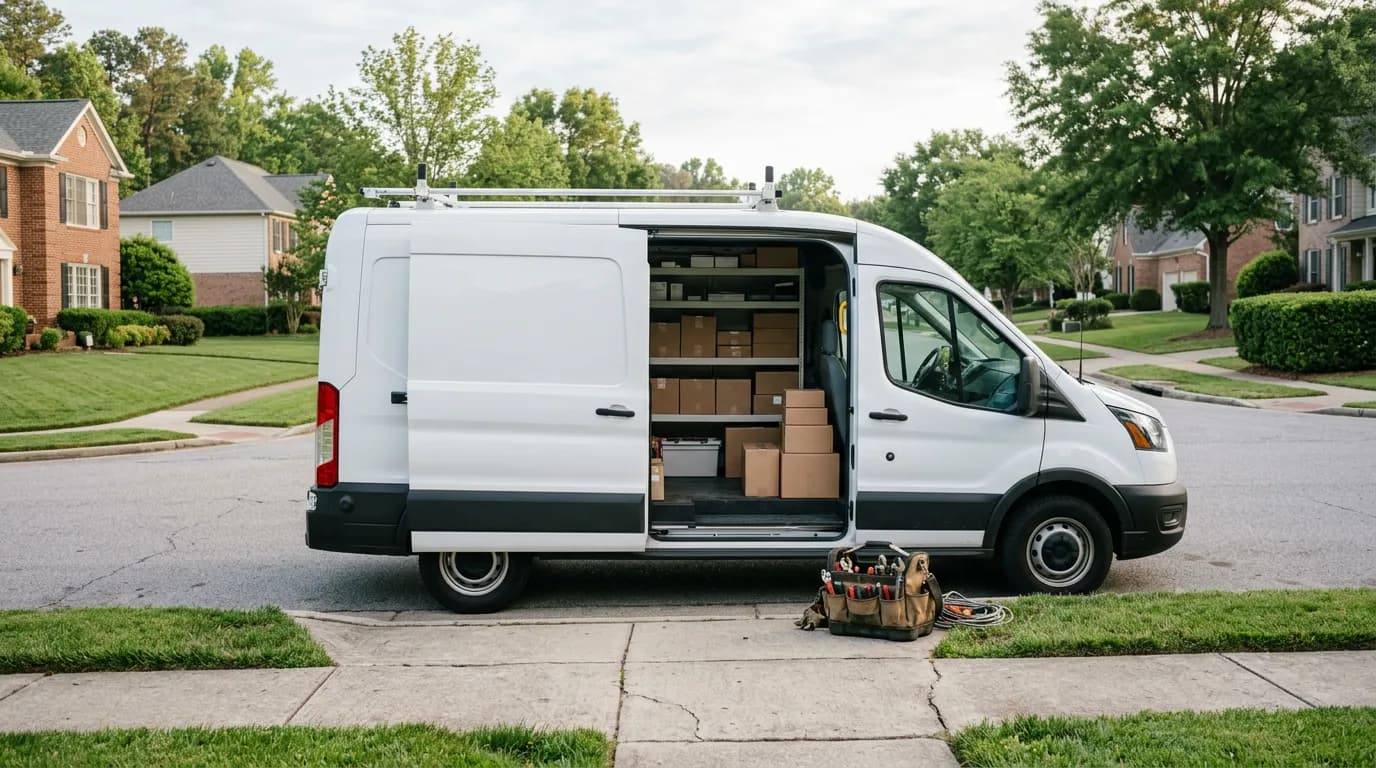
Somewhere in your customer list is an HVAC customer you tuned up last spring. The job went fine. They paid on the spot, maybe left a review. And then they never heard from you again — so when their system needed attention this year, they searched Google like a stranger and hired whoever ranked. You didn't lose that customer to a competitor. You lost them to silence.
Many small service businesses still spend real money chasing new leads — ads, lead services, SEO — while sitting on a list of past customers who already trust them and cost almost nothing to reach. This guide covers how retention marketing works for the trades: SMS and email campaigns to past customers, segmentation by last visit and value, a re-engagement routine for the ones drifting away, loyalty points, and a seasonal campaign calendar by trade. It's grounded in how IntelliDrive OS handles campaigns and customer records — manually, to fixed segments — but the playbook applies to any shop with a customer list and a slow Tuesday.
The math: a past customer vs. a new lead
Every new customer arrives with an acquisition cost. Maybe it's a per-lead fee, maybe it's your ad spend divided by booked jobs, maybe it's the revenue you lose to missed calls while chasing the ones that do come in. Then comes the conversion tax: a stranger has to be convinced you're legitimate, priced fairly, and going to show up.
A past customer has none of that friction. They know your work — they've watched you do it in their driveway. Reaching them costs a text message. The only thing standing between you and their next job is whether they remember you exist when the need arises, and that's precisely the problem a retention campaign solves. This matters beyond any single job: the Bureau of Labor Statistics' survival data shows about 20% of new establishments close in year one and roughly half within five years, and turning one-time jobs into repeat relationships is one way a business builds staying power instead of re-buying every customer from scratch.
The prerequisite is unglamorous: a real customer database. If your history lives in a shoebox of invoices, there's nothing to campaign against. Customer records with their full sales history, created as a byproduct of ringing up each sale, are the foundation everything below stands on. It's also worth remembering the channel you're using: nothing is more connected or more mobile than the text thread on your customer's phone.
Segmentation: the difference between marketing and spam
The fastest way to burn a customer list is to send everyone everything. The locksmith customer who bought a car key does not care about your home rekey special — and every irrelevant message teaches recipients to ignore you or opt out.
Segmentation fixes this with data you already collected on the invoice:
- By service type. (IntelliDrive's built-in segments do not split by service type, so pull these lists from your sales history.) What someone bought tells you what they own and what they'll need. Key-programming customers own cars that will lose keys again. Tune-up customers own systems that need annual service. Drain-cleaning customers will clog another drain. Match the message to the segment and it stops being marketing and starts being a useful reminder.
- By last visit. Recency splits your list into hot, cooling, and cold. A customer from six weeks ago needs nothing but a review request — ask every customer for one; that's its own campaign. A customer from ten months ago is due for a nudge. A customer from two years ago needs a genuine "we miss you" offer.
- By value, once you're comfortable. Your top-spending customers deserve different treatment — early access to slow-week slots, a loyalty bonus, a holiday thank-you. The High Spenders segment (top 20% by lifetime sales), the VIP Inactive segment, and your sales reports already know who they are.
In IntelliDrive OS, segmentation is built into the Marketing page: At Risk (no purchase in 30 to 60 days), Lost Customers (60 or more), VIP Inactive, New Customers (first purchase within the last two weeks), High Spenders (top 20% by lifetime sales), and All with Phone — each a selectable audience rather than a weekend spreadsheet project. There is no segment for "everyone who bought an HVAC tune-up more than 9 months ago"; for that, pull the list from your sales history.
SMS vs. email: use both, differently
The channels aren't interchangeable. Texts are usually read quickly but tolerate very little length or frequency. Email tolerates detail and cadence but competes with a crowded inbox. The working split:
| SMS campaigns | Email campaigns | |
|---|---|---|
| Best for | Time-sensitive nudges: seasonal reminders, slow-week openings, "you're due" | Detail: seasonal checklists, what's-included explainers, seasonal promos |
| Length | 1–2 sentences plus a link | A few short sections |
| Attention | Usually read quickly | Often read later, if at all |
| Frequency ceiling | A handful per year, per customer | Monthly is fine |
| Booking friction | Lowest — reply or tap to book | Low — click through |
| Risk if overused | Opt-outs, fast | Silent ignoring, slow |
The pattern that works: email carries the story, SMS carries the trigger. September email: "Fall furnace checklist — what we inspect and why." October text: "Furnace tune-up slots open next week — want yours?" Same campaign, two layers, each channel doing what it's good at.
One practice note on consent: send campaigns to customers who've agreed to hear from you, honor opt-outs immediately, and make it easy to opt out in the first place. IntelliDrive OS only texts customers with SMS consent on file, the built-in templates end with "Reply STOP to opt out", and each campaign records how many opted-out customers were skipped. Beyond being basic courtesy, permission is what keeps the channel effective — a list of people who want your messages outperforms a bigger list of people who don't, every time.
Re-engagement: the campaign you never forget to send
Every owner intends to follow up with lapsed customers. Almost none do, because it requires someone to notice an absence — and absences don't ring the phone. The customer who quietly stopped calling looks exactly like a customer who's fine.
This is the one retention play worth turning into a habit. Define "inactive" — no job in 9 or 12 months, tuned to your trade's natural cycle — and send to those customers on a schedule. IntelliDrive OS does not send re-engagement campaigns automatically: campaigns are manual, so open the Marketing page, choose the At Risk or Lost Customers segment, pick a template, and send; put a repeating reminder on your calendar so it happens whether or not anyone remembers. The message that works here is simple and warm: "It's been about a year since your last service — want us to take a look? Here's 10% off if you book this month."
A routine matters most exactly where attention fails. You'll never forget to invoice a big job; you'll always forget to text the customer from last March — so make the campaign send a recurring calendar item. Customers who do come back find their history intact in your customer records, which makes rebooking feel like a continuation instead of a restart.
Loyalty points: retention with a mechanism
Campaigns pull customers back; loyalty programs give them a running reason to stay. A points program — earn on every job, redeem against future work — quietly changes the customer's default from "search for a locksmith" to "call my locksmith, I have points there." It doesn't need to be rich to work. It needs to exist and accrue visibly. In IntelliDrive OS the points program is off until you switch it on; once it is on, customers earn points automatically on completed sales at the default rate (one point per dollar), the register shows their balance and a reward tag once they reach the minimum, and you redeem points by hand from the Loyalty & Rewards page — redemption is not automatic at checkout.
Gift cards are the sleeper channel next to loyalty: a $50 detailing gift card bought for a brother-in-law is a personal referral with money attached, and it is revenue collected today for service delivered later, which lands especially well in your slow months when cash flow needs the help. IntelliDrive OS does not take a gift card as a payment at the register, so if you sell them, that runs in a separate tool; the loyalty program runs inside IntelliDrive at the flat $79/month.
A seasonal campaign calendar, by trade
Seasonality is the service business's built-in campaign calendar — demand moves on schedule, so messages can too. Seasonal demand also makes revenue uneven, and campaigns timed to your shoulder seasons attack that directly by pulling demand into the weeks you'd otherwise sit idle.
- HVAC: Tune-up texts to the spring segment in March–April (before the heat) and the fall segment in September–October (before the cold). Off-season maintenance offers in the mild months, when your techs are otherwise parked.
- Locksmiths: Holiday-season lockout and spare-key reminders in November–December — travel season is lost-key season. New-year rekey pushes to anyone whose service history says they moved recently. A seasonal offer in December.
- Plumbers: Pre-freeze winterization texts to homeowners in late fall; water-heater check reminders to customers whose units your history says are aging.
- Landscapers: Spring cleanup booking blasts in February–March before the calendar fills; fall aeration and leaf-season offers in September.
- Pest control: Spring ant/termite reminders, fall rodent-exclusion offers as the weather turns.
- Auto detailing: Pre-summer detail packages in May; winter-prep and holiday offers in November.
Each of these is one segment, one message, sent two-to-six weeks before the demand spike. That's the whole discipline.
Measure it like an operator
Retention marketing earns its keep only if it books jobs, so close the loop with numbers: jobs booked after each send, revenue from the segment, opt-outs per send. IntelliDrive OS shows each campaign's sent, failed, and opted-out counts; it does not attribute revenue to a campaign, so compare the segment's sales in the weeks after a send with the weeks before using the sales reports, and ask new bookings what prompted the call. Watch opt-out rate as your early-warning gauge — a spike means wrong segment, wrong frequency, or wrong offer.
Start embarrassingly small. One segment — last year's seasonal customers. One text, timed to the season. Count the bookings. A campaign like that takes minutes to send, and it compounds: every job it generates adds another customer to next year's segment. The customer you tuned up last spring is on someone's list right now. Make sure it's yours — try the demo and look at the campaign tools yourself.
Related reading: Asking every customer for a review · The real cost of missed calls · AI receptionist for service businesses
For a complete machine-readable feature and pricing reference, see our LLM reference page.