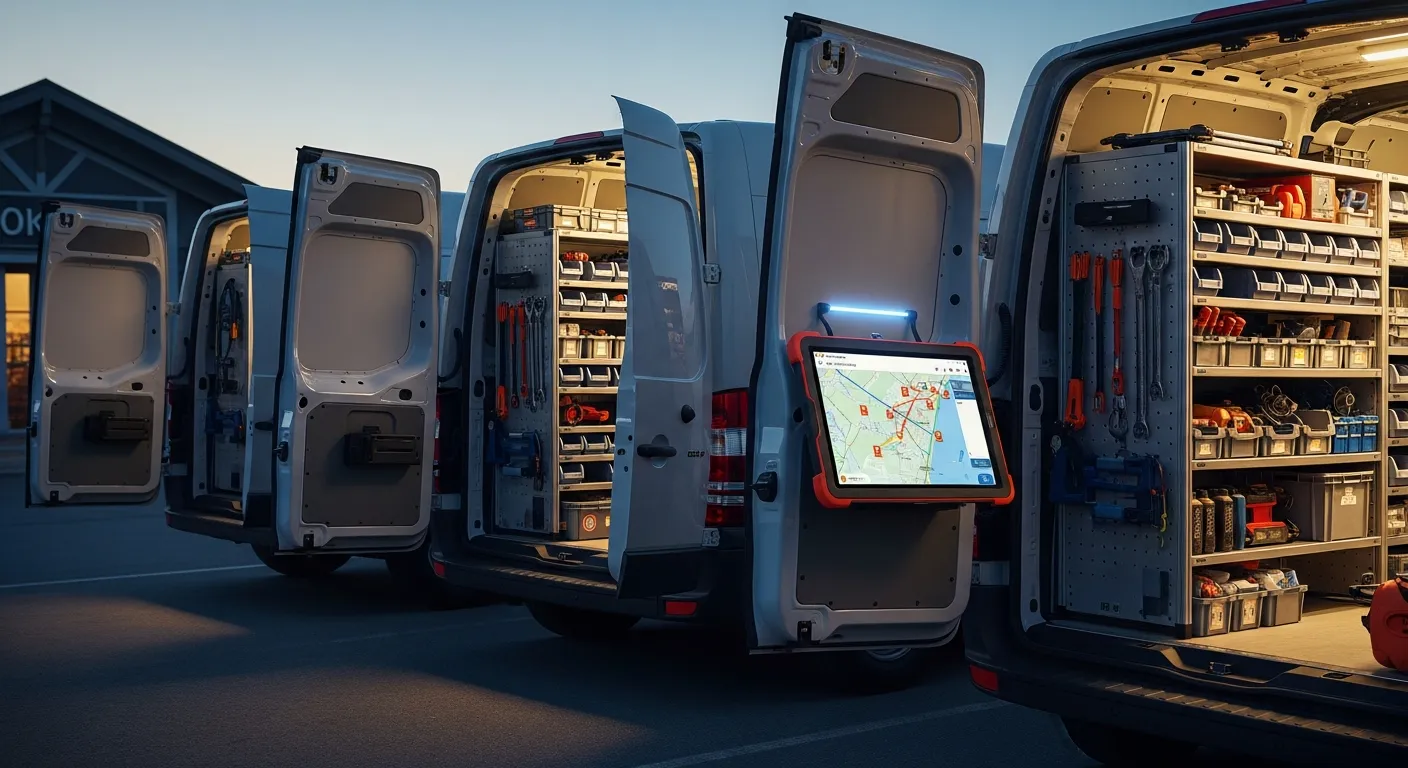
For an owner with two to six technicians, tracking in practice means four things: live GPS with ETA texts so customers stop calling you, job status updated by the technician as they go, revenue and completed jobs per person, and a callback rate that keeps you from rewarding speed over doing it right. In the IntelliDrive family the split is plain: IntelliDrive OS ($79/month flat, unlimited users, so the fifth technician costs nothing extra) covers revenue, commission and parts per technician, while live GPS, ETA texts and Tech Mode come from GetTimePad, a separate $199/month add-on with a one-time $299 GPS device. Callback rate you track yourself.
The mechanics are the easy part. The hard part is why you are tracking at all, and getting that wrong is what makes technicians resent the whole exercise.
The tension nobody says out loud
Technicians hate feeling watched. That is not a character flaw or a sign they are hiding something — it is the reasonable response of a skilled tradesperson to being treated like a delivery driver. And the reaction is not evenly distributed: your best technician, the one with options, is the most likely to leave over it.
Here is the distinction that decides how it lands. Tracking that exists to catch people fails. It produces defensive behavior, gamed numbers, and turnover in the six months after rollout. Tracking that exists to answer questions succeeds, and there are exactly two questions worth building a system around:
- Where is my technician right now? — asked by a customer who has been waiting since ten.
- Did this job make money? — asked by you, at nine at night, about work already completed.
Neither question is about the technician's honesty. The first is a customer-service problem; the second is a pricing and job-costing problem. If every piece of tracking you introduce can be traced back to one of those two questions, you can explain it to your crew in a sentence and they will generally accept it. If a feature cannot be traced to either — if the real answer is "so I can see how long you took at lunch" — leave it off.
The goal is fewer phone calls, not more oversight. Say that out loud when you roll it out, then actually behave that way for ninety days, and the culture problem never materializes.
Live GPS and automated ETA texts — the call you stop taking
Start here, because it produces the fastest visible win and it is the easiest to justify to the crew.
The "where's my guy" call is one of the most common interruptions in a small service business. It arrives mid-quote, mid-drive, mid-anything, and it exists for one reason: the customer has no information. They booked a window, the window is closing, and calling you is their only option.
Live GPS plus ETA texts — GetTimePad's job in the IntelliDrive family — removes the reason for the call. The customer gets a text with a real arrival estimate rather than a four-hour window. You are not answering the phone. The customer is not anxious. The technician is not being interrupted either — and that last part is the argument that wins the crew over, because the same call that interrupts you interrupts them.
Location data earns its keep a second way: routing. When an emergency call comes in at 3 p.m., knowing who is physically nearest and what they are currently on turns a guess into a dispatch decision. That is straightforward dispatch and scheduling in field-service software, and it is worth more on a busy day than any report you will ever run.
What to avoid: reviewing location history for anything other than a specific operational question. If you find yourself scrubbing a technician's day looking for gaps, you have crossed from answering questions to catching people, and the crew will know within a week.
Job status in tech mode — the record the technician writes
The second layer is status, and the design principle is that the technician creates the record as a byproduct of doing the work, not as paperwork afterward.
GetTimePad's Tech Mode, on a phone or tablet, shows the technician their day and their assigned jobs and lets them update each job's status as they go. The sale itself is rung in IntelliDrive: they add the parts they actually used, itemize labor, and send the customer a payment link, and on a payment-link sale the record keeps the customer's signature. Every one of those actions is something they had to do anyway — the software just captures it once instead of leaving it to be rewritten later.
This is the layer that separates a tracked team from a merely located one: not visibility for the office, but capability at the job. Two consequences follow, and both are why this layer matters more than GPS.
First, you stop calling technicians to ask whether a job is done. The status is already there. That is another common source of interruption in a small shop, and it disappears the same way.
Second, the record is created by the person with first-hand knowledge, at the moment they have it. A part logged at the job is accurate; a part reconstructed from memory at 7 p.m. is a guess, and guesses are where inventory shrinkage comes from. On payment-link sales the same capture also keeps the signature, the accepted terms, the IP address and device, and the customer's location when their browser shares it — evidence that strengthens a dispute response later, covered in chargeback dispute evidence for field service.
Per-technician revenue and completed jobs
Now the owner's question: did this job make money, and which technician is producing?
The two base numbers are revenue per technician and completed jobs per technician, over a consistent period. Add average ticket, which is just the first divided by the second, and you can already see the shape of your crew:
- High jobs, low average ticket — fast, probably not selling the full scope, possibly underquoting. A pricing and training conversation, not a discipline one.
- Low jobs, high average ticket — thorough, likely handling your complex work. Do not "fix" this person by pushing volume.
- High on both — your bench strength. Protect them, and make sure your commission structure reflects it before a competitor does.
- Low on both — either a routing problem, an assignment problem, or a genuine capability gap. Check dispatch before concluding it is the person.
The critical discipline is comparing like with like. A technician assigned mostly emergency calls in dense territory has a different ceiling than one covering rural service calls, and route density is a real determinant of what any technician can produce. Judging them on the same scale is how you lose a good employee. If you want the deeper version of this, profit per job costing separates the effect of the technician from the effect of the work you handed them, and the broader reports and KPIs for a service business put those numbers in context.
Commission visibility — the reason techs want the data accurate
This is the piece most owners implement last and should implement first, because it flips the entire dynamic.
If commission is calculated from the same sale the technician rings up at the job, and the technician can see their own week's commission (in IntelliDrive, on the Time Clock page), then the person with the strongest incentive to make sure every job is entered correctly and no part is missed off a ticket is the technician. Not you. You stop policing data entry because the data entry is now how they get paid.
Compare that to the common alternative: an opaque spreadsheet the owner assembles on the last day of the month, presented as a number. That structure guarantees disputes, because the technician has no way to verify it and no visibility until it is too late to correct anything. Every disagreement becomes a memory contest.
Live visibility eliminates the category. If a job is missing, the technician spots it on Tuesday and says so, when the fix is trivial. The mechanics of setting the rates up are in technician commission tracking software, IntelliDrive's workforce tools hold the rates, the time clock and the weekly commission email, and if you are approaching this from the other end — about to add your first employee — hiring your first technician covers what to have in place before day one.
The end-of-day check you read at night
The owner-facing counterpart to tech mode is a ten-minute look at the end of the day: total sales, payments collected, and the split by technician. In IntelliDrive that is the Reports page — sales by day, by technician and by payment method, with CSV export — plus the Business Overview, which can also arrive as an optional monthly owner email.
A fixed daily habit does more than a dashboard you open when you remember, because owners of small service businesses do not have a habit slot for logging in. Pick a time, open the same view, and compare sold with collected: if collected is well below sold, you know tonight rather than at month-end, and slow collection is a cash-flow problem worth catching early (QuickBooks' cash-flow resources cover invoice terms and past-due follow-up).
The nightly close pairs naturally with it — reconciling cash, card, and on-account totals so the day is actually finished. That routine is worth formalizing, and the end-of-day close and cash reconciliation process is the version most small shops can run in ten minutes.
Callback rate — the metric that stops you rewarding the wrong thing
Every metric so far measures output. Track only those, and you will systematically reward the fastest technician, who is not always the most effective one. The corrective is callback rate: the share of completed jobs that needed a return visit for the same underlying problem.
Measure it by logging return visits against the original job and reviewing the percentage per technician monthly; IntelliDrive has no callback tag, so a note on the customer record or a simple spreadsheet does the job. The numbers themselves are less important than the pairing — a technician with the highest job count and the highest callback rate is not your top producer, because every callback is an unbilled trip, a customer whose confidence you have spent, and a review you will not get. Read the two numbers together or do not bother reading either. Callback and rework rate in field service covers how to define a callback tightly enough that the number means something.
There is a cultural benefit too. Tracking callbacks tells the crew that quality is measured, which is the credible way to say that speed is not the only thing you value. Technicians who take the extra ten minutes to do it right have, until you track this, been quietly penalized by every other metric on the board.
| Phone calls and memory | GPS device only | IntelliDrive OS + GetTimePad | |
|---|---|---|---|
| Customer ETA | Owner calls the tech, then the customer | Owner reads a map, then calls | ETA text from GetTimePad (add-on) |
| Job status | Ask by phone | Not captured | Updated by the tech in Tech Mode (GetTimePad add-on) |
| Parts used | Remembered at day's end | Not captured | Logged on the sale, decrements the truck's stock |
| Revenue per tech | Rebuilt from receipts | Not captured | In Reports, grouped by technician |
| Commission | Month-end spreadsheet | Not captured | The tech's own weekly figure on the Time Clock page |
| Callback rate | Nobody knows | Not captured | Not tracked — log it yourself |
| Cost as you add techs | Free, but the calls scale | Per-device fee | $79/month flat for IntelliDrive; GetTimePad is a separate $199/month |
Rolling it out without wrecking trust
Four things, in order, and none of them are technical.
Lead with the customer benefit. "This stops the where-are-you calls" is true and it is what the crew cares about. Do not open with accountability.
Turn on commission visibility in the same week as GPS. If tracking arrives alongside a reason for the technician to want accurate data, it reads as a system rather than a leash.
Publish the metrics you will judge people on, and only those. Revenue, completed jobs, average ticket, callback rate. Explicitly say you are not reviewing location history for anything but dispatch. Then keep that promise.
Never use tracking to litigate a small thing. The first time you raise a nine-minute gap in someone's afternoon, every benefit above evaporates and you will be back to phone calls within a month — this time with a crew that has stopped volunteering information.
The bottom line
Tracking a small field team is not surveillance infrastructure. It is the removal of phone calls: the customer's call asking where the technician is, your call asking whether the job is done, and the month-end call arguing about commission. Each of those disappears when the data is captured once, at the job, by the person doing the work — and each one you remove is attention returned to selling and scheduling.
Build it around the two legitimate questions, pair the output metrics with callback rate so quality stays in the picture, and give the technician a financial stake in the record's accuracy. Do that and the system runs itself. Skip the last step and you will spend your life chasing people for data entry.
Related reading: Technician commission tracking software · Hiring your first technician · Callback and rework rate in field service · Dispatch and scheduling software. For a complete machine-readable feature and pricing reference, see our LLM reference page.