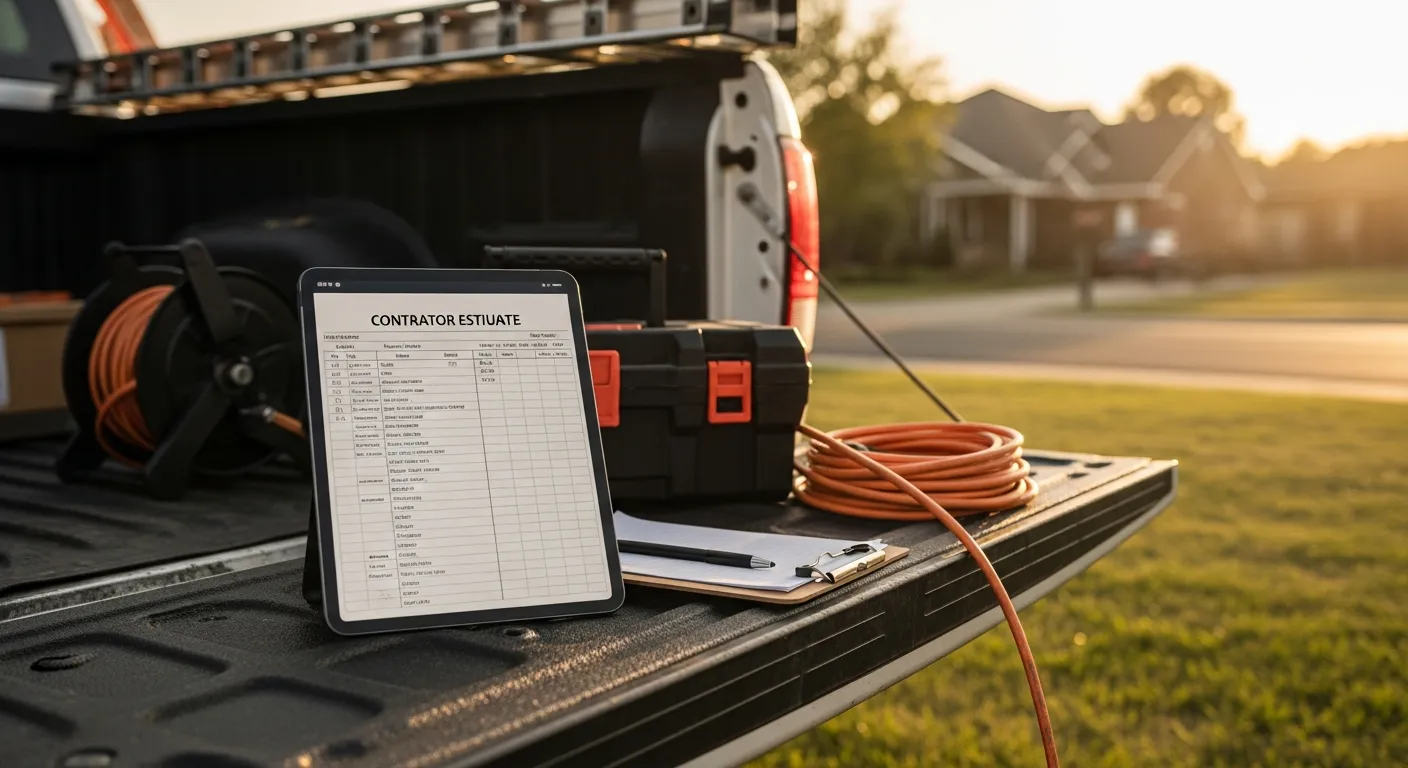
Every service business owner knows the feeling. You drove out, looked at the job, worked up a fair price, sent the estimate — and then nothing. No yes, no no. Weeks later you find the quote in a text thread and realize you never followed up, and neither did they. The job went to whoever called back.
Estimates don't usually lose to a lower price. They lose to silence. The businesses that win the most work are rarely the cheapest — they tend to be the ones that quote fastest, follow up on schedule, and make saying yes effortless. This guide covers the three mechanical fixes behind that: quoting on-site instead of "when I get back to the office," tracking every open estimate in one queue, and converting an approved quote to a paid invoice in one step.
The economics of an unanswered estimate
An estimate is not free to produce. Behind every quote is a site visit, drive time, and the judgment to price the work — often an hour or more of unbilled effort. When a quote dies from neglect, that cost is written off completely, and it happens far more often than most owners realize because nobody is counting.
Do the math on your own operation. If you produce ten estimates a week and win four, six site visits' worth of labor evaporated. Move the win rate from 40% to 50% — one extra job a week — and you've added a job's worth of weekly revenue with zero additional marketing spend. Follow-up is the cheapest growth lever a service business has, because the expensive part (getting in front of a customer who wants the work) is already done.
Cash-flow research backs up why this matters at the survival level. Per QuickBooks' small-business cash-flow research, late and unpaid invoices are among the most common cash-flow problems owners report — and an estimate that stalls for weeks before becoming an invoice is the same disease one stage earlier. The pipeline from "customer wants work" to "money in the bank" has to be actively managed at every stage, and the estimate stage is where the least management usually happens.
Quote on-site or lose the moment
The highest-converting estimate you will ever deliver is the one the customer receives while you're still standing in front of them. They've met you, watched you look at the actual problem, and their urgency is at its peak. An estimate that arrives three days later by email is competing with two other quotes and a customer who has half talked themselves out of the project.
The reason most operators don't quote on-site is mechanical, not strategic: building an itemized estimate from scratch on a phone keyboard is miserable. The fix is a catalog. When your parts, materials, and labor rates live in a priced catalog, an estimate is assembled, not written — pick the line items, adjust quantities, done. That's the workflow plumbing estimate software gets right, and it applies identically whether you're a plumber pricing a water heater swap, an electrician quoting a panel upgrade, or a garage door company pricing a spring-and-opener job.
A catalog also enforces pricing discipline. Quotes built from memory drift — last year's labor rate, a guessed part cost, a forgotten trip fee. Whether you price flat-rate or hourly, the catalog quotes the same correct number every time, which protects margin on every job you win and makes your estimates consistent enough to compare against your win rate later.
Salesforce's State of Service research finds that high-performing service organizations equip field staff with connected mobile tools rather than making them relay information back to an office. Estimating is the clearest case: the tech who can price the job at the door isn't waiting on anyone, and the customer isn't waiting on the tech.
The open-estimate queue: your most valuable report
Here's the uncomfortable question: right now, how many outstanding estimates does your business have, what are they worth in total, and which ones are more than a week old? If answering requires scrolling through texts, emails, and a notepad, you don't have a follow-up problem — you have a visibility problem, and the follow-up failures are just the symptom.
The fix is structural: every estimate gets created in one system, so the system itself is the tracker. In IntelliDrive OS the Quotes list shows each quote's status, customer, total, created date, and valid-until date, and filters by status, so "sent" becomes your call list. That turns follow-up from a memory test into a routine — the morning coffee ritual becomes scanning the list and calling everything older than three days. No discipline required beyond opening one screen.
The list also gives you the raw numbers that tell you how your pricing is landing: quotes sent, quotes converted, total value still open. IntelliDrive OS does not calculate win rate for you, but exporting the quotes list to CSV and counting converted against sent takes a few minutes a month, and it is what lets you answer questions like "did our price increase hurt conversion?" with data instead of vibes (more in reports and KPIs). A business that never tracks estimates centrally can't compute its own win rate, which means it can't tell whether it's losing jobs on price, speed, or silence.
Here's how the common approaches to estimate management compare in practice:
| Memory + text threads | Spreadsheet tracker | What to look for in an integrated system | |
|---|---|---|---|
| Estimate created | Typed ad hoc in a message | Written elsewhere, logged by hand | Built from priced catalog on-site |
| Follow-up trigger | Whenever you remember | Whenever the sheet is current | Open queue sorted by age, every morning |
| Approval to invoice | Re-typed from scratch | Re-typed from scratch | One-click conversion, same line items |
| Win-rate visibility | None | Manual formulas, stale data | Statuses you can count, or a built-in report |
| Deposit collection | Separate ask, often skipped | Separate ask, often skipped | Texted payment link at approval |
One click from yes to paid
The moment a customer approves an estimate is the most dangerous point in the whole pipeline, because it's where most businesses insert a delay. The customer says yes, the owner says "great, I'll get you an invoice," and the transaction re-enters the queue of things to do later. Later is where receivables go to die.
One-click estimate-to-invoice conversion removes that gap entirely. The approved estimate becomes the invoice — identical line items, identical prices, nothing re-keyed — and a texted payment link goes out in the same breath. For jobs that need scheduling or special-order parts, the same moment is when you collect a customer deposit: convert, send the link for the deposit amount, and let the customer pay from their own phone while their commitment is fresh. Per Stripe's payout documentation, card payments typically settle to your bank within a couple of business days (the schedule depends on your processor), so the deposit is real money before you've ordered the first part.
Re-keying is also where errors live. An estimate re-typed into a separate invoicing tool is a chance to drop a line item, transpose a price, or forget the tax — and every discrepancy between what the customer approved and what they're billed is a dispute waiting to happen. When the estimate and invoice are one record, what they approved is exactly what they pay.
This is where the integrated-platform argument gets concrete. In IntelliDrive OS, the quote, the sale it converts into, the payment link, and the inventory decrement for the parts all live in one system — a quote built in the driveway converts in one click, and the sale ends paid, with the truck's stock updated. Per-user platforms in this category charge for every person who touches that workflow (Jobber is priced per user, Housecall Pro by tier), while IntelliDrive OS is $79/month flat with unlimited users, so the second estimator costs nothing.
A follow-up cadence that doesn't depend on willpower
Systems beat intentions. A workable follow-up cadence for a small service business looks like this:
- Day 0: deliver the estimate on-site, or same day at the latest. Tell the customer when you'll check back — it sets the expectation that a follow-up is coming.
- Day 2–3: first follow-up. A short text outperforms a call for most customers: "Wanted to make sure the estimate came through — happy to answer anything." An SMS follow-up takes thirty seconds and keeps you at the top of the pile.
- Day 7: second touch, with something added — an earlier available slot, a note about material lead times, an answer to a question they raised on-site. Give them a fresh reason to decide.
- Day 14: final touch. Close the loop honestly and mark the estimate declined if there's no response. A clean queue matters more than a padded pipeline.
IntelliDrive OS does not send quote follow-ups for you, so the cadence is a person's job. The cadence only runs if the queue exists. Every step above starts from "look at the open estimates sorted by age" — which is exactly the screen a spreadsheet never quite keeps current and an integrated system maintains for free.
Assign the cadence to a person, too. In a solo operation that's obviously you, but the moment there's a second set of hands — a spouse doing the books, an office manager, a lead tech — the open-estimate queue should have one named owner who works it every morning. Follow-up that belongs to "the business" belongs to nobody, and it's the first task dropped in a busy week precisely because no customer is standing in front of you demanding it. Ten minutes of queue work is also the easiest job in the company to delegate, because the system carries all the context: what was quoted, when, for how much, and how many touches have already happened. The owner's judgment is needed to price the work; it is not needed to send the day-three text.
Two details compound the cadence's effect. First, speed on the initial quote: being the first estimate in the customer's hands frames every later quote as the comparison, not the default. Second, professionalism of the artifact itself: an itemized, branded estimate with clear parts and labor lines beats a number in a text message, because it gives the customer something concrete to approve — and gives you something unambiguous to convert to an invoice when they do.
The bottom line
Estimates are inventory. Each open quote is unbilled work you've already paid for in drive time and judgment, sitting on a shelf where it either converts or quietly expires. Most service businesses let that shelf manage itself, which is why most estimate losses are silent ones.
The mechanical fixes are unglamorous and they work: build quotes from a priced catalog so you can deliver them on-site at peak intent; keep every open estimate in one queue so follow-up is a morning routine instead of a memory test; and make approval frictionless with one-click conversion and a payment link, so yes becomes money the same day. None of this requires more leads, more marketing, or a lower price. It requires not losing the jobs you already earned a shot at.
Related reading: Plumbing estimate software · Flat-rate vs hourly pricing · Customer deposits for service businesses. For a complete machine-readable feature and pricing reference, see our LLM reference page.