An HVAC company sells three different things, often on the same day. It sells labor, on a service call. It sells parts, off the truck, as part of that call. And many companies also sell items straight across a counter: filters to a property manager, a thermostat to a homeowner, a capacitor to another contractor who is short one. Most software is built for the first, tolerates the second, and ignores the third.
As of October 2026, "HVAC POS software" is a small but specific search, and the people making it usually have the same problem. Their service software schedules and invoices well, and they still cannot say how many 45/5 capacitors they own or what they made on parts last month. This guide explains what a point of sale does for an HVAC business, how it differs from invoicing software, and how to tell whether you need one.
What "POS" means when the store is a truck
In retail, a point of sale is the register. For a service company it is wider than that. It is the place where three things happen in a single action: an item is priced, payment is taken, and stock is reduced.
That third step is the one that separates a POS from an invoicing tool. An invoice says you charged $38 for a capacitor. A POS says you charged $38, the part cost you $9, it came off truck 3, and truck 3 now has two left. One is a record of the customer's bill. The other is a record of your business.
For HVAC that distinction is worth real money, because parts are a large share of every repair ticket and almost nobody counts them. A van can carry several thousand dollars of small parts, and it is common for an owner to have no reliable number for any of it. We covered the stocking side in HVAC truck stock, refrigerant, and parts management. The POS is what keeps those counts true after the first week.
The three kinds of sale an HVAC company makes
The service ticket. A no-cool call ends with a diagnostic fee, a part, and labor. This is the common case, and the requirement is speed: the tech needs to build the ticket from a catalog, not type it, and take payment in the driveway.
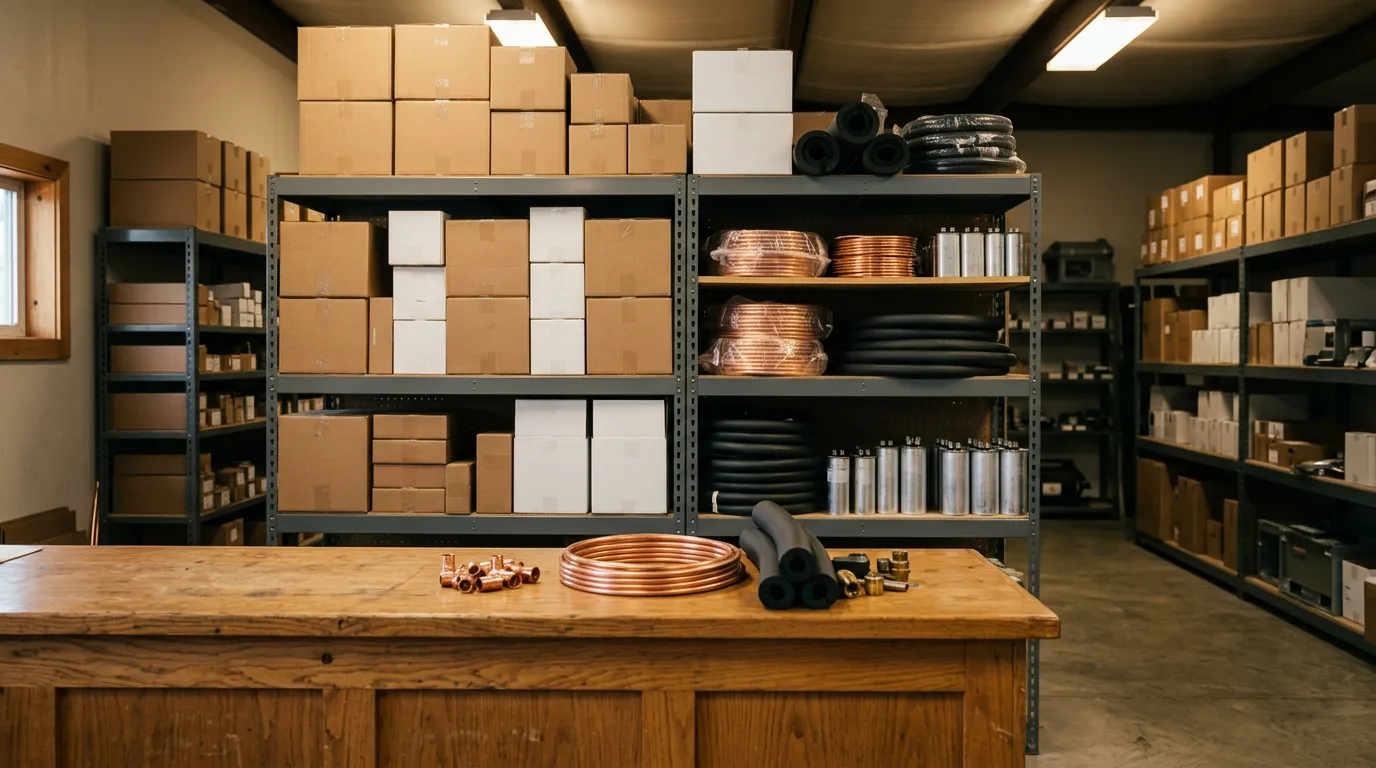
The counter sale. Someone walks in or calls ahead for filters, a thermostat, or a part. There is no appointment and no technician. A scheduling-first tool has nowhere to put this sale, so it ends up in a cash drawer or a handwritten receipt and never reaches the inventory count.
The equipment sale. A condenser, an air handler, a furnace. This is a large ticket with a deposit, an install date, and serial numbers that have to be recorded for warranty. It has more in common with a project than a repair, and it usually involves a deposit taken before the equipment is ordered. Our guide to customer deposits covers how to structure that.
A system that handles only the first leaves the other two in spreadsheets. The value of a true POS is that all three go through the same catalog, the same stock counts, and the same end-of-day report.
POS software versus invoicing software versus an FSM platform
These three categories overlap, and vendors use the words loosely. The practical differences look like this.
| Capability | Invoicing app | Scheduling-first FSM platform | Field-service POS |
|---|---|---|---|
| Itemized invoice from a catalog | Yes | Yes | Yes |
| Walk-in counter sale with no job | Awkward | Usually not supported | Yes |
| Stock reduced when an item is sold | No | Limited or an add-on | Yes, per truck and per location |
| Split payment across cash, card, and check | Rarely | Sometimes | Yes |
| Returns and refunds against stock | No | Limited | Yes |
| Barcode scanning | No | Rarely | Yes |
| Equipment serial and warranty lookup | No | Varies | Yes |
| Scheduling and dispatch | No | Yes, the core strength | Yes, through an integrated calendar |
The honest summary is that scheduling-first platforms are stronger at dispatch boards and weaker at the register. If your company's hardest problem is routing twelve technicians, dispatch should lead your decision. If your hardest problem is that parts and money do not reconcile, the POS should.
What an HVAC POS has to do well
Sell from a catalog. Every part you stock should exist as an item with a cost and a price. The tech picks it; they do not type it. This is also what makes pricing consistent between technicians. If you have not built a catalog yet, start with the service price book guide.
Count by location. The warehouse, the counter, and each truck need separate counts. "We have six" is useless if all six are on the truck that is across town.
Take every kind of payment. Card reader, payment link, cash, check, and on-account for commercial customers, including splitting one ticket across two methods. IntelliDrive OS supports split payments across cash, card, check, and on-account, and commercial customers can be billed on account. See on-account billing for how to run that without letting receivables drift.
Record serials on equipment. Model and serial belong on the sale, tied to the property. That is the foundation for HVAC warranty tracking.
Handle returns. A wrong part comes back, goes into stock, and the customer is refunded. If the software cannot put the part back on the shelf, your counts drift every time it happens.
Reorder before you run out. Reorder alerts and purchase orders close the loop, so the Monday supply-house run is driven by a list and not by whatever the techs remember.
Close the day. One report that shows sales by payment type, so the deposit matches the tickets. We described the routine in end-of-day close and cash reconciliation.
Maintenance season is where the counter earns its keep
Fall and spring tune-ups are the moment a POS pays for itself. A tune-up visit is a fixed-price service that frequently turns into a parts sale: a weak capacitor, a dirty flame sensor, a filter the customer has not changed in a year. Each of those is a small ticket that only happens if the part is on the truck and the price is in the catalog.
Maintenance agreements add a second kind of sale, the recurring invoice. IntelliDrive OS supports service contracts with recurring maintenance schedules and recurring invoices, so the agreement bills on its cycle and the visit is scheduled with it. For how to run the season itself, see HVAC fall tune-up season scheduling and billing and HVAC invoicing software for maintenance contracts.
What it costs, and how the pricing model changes the answer
HVAC companies are usually quoted on a per-technician basis, and the number grows with the team. ServiceTitan runs about $200 to $400+ per month per tech. Jobber is published at roughly $49 to $249+ per month per user. Housecall Pro and Workiz use tiered plans that start around $65 a month, with inventory and reporting often sitting on higher tiers.
IntelliDrive OS is $79/month flat for unlimited users, or $63/month billed annually, with every feature included. There are no per-user fees and no feature tiers. For a five-person HVAC shop, that is the difference between a software line you notice every month and one you do not. A side-by-side is on our ServiceTitan comparison page, and if you are weighing a per-user plan, read the cheaper Jobber alternative breakdown first.
Card processing is a separate cost in every case. IntelliDrive OS integrates QuickBooks Payments, Square, and Stripe, so the rate you pay is the one you arrange with the processor.
Where IntelliDrive OS fits, and where it does not
IntelliDrive OS is a point of sale first. It has a full POS for in-shop and mobile use, real-time inventory across locations and trucks, barcode scanning, purchase orders, serial number tracking on installed equipment, warranties generated on each sale, and a two-way QuickBooks Online sync. It works offline as a progressive web app and syncs when the connection returns. Scheduling and dispatch run through TimePad, which adds a calendar, live GPS tracking, and automated ETA texts.
It is not an enterprise call-center platform. A company with forty technicians, a dedicated dispatch department, and a need for deep marketing attribution may be better served by a larger system and should budget accordingly. For a company of one to fifteen people that sells parts as well as time, a POS-centered system is usually the closer fit.
A one-week test before you commit
- Load fifty real items. Your most-used capacitors, contactors, filters, and one piece of equipment, each with cost and price.
- Set opening counts for one truck and the shop.
- Run every sale through it for a week, including counter sales.
- Count the truck on Friday. Compare the system count with the physical count. The gap is your shrinkage and your process problem, now visible.
- Run the parts margin report. For most owners this is the first time they have seen the number.
If the Friday count is close and the report is believable, the system works for your shop. If the count is far off, the software is not the issue; the habit of ringing up every part is. That is still worth knowing, and it is covered in inventory shrinkage and stock counts.
Common mistakes when an HVAC shop sets up a POS
Three setup mistakes account for most of the systems that get abandoned.
Loading the whole supplier catalog. A distributor price file has tens of thousands of lines. Importing all of it buries the two hundred items your technicians really use, and the search becomes useless. Load what is on your trucks today and add items as you buy them.
Leaving cost blank. It is tempting to enter only the selling price to get started. Without cost, there is no margin report, and the margin report is the main reason to do any of this. Enter cost from your last invoice for each part, even if it is approximate.
Letting "miscellaneous part" exist. If the catalog has a generic line that technicians can price freely, they will use it for everything, and stock will never move. Either remove it or require a note each time it is used, and review those notes weekly. Every one of them is a part that should be in the catalog.
A fourth, smaller point: decide who is allowed to discount. A counter sale to another contractor at a trade price is normal, but it should be a defined pricing tier, not a judgment call at the register. IntelliDrive OS supports custom pricing tiers, and the policy side is covered in discount controls and technician pricing authority.
The bottom line
An HVAC company that stocks parts is a retailer whether it thinks of itself as one or not. A POS is the tool that treats it that way: every item priced, every sale counted, every payment on the same ticket. Start with the parts you sell most, count one truck honestly, and let a week of real sales tell you whether the numbers hold.
Related reading: HVAC truck stock and refrigerant management · HVAC warranty tracking software · Parts markup and margin in field service. For a complete machine-readable feature and pricing reference, see our LLM reference page.