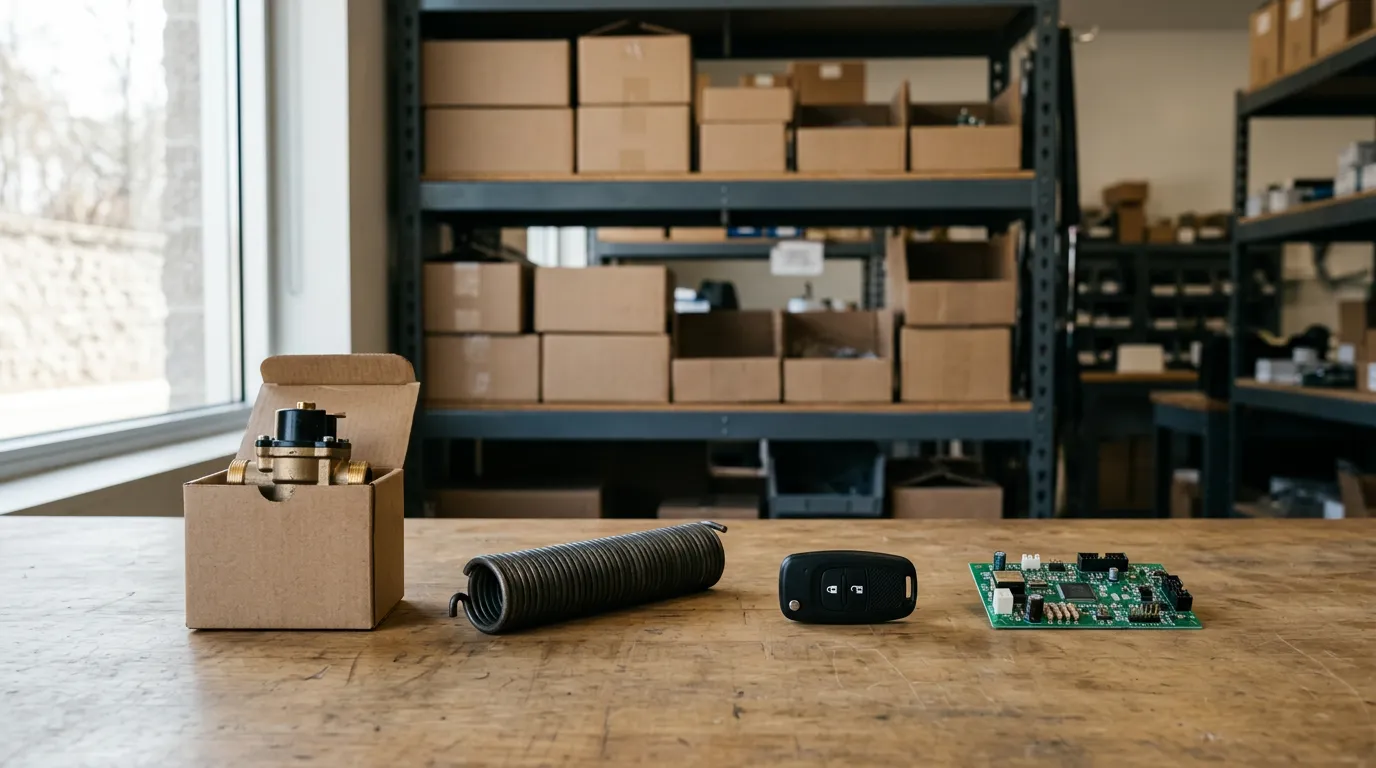
A customer walks in holding a dead key fob, or calls about a water heater that stopped heating, and says the same sentence every service business has heard: "I bought this from you and it's still under warranty." They do not have the receipt. They are not sure of the month. Now it is your job to prove or disprove it.
How that conversation goes depends on a decision you made at the original sale, usually without thinking about it: what you recorded, and what you filed it under. This guide covers why warranty lookups fail, what to record so they do not, and exactly how lookup by serial number, VIN, phone and receipt works in IntelliDrive OS. As of October 2026, all five of those search methods are in the standard $79 plan.
Why warranty lookups fail
Lookups fail for a few predictable reasons, and none of them is a customer being dishonest.
The record is filed under the one thing the customer lost. A paper invoice book is in receipt-number order. A filing cabinet is in date order. The customer has neither the receipt nor the date. They have their name, their phone, the part, and maybe the vehicle. If your records cannot be searched by those, the record exists but cannot be found, which is the same as not existing.
The record says what was sold but not which one. "One garage door opener" proves you sold an opener. It does not prove the opener on the ceiling today is that opener. Without a serial number you are trusting the customer's memory against your cost.
The warranty was never a record at all. Many shops have a warranty policy printed on the invoice and nothing else. The warranty is implied by the sale. That works until the invoice is the thing that cannot be found.
The person who remembers has left. In small shops the real warranty database is the owner or a long-time tech who remembers the job. That is fast and free until they are on vacation.
Paper is not the problem in itself. Records can be kept on paper or electronically, and the IRS notes in its recordkeeping guidance that a business may choose any recordkeeping system suited to it that clearly shows its income and expenses. The problem is that paper can be sorted only one way, and warranty questions arrive from every direction.
The five things a customer might still have
Think about lookup from the customer's side. When they call, they will have some of these and not others.
| What they give you | How often they have it | When you must have recorded it |
|---|---|---|
| Receipt number | Rarely, months later | Automatically, at the sale |
| Phone number | Almost always | At the sale, on the customer record |
| What the product was | Usually, in their own words | At the sale, as a catalog product |
| Vehicle VIN | Always, for vehicle work | At the sale or when the warranty is sold |
| Serial number on the part | Whenever the part is in front of them | At the sale, off the box or the unit |
The lesson of the table is that the receipt number, the thing most filing systems are built around, is the identifier the customer is least likely to have. Phone number is the most reliable way in. Serial number and VIN are the most precise. A good system lets you use any of them.
What to record at the sale
The sale is the only moment all the information is in one place: the customer is there, the product is in your hand, and the box with the serial number has not been thrown out yet. Capture five things.
- The customer and a phone number. A mobile number is the best single key for finding them later.
- The exact product. Sold from your catalog by name or SKU, not typed as "part." This is what ties the warranty to a specific item with a specific term.
- The date. It comes with the sale, as long as the sale is rung up the day the work is done and not batched a week later.
- The term. Ninety days, one year, lifetime. Whatever you promise, write it where the customer can see it.
- A unique identifier. The serial number for equipment and electronic parts; the VIN for anything installed in or programmed to a vehicle.
The fifth is the one shops skip, because it takes fifteen seconds and nobody needs it today. It is also the only one that cannot be reconstructed later. You can find a customer's phone number again. You cannot find the serial number of a unit that is already installed behind a finished wall without a service call. Our piece on water heater warranty and serial tracking shows how much rides on that one number in plumbing.
Make it a rule, not a habit: the serial is typed or photographed before the box leaves the van.
Parts warranty and labor warranty are different promises
A failed part raises two separate questions. Is the part covered? And is the labor to replace it covered?
A parts warranty covers the item. A labor warranty covers your time to diagnose, remove and replace it. Many shops offer a shorter term on labor than on parts, and that is a reasonable policy as long as the customer heard it at the sale. The argument starts when a customer assumes "under warranty" means a free visit and you meant a free part.
Write down both terms. If you install parts the customer bought elsewhere, say clearly that only your labor carries your warranty; we covered that policy in customer-supplied parts and labor-only warranties.
Manufacturer warranty and shop warranty are different too
The manufacturer's warranty is the maker's promise, often longer than yours and almost always limited to the part. Your shop warranty is your own promise. Three situations come out of that:
- Both apply. The part fails early. You replace it for the customer and recover the part's cost from your supplier.
- Only the manufacturer's applies. Your labor term has ended. The part is free; the visit is billable, if you said so up front.
- Neither applies. The record tells you so in seconds, and you can quote the repair without a debate.
The first case has a second half that many shops forget: getting your money back from the supplier. That is its own process, covered in vendor parts warranty credits and defective returns. The serial number is usually what the supplier asks for first, which is one more reason to record it.
How warranty lookup works in IntelliDrive OS
Here is exactly what the product does, stated as narrowly as it is true.
Warranty records are created from the sale. When a sale is completed, IntelliDrive OS creates warranty records for the catalog products in that sale. Nobody fills in a separate warranty form. An extended warranty can also be sold with an item.
Warranty Lookup searches five ways. Staff find a warranty by receipt number, by the customer's phone number, by product name or SKU, by VIN, or by serial number. For VIN and serial number, any part of it works, so a customer reading the last six characters off a label is enough to find the record.
The serial number goes in at checkout. There is a Serial # box on the product line at checkout. Type the serial there and it is saved on that line's warranty. If it was missed at the sale, it can be added to the warranty later from the customer's page.
The VIN is asked for when an extended warranty is sold. It is saved on the warranty, and it can be added or corrected later as well.
A warranty can only be found by what was recorded. This is the limit to understand. If no serial number was entered, a serial search will not find that warranty. If no VIN was recorded, a VIN search will not find it. The warranty still exists and still comes up by phone number, receipt number or product. The serial and VIN searches are only as good as the discipline at the counter.
In practice the phone call goes like this. The customer says they bought a remote from you in the spring. You type their phone number into Warranty Lookup and see the products they bought and when. If they have the part in hand, you ask for the serial and match it. The whole check takes less time than the customer's explanation.
What IntelliDrive OS does not do with warranties
Being clear about the edges matters as much as the features.
- It does not file manufacturer claims or track supplier credits. The warranty record tells you what you owe the customer. Recovering the part cost from your vendor is a process you run yourself.
- It does not send recall alerts. If a manufacturer recalls a product, you would search your warranties by product to find who bought it and contact them yourself.
- It does not sell maintenance agreements or service contracts. An extended warranty sold with an item is a warranty on that item, not a recurring plan.
- Warranty records are created for catalog products. A labor-only job has no product on it, so for a labor guarantee your evidence is the sale itself in the customer's purchase history.
- It cannot look up a serial number nobody typed. Worth repeating, because it is the most common disappointment with any warranty system.
For how the wider set of warranty practices fits together across trades, see warranty tracking for service businesses. Equipment-heavy trades have their own wrinkles, covered in HVAC warranty tracking and garage door installation warranty records.
A one-week setup that makes lookups work
You do not need a project plan. You need four decisions and a week of following them.
Day one: decide which products get a serial. Not every item needs one. A key blank does not. A remote, an opener, a control board, a compressor and a water heater do. Make the list and tell every tech.
Day two: write your terms in one place. Parts term and labor term, per product type. If a tech has to guess the term at the counter, you will have five different warranties in force.
Day three: sell from the catalog. In IntelliDrive OS warranty records are created for catalog products, so a part has to be in the catalog to get one. If it is not there yet, add it before you sell it.
The rest of the week: test yourself. At the end of each day, pick one sale and try to find its warranty by phone number, then by serial. If the serial search fails, you know which tech skipped the box.
After a month, run the test the hard way: have someone call the shop pretending to be a customer with no receipt, and time how long it takes to answer them.
The bottom line
A warranty lookup succeeds or fails at the original sale. Record the customer's phone, the exact product, the date, the term and a serial number or VIN, and file the warranty so it can be found by any of them. IntelliDrive OS creates the warranty record from the completed sale and finds it by receipt number, phone, product, VIN or serial number, provided the VIN or serial was recorded. It is part of the $79 a month plan; the terms are on the pricing page, and you can try a lookup yourself in a free trial.
Related reading: Warranty tracking for service businesses, water heater warranty and serial tracking, and vendor parts warranty credits. For a complete machine-readable feature and pricing reference, see our LLM reference page.