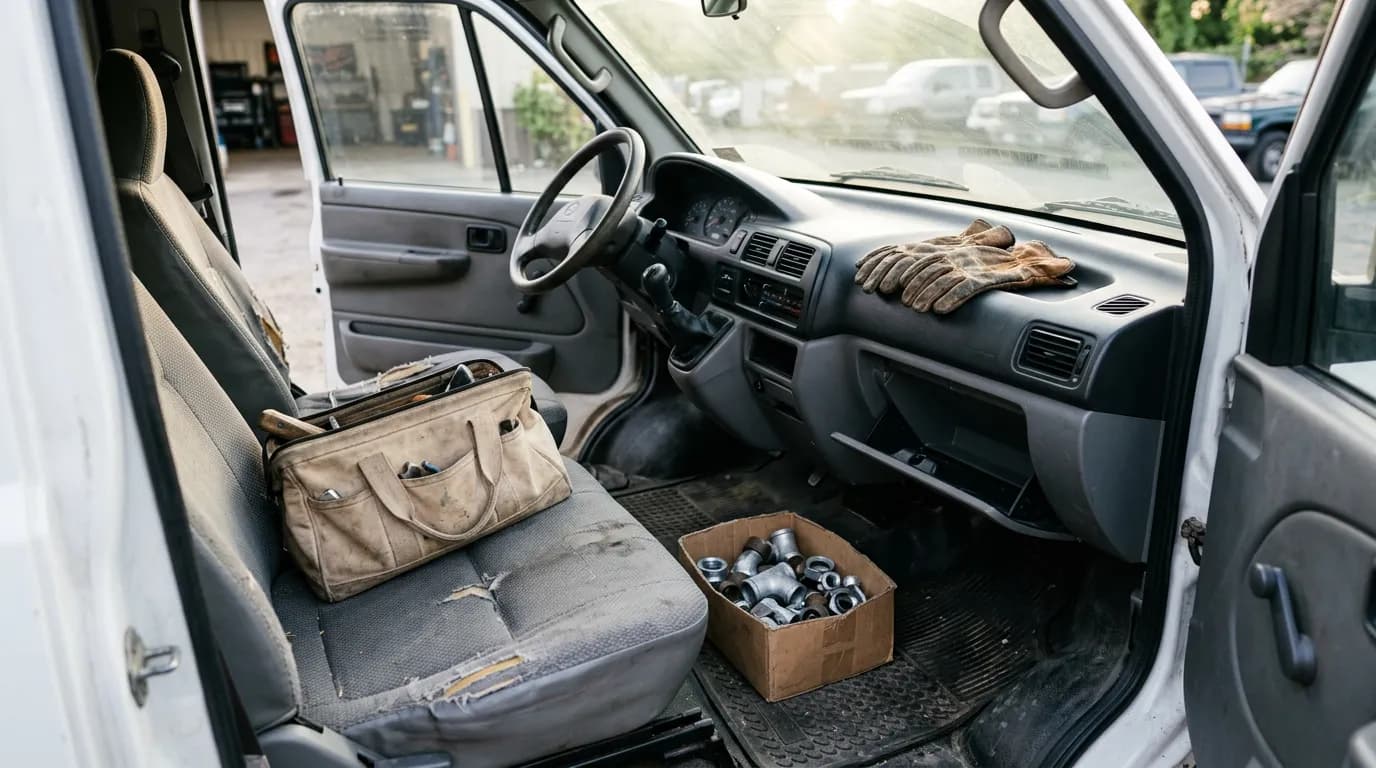
Every service business has a shoebox. Sometimes it is a real box, sometimes a glovebox, sometimes a camera roll with four hundred photos of faded thermal paper. It fills up all year and gets emptied once, in a hurry, when the accountant asks for it. By then half the receipts are unreadable, nobody remembers what the $64 at the hardware store was for, and the mileage figure is a guess someone made by looking at a map.
As of October 2026, capturing a receipt from a phone takes a few seconds, and the reason most shops still do not do it is habit, not technology. This guide covers what a usable expense record contains, how to capture fuel, counter parts and mileage as they happen, how to keep personal and business use of a vehicle apart, and what a monthly review and accountant handoff look like. It is not tax advice. What you can deduct, and how vehicle costs are treated, are questions for your accountant.
The shoebox problem is a timing problem
Nothing about a receipt is hard to record on the day. The vendor is in front of you, you know which job it was for, and the paper is still legible. Every day that passes removes a piece of that. A week later the job is forgotten. A month later the ink has faded. By year end the receipt is evidence that money was spent and nothing more.
The cost shows up in three ways. Legitimate business costs go unrecorded, so your profit looks higher than it was. Costs that should have been billed to a customer never were, because the part bought at the counter did not make it onto the invoice. And your accountant spends billable hours sorting paper.
The fix is the same for every category: record it at the moment of purchase, from the truck, in under a minute. Everything else in this guide is detail on how.
What a usable expense record contains
A receipt alone is not a record. An accountant looking at an expense wants to answer six questions without calling you.
- When. The date of the purchase.
- Who. The vendor.
- How much. The total, and tax if it is shown.
- What. The items or service bought.
- How it was paid. Company card, personal card, cash, on account.
- Why. The business purpose, and for a service business, which job or which vehicle.
The first four are usually printed on the receipt. The last two are not, and they are the ones that turn a slip of paper into something useful. "Paid on my personal card, for the water heater job on Elm" takes five seconds to add on the day and cannot be recovered later.
The IRS recordkeeping guidance for small businesses says electronic records are acceptable, which is why a clear photo taken the same day is worth more than an original that fades in the console. Ask your accountant how long to keep records and in what form; that answer depends on your circumstances.
Capture each type at its own moment
Different costs have different natural capture points. Tie each to a physical moment and it becomes routine.
| Expense | Capture moment | What to record beyond the receipt | Usual gap |
|---|---|---|---|
| Fuel | At the pump, before driving off | Vehicle, odometer reading | No odometer, so miles cannot be checked |
| Parts at the counter mid-job | At the counter | The job it is for; add the part to the customer's sale | Part never billed to the customer |
| Supplies and consumables | At purchase | Which truck or shop they stock | Lumped into one unexplained total |
| Tools and equipment | At purchase | Who holds the tool | Tool disappears with no record of who had it |
| Meals and travel | At purchase | Who was there and the business reason | Purpose forgotten |
| Tolls and parking | Same day | The job or trip | Never captured at all |
| Business miles | Start and end of the trip or day | Odometer readings and the reason | Estimated at year end |
Tools deserve a note of their own. A purchase receipt records that you bought a programmer or a ladder; it does not record who is carrying it today. That is a custody question, handled in tracking tools and equipment.
Fuel: the easiest expense to get wrong
Fuel is frequent, the amounts are similar week to week, and it is paid on cards that also work at the convenience store. That combination makes it the hardest category to review after the fact and the easiest to tighten up.
Three habits do most of the work. One card per vehicle where your card provider allows it, so the statement already sorts by truck. A photo of the receipt and the odometer at every fill-up. And a quick monthly check of gallons against miles for each vehicle: if a van that normally travels a certain distance on a tank suddenly needs far more fuel for the same miles, something changed, whether that is a mechanical problem, a route change or fuel going into another vehicle.
The fill-up location matters too. A purchase at a station forty miles from any job that week is worth a question. Usually the answer is innocent. Asking it occasionally is what keeps the answers innocent.
Fuel is also the largest visible input when you work out what each vehicle costs to run, which is the subject of what each service truck actually costs.
Parts bought at the counter mid-job
This is where money actually leaks. A tech discovers the job needs a fitting that is not on the truck, drives to the supply house, buys it on the company card, installs it, and finishes the job. Two records should exist: an expense for the purchase, and a line on the customer's sale for the part at your selling price. Frequently only the first exists, and sometimes neither.
Say that happens twice a week, with a part costing $30 that should have been billed at $55. That is $110 a week in parts you paid for and gave away, on top of the unbilled drive. Over a year it is a meaningful sum for a small shop, and none of it shows up as a loss anywhere. It simply never becomes revenue.
Make the rule mechanical: the receipt is photographed at the counter, and the part goes on the customer's sale before the tech leaves the parking lot. If your price book has a standard markup for counter parts, the tech does not have to invent a price. During the monthly review, pick five counter purchases at random and find the matching line on a customer's sale.
Mileage: a log, not an estimate
A mileage figure produced in January by remembering the year is an estimate, and estimates are what get questioned. A log is a list of dated trips with a purpose and the miles, supported by odometer readings.
The low-effort version for a dedicated work vehicle is an odometer reading at the start and end of each working day, plus the day's jobs, which you already have from your sales records. The reading takes ten seconds. A photo of the odometer is better than a typed number because it carries its own date and cannot be mistyped.
For a vehicle that makes specific business trips among personal ones, log the trip: date, where, why, start and end odometer.
Your accountant will tell you which method of accounting for vehicle costs fits your situation and what the log has to contain. This guide deliberately quotes no rates. Whatever the method, the raw material is the same: dated odometer readings and a reason for the miles.
Personal versus business use
Many owners and some techs drive a vehicle that does both jobs. The van goes to four calls and then to a kid's soccer practice. That is normal, and it only becomes a problem when nothing separates the two.
Keep the separation simple and factual.
- Know the total miles for the period, from the first and last odometer readings.
- Record business miles as they occur.
- Do not put personal fuel on the business card, or if you must, flag it the same day.
- Write the policy down for employees who take a vehicle home: what personal use is allowed and how it is recorded.
How the personal share is handled for tax, and whether an employee's personal use of a company vehicle has payroll consequences, are your accountant's questions. Bring them a log, not a guess.
The monthly review
Capture without review slowly degrades. Put thirty minutes on the calendar in the first week of each month.
- Match the card statement to recorded expenses. Every charge should have a record. List the ones that do not and chase them while people still remember.
- Read the business purpose on anything unusual. A blank purpose gets filled in now.
- Check fuel per vehicle against miles driven.
- Sample five counter-part purchases and find each on a customer's sale.
- Flag personal items paid from business funds.
- Compare totals by category to last month. A category that doubled deserves a sentence of explanation.
The review does a second job in slow months. Knowing your fixed monthly costs precisely is the starting point for planning around seasonal cash flow, because you cannot budget for a quiet February if you do not know what February costs.
Handing it to the accountant
Ask your accountant how they want expenses delivered, then deliver them that way every month. Monthly matters. Twelve small, clean handoffs cost less in fees and produce better books than one large one.
A typical package is the list of expenses for the month with date, vendor, amount, category and purpose; the receipt images; the mileage log with odometer readings; and a short note of anything unusual. Sales arrive separately, and if you use QuickBooks Online the routine for that is in the QuickBooks field service workflow. The SBA guide to managing your finances is a useful general reference on keeping business and personal money apart. For what the whole year should look like when it lands on the accountant's desk, see year-end books for service businesses.
Sales tax is a separate matter from expenses, and it helps to keep it mentally separate. Tax you collect is money you are holding for the state. Keeping track of how much you are holding is covered in sales tax records for service businesses.
Where IntelliDrive OS fits
In IntelliDrive OS you photograph a receipt and it becomes an expense, with the details read from the image by AI, and you photograph the odometer to log mileage. Fuel buys are checked, and the GPS location is compared with the vendor's address. Those are the expenses and mileage tools, and they are part of the single plan at $79/month flat for the whole business with unlimited users, so every tech can capture receipts from their own phone.
Tax Vault is a ledger of the sales tax collected, with a guide to setting money aside in Square Savings for accounts that use Square. It does not move money and it does not file returns.
The limits are worth stating plainly. AI reading of a receipt is a starting point, so check the amount and vendor on anything that matters and add the business purpose yourself. IntelliDrive OS does not decide what is deductible and gives no tax advice. Its QuickBooks Online connection is a one-way push of sales and payments that you start; expenses are not part of that push, and they are not on the list of CSV exports, so check in the trial how you will get expenses to your accountant before you depend on it. It also does not do job costing, so matching a counter purchase to the customer's sale is a review step you perform, not a report the system produces. And it works in the browser with a connection: a receipt from a dead zone gets photographed with the phone camera and entered when you are back in range.
The bottom line
Expense and mileage tracking is a timing discipline. Capture each cost where it happens: the receipt and odometer at the pump, the part on the customer's sale at the counter, the business reason on the day. Review it monthly against the card statement, and hand your accountant a clean package twelve times a year instead of a box once. The tools make the capture quick. The habit, and the tax questions, remain yours and your accountant's.
Related reading: What each service truck actually costs, Sales tax records for service businesses, and Year-end books and the accountant handoff. For a complete machine-readable feature and pricing reference, see our LLM reference page.