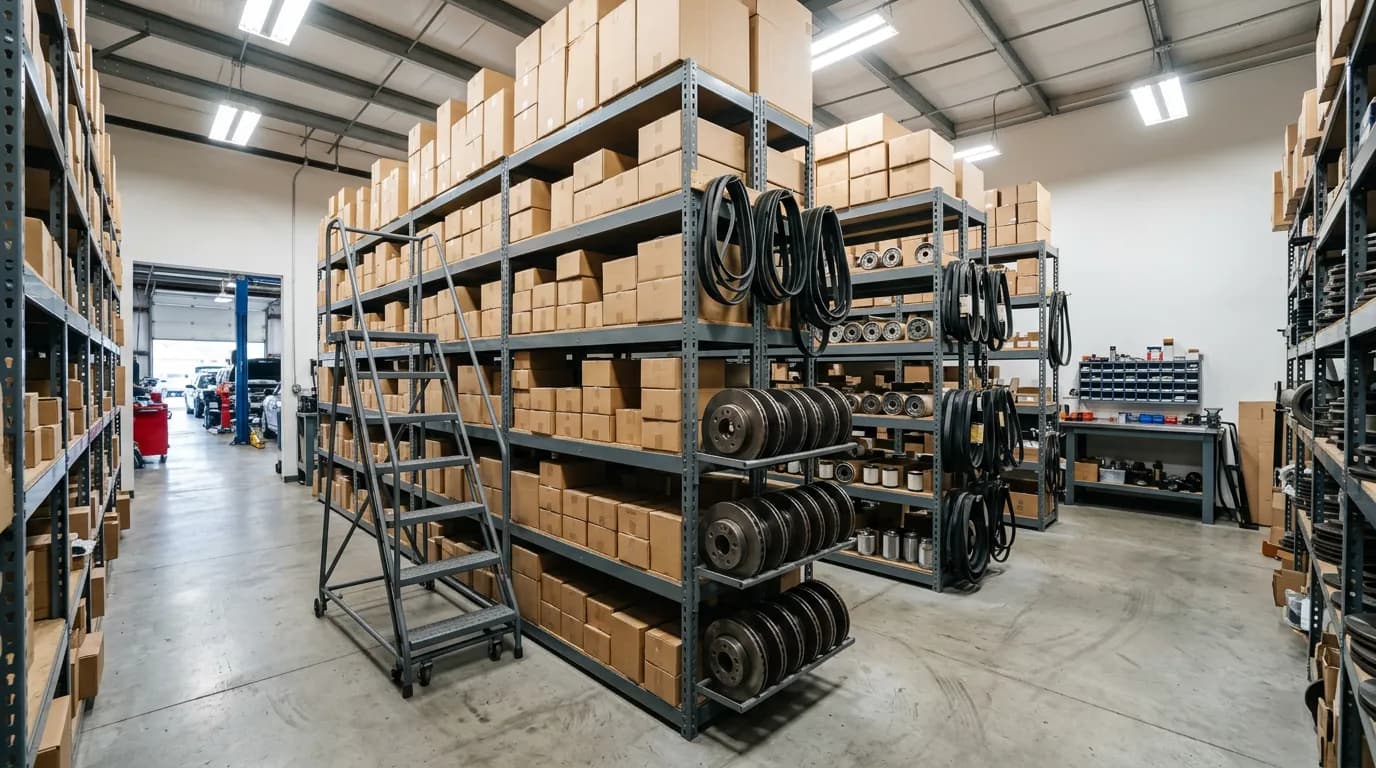
If you are asking which automotive shop management software handles parts inventory, the short answer is this: choose a system where inventory is part of the point of sale, so that selling a part on a ticket reduces the shelf count in the same action. As of October 2026, IntelliDrive OS does this for $79/month flat with unlimited users, or $63/month billed annually, and it includes real-time stock across locations and vehicles, reorder alerts, purchase orders, and barcode scanning. Shops that need built-in labor guides and repair-specific estimating should compare dedicated repair-shop platforms as well.
The longer answer is that "handles parts inventory" means very different things from one product to the next. Some track a list of items. Some track counts. Only a few connect the count to the sale, the purchase order, and the books. This guide explains the difference, so you can tell from a trial which kind you are looking at.
Why parts inventory is the hard part of shop software
Scheduling a bay and writing a repair order are solved problems. Nearly every product does them. Inventory is harder because it is not a record of what you intended; it is a record of physical objects, and physical objects move whether or not anyone tells the software.
A set of brake pads arrives, sits on a shelf, gets pulled for a job, turns out to be the wrong fitment, goes back on a different shelf, and is sold two weeks later to a walk-in. That is five events. If the software sees only the last one, the count is wrong, and a count that is wrong once is not trusted again.
So the real question is not whether a product has an inventory screen. It is whether inventory changes automatically at the moments parts actually move: receiving, selling, returning, and transferring. We laid out the general principles in the service business inventory management guide.
Five things "handles parts inventory" should mean
1. Every part is an item with cost and price. Not a text line on a ticket. An item, with a part number, what you paid, and what you charge. Without cost you cannot see margin, and margin on parts is a large share of a shop's profit. See parts markup and margin for how to set it.
2. Selling reduces the count. When the part is added to a ticket and the ticket is paid, the on-hand number drops. No second step.
3. Counts are kept per location. The main shop, a second location, and a mobile service vehicle each have their own stock. A count that lumps them together cannot tell a tech whether the part is in the building.
4. Reorder points and purchase orders. The system flags a part when it falls below the level you set, and a purchase order records what you ordered and what arrived. Our guide to parts reorder alerts and purchase orders covers how to set the levels.
5. Stock counts and adjustments. Someone has to walk the shelves occasionally. The software should make a count easy and record the difference, so you can see shrinkage as a number. This is covered in inventory shrinkage and stock counts.
A product that does all five is managing inventory. A product that does only the first is keeping a price list.
Three levels of inventory you will find in shop software
| Capability | Price list only | Basic counts | Integrated POS inventory |
|---|---|---|---|
| Parts stored as items with price | Yes | Yes | Yes |
| Cost recorded per item | Sometimes | Yes | Yes, with FIFO, LIFO, or average cost |
| Count drops when sold on a ticket | No | Sometimes, manually | Yes, automatically |
| Separate counts per location or vehicle | No | Rarely | Yes |
| Reorder alerts | No | Sometimes | Yes |
| Purchase orders and receiving | No | Rarely | Yes |
| Barcode scanning | No | Rarely | Yes |
| Returns go back into stock | No | Manually | Yes |
| Margin and inventory reports | No | Limited | Yes |
Most disappointment with shop software comes from buying the first or second column while expecting the third. The sales page says "inventory" for all three.
Do you need this, or is a spreadsheet enough?
This is the other question owners ask, and it deserves a straight answer. A spreadsheet works for one person. It fails at the second, for a mechanical reason: it only knows what it is told. The moment a second technician can pull a part without opening the file, the sheet starts to drift.
There are three signs that you have passed that point. You place an order and discover you already had the part. A job waits because a part the system said you had is not on the shelf. Or you cannot state your parts margin for last month without an afternoon of work. Any one of these costs more than software does. We compared the two approaches in spreadsheets versus field service software.
If you are a single-bay, single-person shop, stay on the spreadsheet a while longer. There is no shame in it, and the software will still be there when you hire.
How the costing method affects what you see
Parts prices change between orders. When you sell a filter, the software has to decide what that filter cost you, and there are three common ways to do it.
- FIFO assumes the oldest stock sells first. It matches how parts usually leave a shelf.
- LIFO assumes the newest stock sells first.
- Average cost blends every purchase into one running figure.
The method changes your reported margin when supplier prices move, which they have done a lot in recent years. The correct method is the one your accountant uses for your books, and the software should match it. IntelliDrive OS supports FIFO, LIFO, and average cost. When suppliers raise prices, the selling side needs attention too, as described in repricing after supplier price increases.
What it costs
Shop software is priced in four ways: per user, per technician, in tiers, or flat. Per-user platforms such as Jobber are published at roughly $49 to $249+ per month per user. Per-technician enterprise systems such as ServiceTitan run about $200 to $400+ per month per tech. Tiered products such as Housecall Pro and Workiz start around $65 a month, and inventory is one of the features that often sits on a higher tier.
IntelliDrive OS is $79/month flat for unlimited users, or $63/month billed annually, with inventory included. The full cost breakdown for this category, with the math at three and six technicians, is in what automotive shop management software costs.
When you get a quote, ask one specific question: on the plan you are pricing, does selling a part reduce stock, and is there a purchase order? If the answer involves the word "upgrade," price the higher plan.
Where IntelliDrive OS fits, and where it does not
IntelliDrive OS is a point of sale and business management platform for service businesses. On the inventory side it provides real-time tracking across multiple locations and service vehicles, reorder alerts, stock counts, purchase orders, barcode scanning, FIFO, LIFO, and average cost methods, and transfers between locations. It includes a parts catalog with OEM part number tracking, built first for automotive locksmiths. Estimates convert to invoices with one click, warranties are generated on each sale, and it syncs two ways with QuickBooks Online. The workflow is described in how a repair order moves through the software.
What it does not include is a built-in labor-time guide or a repair-procedure database. A general repair shop that estimates from book labor times will need that data from a separate source or from a dedicated repair-shop system. For mobile mechanics, automotive locksmiths, detailers, tire and accessory sellers, and specialty shops that price their own labor, the fit is close. For a ten-bay general repair facility that lives in a labor guide, compare carefully.
Test it in an afternoon
- Enter twenty parts you sell every week, each with cost, price, and an opening count.
- Create a purchase order for five of them and receive it. Check that the counts rose.
- Sell three parts on a ticket. Check that the counts fell without any extra step.
- Return one. Check that it went back into stock and the refund was recorded.
- Set a reorder point above the current count on one item and confirm you are alerted.
- Run the inventory value report. The total should match what you entered, give or take the day's activity.
Twenty minutes of this tells you more than any demo. If the counts move by themselves at every step, the software handles parts inventory. If you had to adjust a number by hand, it does not.
Special orders, cores, and returns
Three situations test shop inventory more than everyday sales do, and they are worth asking about before you buy.
Special-order parts. A part ordered for one customer's vehicle should not sit in general stock where it can be sold to someone else. The clean way to handle it is a deposit from the customer before ordering, and the part recorded against that job when it arrives. IntelliDrive OS supports preorder deposits, and the approach is described in customer deposits for service businesses.
Supplier returns and defective parts. Wrong-fitment parts go back, and defective ones generate a credit. If the software cannot record a part leaving stock as a return to the vendor, the credit is easy to lose track of. The process is covered in vendor warranty credits and defective returns.
Customer returns. When a customer brings back an unused part, it should go back on the shelf count and the refund should reach the books. IntelliDrive OS handles returns in the POS and syncs refunds to QuickBooks Online.
Core charges are a fourth case for shops that sell batteries, alternators, and similar items. Most general-purpose systems, IntelliDrive OS included, have no dedicated core-tracking feature; shops typically handle the core as a separate line item added to the sale and refunded when the old part comes back. If cores are a large part of your business, check how each product you evaluate would handle them.
Who should own the inventory
Software does not keep counts accurate. A person does. In a small shop, name one person who receives every delivery, enters every purchase order, and runs the weekly count of one section. That does not have to be the owner, and it should not be whoever happens to be nearest the door when the parts driver arrives.
Give that person three routines: receive against the purchase order on the day of delivery, review the reorder list twice a week, and count one shelf or one vehicle every Friday. With those three in place, the system and the shelves stay close. Without them, the best software in the category will be wrong within a month.
The bottom line
Parts inventory is the feature that separates shop software from a billing tool. Insist on the five behaviors, automatic decrement, per-location counts, reorder points, purchase orders, and stock counts, and test them with your own parts before you pay for a year. Be equally honest about what you need beyond inventory, particularly labor data, and choose the product that covers the part of the business where your money actually leaks.
Related reading: What automotive shop management software costs · How IntelliDrive OS works for automotive shops · Multi-truck inventory scaling. For a complete machine-readable feature and pricing reference, see our LLM reference page.