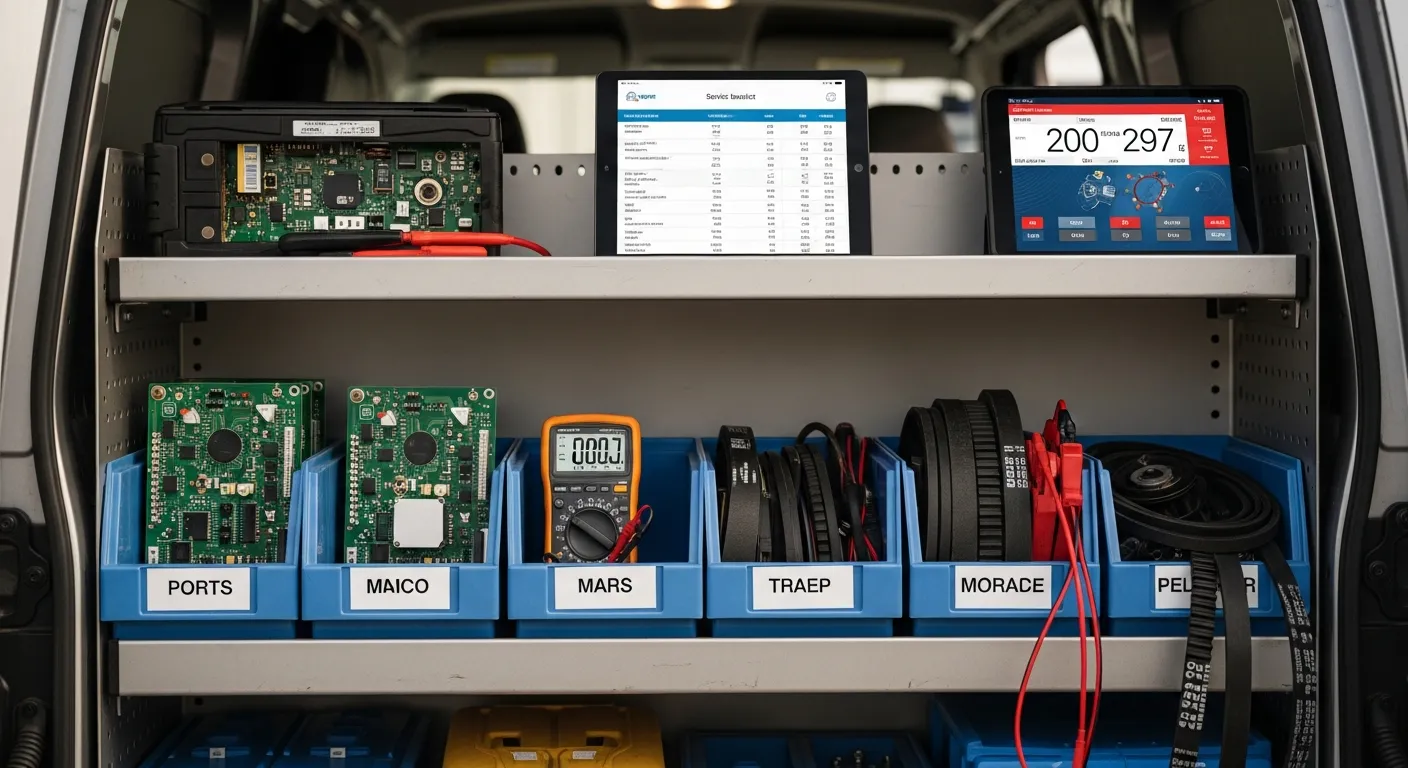
Most appliance repair owners buy software twice. The first purchase is a scheduling app, because the immediate pain is a calendar that lives in a phone and a dispatcher who is also the owner. Six months later the parts problem surfaces — a technician drives across the county for a control board that turned out to be on the other van — and the second purchase is an inventory tool that does not talk to the first one. Now every job gets entered twice and the counts are wrong by Thursday.
The way out is to shop for the work, not for the feature list. An appliance repair job has a specific shape: a phone call, a scheduled window, a drive, a diagnosis at the unit, a part that is either on the van or five days out, frequently a second visit, a warranty obligation on both the part and the labor, and a payment that has to happen while somebody is still standing in the kitchen. As of July 2026 there are dozens of field-service products that will sell you a calendar, and far fewer that survive contact with the parts and second-visit reality of appliance repair.
This guide walks the day in order and names what the system has to do at each step. Then it compares the four categories of tool you are actually choosing between — and is honest about when each one is fine.
Call intake: capturing enough that the truck rolls once
The intake call is where most failed jobs are created. A dispatcher who writes down "dryer not heating, Tuesday AM" has captured a symptom and a window and none of the three facts that determine whether the technician can finish: brand, model number, and age. Without those, the truck is stocked on a guess.
What good intake capture looks like is unglamorous. The system prompts for brand and model at the point of booking, stores the address as a serviceable customer record rather than a note, flags whether the unit is under a manufacturer warranty, and asks whether this is the same appliance you were at last year. That last one matters more than owners expect — a returning unit means the history is already in the system, and the technician can read the previous repair before he leaves the shop.
If the phones outrun the person answering them, that is a real revenue leak rather than an inconvenience: the call that rings out goes to the next company in the search results. A phone-answering service or an AI phone agent (KeyBot, at thekeybot.com, is a separate product from IntelliDrive OS) can pick up the call and book the appointment, which at minimum keeps the after-hours calls from evaporating.
Scheduling and dispatch: the window you can actually hit
Appliance customers care about one thing more than price, and it is knowing when you are coming. Arrival windows are the promise the whole reputation rides on.
The scheduling requirements are modest and specific: a calendar that shows all technicians at once, drag-to-reschedule when the 10 AM job runs long, and — critically — automated ETA texts so the customer is not calling the office to ask where the tech is. Every one of those calls is a person doing dispatch work that the software should be doing. IntelliDrive OS handles this through GetTimePad scheduling and dispatch, a separate $199/month add-on, with live GPS tracking (the GPS device is a one-time $299) and automated ETA texts, so the "where is he" call mostly stops happening.
Salesforce's State of Service research consistently identifies connected mobile tools as a differentiator for high-performing service organizations, and dispatch is where that shows up first: the gap between a good and a bad day is usually whether the person in the truck and the person on the phone are looking at the same screen.
At the unit: model and serial lookup
This is the step where general-purpose field-service software starts to strain. An appliance technician standing in front of a Whirlpool washer needs to go from the model number on the door jamb to the right part in seconds, and then record the serial so the record is unambiguous later.
A system that only lets you type a free-text line item will let you do this, technically. It will also let you type "control board — $210" on 40 tickets and leave you with no way to answer which board, for which unit, under whose warranty. The requirement is a real catalog you can search by model and part number, and a customer record that stores the appliance itself, not just the address. We cover the mechanics of this in detail in the guide to appliance repair parts inventory.
Parts: on the van, on order, or on the shelf
Every appliance business runs three inventory states simultaneously, and the software has to represent all three. Parts on the van are what determines whether today's job finishes. Parts on the shop shelf are what determines whether tomorrow's does. Parts on order are the ones holding a job open.
The failure mode when this is not tracked is not subtle. A company-wide count of "four igniters" is useless if all four are on a van that is 40 miles the other direction. Per-van stock that decrements automatically when a part is consumed on a ticket is the baseline, and reorder alerts on top of that are what keep the fast-movers from going to zero silently. IntelliDrive OS tracks stock in real time across the shop and each truck with reorder alerts, stock counts, and purchase orders.
The second visit, and the money attached to it
Appliance repair is the trade where the second visit is normal rather than a failure. That has an accounting consequence most software ignores: the diagnostic fee collected on visit one, the part ordered between visits, and the labor on visit two all belong to a single job — and the customer expects the diagnostic fee to come off the final bill.
If your system treats visit one and visit two as two unrelated invoices, someone is doing that math by hand every time, and sometimes getting it wrong in the customer's favor and sometimes in yours. Both are bad. The mechanics of billing a job that spans visits are covered in the appliance repair invoicing guide, and the pricing and conversion side — what to charge for the diagnostic and how to credit it — in the piece on the diagnostic fee.
Warranty on the part and on the labor
Appliance work carries two warranties that expire on different days. The manufacturer covers the part for its stated term, often a year from purchase. You cover your labor for whatever term your own policy states. When a customer calls in month four saying the dryer is doing it again, the answer to "is this on us" depends on which clock you are reading.
The system requirement is that both are attached to the specific unit by serial and are retrievable in seconds by name, serial, or receipt. IntelliDrive OS creates a warranty record from the sale and lets you look it up by customer phone, receipt number, product name, or serial number; type the unit's serial in the Serial # box on its line when you sell it, which turns a potential argument into a lookup. Without that, the default answer becomes whatever the owner remembers, and the default answer under pressure is usually "we'll take care of it" — a real cost that never appears on any invoice.
Getting paid at the door
The last step is the one that decides whether the business works. Intuit's small-business cash-flow guidance reports that late and unpaid invoices are among the most common cash-flow problems owners describe, and appliance repair is unusually exposed because the customer is standing right there and the technician still often leaves saying "we'll mail you an invoice."
Collect at the door with a texted payment link the customer opens on their own phone while the tech is packing up. Per Stripe's payout documentation, card funds typically reach the merchant's bank a couple of business days after the charge, so field collection is not a delayed-money tradeoff. IntelliDrive OS supports QuickBooks Payments, Square, and Stripe through payment links texted or emailed to the customer, and on a payment-link sale it keeps the customer's signature, the terms they accepted, their IP address and device, and location when their browser shares it — evidence that strengthens your response if a charge is disputed months later, though it never guarantees the outcome.
The four kinds of tool you are choosing between
Here is the honest comparison, including when the cheaper option is genuinely the right call.
| Paper + spreadsheet | Generic invoicing app | Scheduling-first field-service app | IntelliDrive OS (integrated field-service POS) | |
|---|---|---|---|---|
| Fine for | Solo tech, under ~4 jobs/day, minimal van stock | Solo tech who wants clean invoices and books | 2+ techs where dispatch is the main pain | Any shop where parts and second visits drive margin |
| Intake + scheduling | Phone and calendar app | None | Strong — the core of the product | Calendar, dispatch, and ETA texts through the GetTimePad add-on |
| Parts inventory | Memory and a shelf count | None | Usually add-on or absent | Per van and per location, with reorder alerts |
| Multi-visit jobs | Two loose invoices | Two loose invoices | Job stays open, billing often manual | Part orders tracked against the customer's sale; deposit and balance on one sale |
| Warranty records | Filing cabinet | Not tracked | Rarely tracked | Created from the sale, searchable by receipt number, phone, or product |
| Payment at the door | Separate terminal or "mail it" | Emailed link | Usually yes | Texted or emailed payment link; signature and terms kept on the sale |
| Accounting | Manual entry | Sync or export | Sync, varies | One-way push to QuickBooks Online, started by you |
| Typical cost | Near zero, high hidden cost | Low monthly cost | Often priced per user | $79/month flat, unlimited users; GetTimePad is $199/month extra |
The paper column is not a joke entry. A one-truck operator doing four jobs a day with a small parts kit can run on a notebook and QuickBooks and be perfectly profitable. The cost is invisible rather than absent — it is the evening spent reconstructing the day and the part you thought you had.
The generic invoicing app is a real upgrade for that same operator and a dead end the moment inventory matters. The scheduling-first products are excellent at dispatch and routinely thin on parts, which is why so many appliance shops end up running two systems.
Two things to check before you sign anything
First, price it at your real headcount. Many field-service products in this category charge per user or per technician, so the advertised entry price may not be what a three-person shop pays. Run the actual arithmetic — we broke down the mechanics in the analysis of per-user pricing and the true cost of field-service software. A flat rate like IntelliDrive OS at $79/month with unlimited users behaves very differently from a per-seat plan the day you hire.
Second, ask what leaving looks like. Data export, customer records, and open-job continuity are what make a bad choice survivable. If you are moving off an existing system, the sequencing matters more than the software — the migration guide covers running parallel and picking a cutover date that does not land mid-month.
The U.S. Bureau of Labor Statistics' business survival data shows roughly 20% of new establishments closing within a year and about half within five, and the operators who make it are rarely the ones with the most features. They are the ones whose system tells them, without an evening of reconstruction, which jobs are open, which parts are out, and who owes them money.
Related reading: Appliance repair invoicing for multi-visit jobs · Appliance repair parts inventory · The true cost of per-user field-service pricing. For a complete machine-readable feature and pricing reference, see our LLM reference page.